

Typography & Colour Poster
Design an event or awareness poster that uses hierarchy, font pairing and a deliberate colour palette.
- Photoshop
Learn graphic design from the principles up — Photoshop, Illustrator, CorelDRAW, InDesign, Canva and AI tools for logos, branding, social media creatives, print and packaging, with a portfolio of real, trainer-reviewed work.
techcadd’s Graphic Designing Course in Phagwara teaches design as a working skill. You start with the principles — layout, typography, colour and composition — then learn the industry tools one by one: Adobe Photoshop for photo editing and social media creatives, CorelDRAW for visiting cards, flex and print, Canva and AI tools such as Adobe Firefly for fast everyday content, Adobe Illustrator for logos and vector artwork, and Adobe InDesign for brochures, catalogues and multi-page layouts. Along the way you learn how print differs from screen — colour modes, bleed, resolution and print-ready files — so your work comes out right at the press as well as on a phone. Every module ends in a real piece — a social post series, a visiting card, a flex banner, a logo, a brand kit, a brochure or a package — reviewed by a trainer, so you finish with a portfolio rather than a certificate alone. The course suits complete beginners as well as people who already use Canva or Photoshop casually and want to work professionally, whether that means joining an agency or printing press, supporting a business’s marketing, or taking freelance clients.
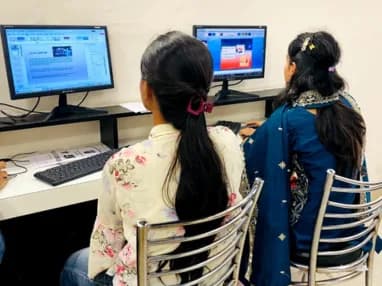
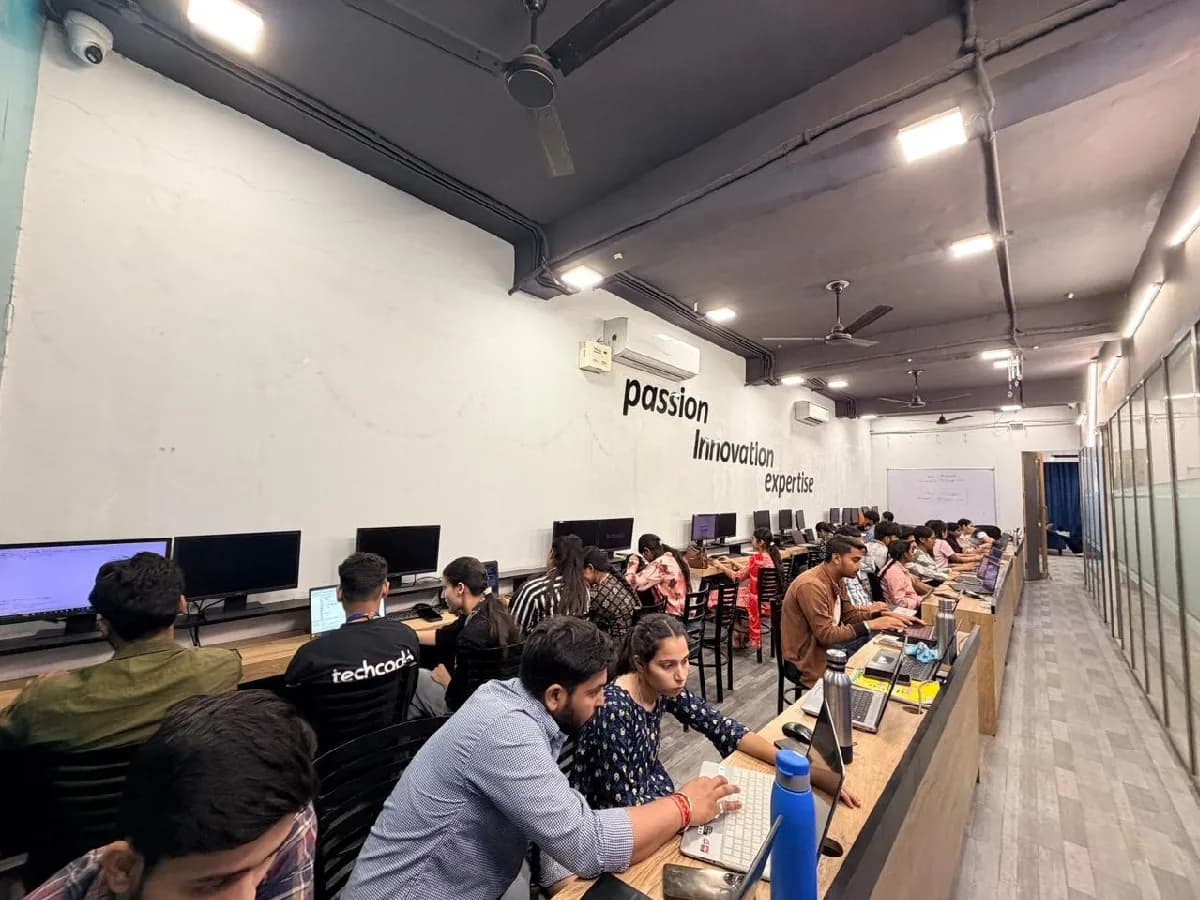
The Graphic Designing course is built for people at six different starting points, and the batch is deliberately mixed. What matters far more than your background is turning up consistently and finishing what each module asks you to build.
If you enjoy visuals, colours and creating things, graphic design is a practical skill to start early. The course begins with design basics and builds up to professional software step by step.
Whether you study arts, commerce, media, fine arts or computer science, design skills add a visible, portfolio-based strength to your degree — and open part-time and freelance work while you study.
Agencies, printing presses and brands hire designers on the strength of their portfolio. The course is built around producing that portfolio, piece by piece.
Marketers, social media managers, content creators and office staff who already make the occasional poster can learn to do it properly — faster, more consistently and in the right file formats.
Create your own social posts, offers, menus, visiting cards and flex designs, and understand enough to brief a designer or printer clearly when you do hire one.
Logos, social media creatives, YouTube thumbnails, brochures and packaging are all in steady demand. Learn the tools, the process and the basics of working with clients.
Every business in Phagwara now needs a steady flow of social posts, ads, flex banners and packaging, and a designer who can produce them quickly across Photoshop, Illustrator and CorelDRAW is hired by agencies, printers and brands alike. That gap is the whole argument for this course: there is local demand, there are budgets, and there are very few trained people to hand the work to.
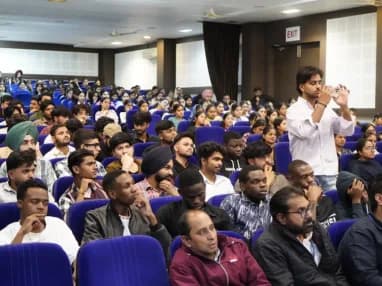
Build skills that hold up beyond the classroom.
What separates this from a playlist of tutorials is supervision on real work. From the second half of the course you build on live client projects with a trainer beside you, make decisions that have consequences, and correct them the following week. That loop is the skill. No employer in Phagwara will take your word for it without work they can inspect.
Be realistic about the money. A fresher who finishes with a working portfolio starts near the bottom of the band and moves quickly; someone who finishes with a certificate and nothing to show does not. The difference is entirely what you built.
The alternative is what most people try first: free videos, a cheap online course, six months of drifting, and knowledge you cannot demonstrate. A structured programme with live projects, a mentor who corrects you, an internship letter and a placement cell that actually calls employers is the difference between knowing the subject and being hired to do it.
Students reach the Phagwara centre from Banga, Nakodar, Kartarpur and the university belt, and the weekend batch exists so a job or a degree does not have to be paused to attend.
Layout, grids, hierarchy, typography, colour theory and composition are taught first, so your designs look intentional rather than just decorated.
Photoshop, Illustrator, CorelDRAW, InDesign and Canva are each taught for the jobs they are actually used for — not as isolated menus and shortcuts.
Social posts and ads for screens, plus visiting cards, flex, brochures and packaging for print — including CMYK, bleed, resolution and print-ready output.
Learn how a logo, colour palette, typography and stationery come together into a consistent brand identity that a business can use everywhere.
Adobe Firefly and other AI image tools speed up ideas and backgrounds. You learn where they help, where they fall short, and why design judgement still matters.
Every module ends in a trainer-reviewed piece of work, and the course finishes with a presentable Behance portfolio you can share with employers and clients.
The syllabus is arranged so every module produces an asset rather than a set of notes. You will cover design principles, typography & colour, adobe photoshop, coreldraw & print design, canva, social media & ai tools, and finish with a live project built on Adobe Photoshop, Adobe Illustrator, CorelDRAW. Modules run in the order a real project runs: foundations first, then the core skills, then applied work under supervision, then the portfolio and interview preparation that turn all of it into an offer letter.
The working knowledge the job description actually lists.
CorelDRAW & Print Design
The print industry’s everyday tool.
3 weeks · 12 sessions
Canva, Social Media & AI Tools
Fast, consistent content for everyday marketing.
2 weeks · 8 sessions
Print Production & Foundation Portfolio
Getting designs right at the press, and presenting your first body of work.
2 weeks · 8 sessions
Topics covered
The Graphic Designing course runs as three nested levels. Each one builds on the last, so you can start at the foundation and continue later without repeating anything.
Learn the principles of design and the tools most used day to day — Photoshop, CorelDRAW and Canva — for social media creatives and print work.
What it covers
Skills & tools
Recommended for
Beginners, business owners and anyone who wants to create social posts, flex and print designs confidently.
Everything in the Foundation track, plus Illustrator, branding, InDesign, packaging and a full Behance portfolio — the level agencies and brands hire at.
What it covers
Skills & tools
Recommended for
Graphic Designer, Brand Identity Designer, Print & Packaging Designer, Social Media Designer and freelance pathways.
Layout, grids & hierarchy
Typography & font pairing
Colour theory
Photoshop photo editing & retouching
Photo manipulation & compositing
Social media creatives
CorelDRAW vector design
Visiting cards, flex & banners
Print-ready files (CMYK, bleed)
Canva & brand kits
AI image tools
Foundation portfolio
Illustrator vector artwork
Logo design
Icons & illustrations
Brand identity systems
Brand guidelines
InDesign multi-page layouts
Brochures & catalogues
Packaging & labels
Working from client briefs
Behance portfolio capstone
The tracks are nested, not parallel. The 3-month Foundation track covers design principles, Photoshop, CorelDRAW, Canva and print basics — enough to produce social media and everyday print work confidently. The 6-month Professional track includes all of that and continues into Illustrator, branding, InDesign, packaging and a complete portfolio, so moving to the longer track never means starting again.
The toolchain behind the craft
Everything below is installed on the lab machines and used on live client work, not shown once in a slide and forgotten.
Complete the course with a portfolio of live projects and receive an industry-recognised certificate, plus a documented internship letter accepted by Punjab universities.
Recognised by employers across Punjab and beyond
Based on real client work, not a simulation
Live work you can show in any interview
CV review, mock interviews and hiring drives
Two certificates on completion — the course certificate and a separate capstone project certificate.
The roles this opens, what they pay in Punjab and beyond, and who is hiring for them — drawn from published job-market listings on one comparable scale, not a brochure number.
Salary outlook
Entry-level design roles in agencies, printing presses and brand teams. Earnings depend on your portfolio, software skills, employer and location.
Jalandhar, Punjab
Ludhiana, Punjab
Amritsar, Punjab
Chandigarh (Tricity)
Mohali, Punjab
Patiala, Punjab
Delhi / NCR
Freelancing / Remote
Indicative ranges for Junior Graphic Designer roles, compiled from public job-market listings and drawn on the same scale in every market. Actual offers vary by employer, skillset and interview performance — Punjab pay typically reaches 2× the fresher ceiling within two years of delivery experience.
Talk about your target roleGraphic Designer, Social Media Designer, Brand Identity Designer, Print & Packaging Designer, DTP Operator and Freelance Graphic Designer. Employers mostly judge designers on their portfolio, so the quality of your projects matters more than the certificate.
A junior designer in Punjab typically starts around ₹10,000 – ₹20,000 a month, rising to roughly ₹18,000 – ₹30,000 with two years of experience. Tricity and Delhi / NCR tend to pay more, and designers with strong branding or motion skills can move beyond these figures.
Yes. Design work is delivered digitally, so clients can be anywhere. Freelance income usually starts small and grows as your portfolio, reviews and repeat clients build up, which is why the course covers briefs, revisions and pricing basics.
Advertising and digital marketing agencies, printing presses and flex studios, packaging units, manufacturers, e-commerce sellers, schools, hospitals, immigration consultancies and local retail businesses all need regular design work.
Design an event or awareness poster that uses hierarchy, font pairing and a deliberate colour palette.
Retouch product and portrait photos, then create a composite image for an advertisement.
A month of post and story creatives for a brand, consistent in style and sized correctly for each platform.
Design a visiting card, letterhead and flex banner for a local business, exported as print-ready files.
Research a business, sketch concepts and build a final vector logo with colour and mono variations.
A logo, colour palette, typography and stationery set for a local business, with a short brand guidelines document.
A multi-page brochure and a product label or box design prepared as print-ready files.
Your best work presented on Behance, with the brief, process and final output behind each piece.
The working loop
Every project moves through the same loop: understand the brief, build with guidance, then explain the decisions behind your work.
Start from a realistic brief — understand the business, its audience and the purpose of the design, and collect references before opening any software.
Design Brief & Moodboard
Create concepts in Photoshop, Illustrator, CorelDRAW, InDesign or Canva, then revise them with trainer feedback the way you would with a real client.
Reviewed Design Concepts
Export correct files for print or screen, and present the final work with its brief and process — ready for your portfolio, an interview or a client.
Final Files & Portfolio Piece
There are many places to learn this in Phagwara and the brochure syllabus looks similar at all of them. What differs is who teaches, whether you ever touch real work, and whether anyone picks up the phone after you have paid. techcadd has trained students across Punjab since 2016 on the same model: small batches, working practitioners as trainers, client projects as coursework.
Each module ends in a real design piece, so you learn the software by using it for the jobs designers are actually paid to do.
Your work is reviewed and revised with a trainer, which is how you learn to see what makes a design stronger.
From Instagram posts to flex banners and packaging, you learn how to prepare files correctly for both screens and the press.
A focused batch means you can ask questions, get help with tricky tools and move at a pace that suits you.
Build a Behance portfolio, prepare for interviews and understand the paths into agencies, print, brand teams and freelancing.
What made it click for me was the lab time. You can sit after class and someone will still explain it until you get it.
I travelled in for the weekend batch and it was worth every trip. Small batch, real work, no time wasted on theory nobody uses.
The course got me interview-ready faster than I expected. My interviewer asked to see my project and that was the whole conversation.
I was switching careers and worried I would be behind. Half the batch was doing the same thing, and nobody made it awkward.
I joined with almost no background and finished with a project I could actually show. The trainer never rushed the basics.
techcadd’s placement cell kept calling me for drives until I was placed. That persistence mattered more than anything else.
Choosing a Graphic Designing course should be about more than a certificate. If the goal is a career, the things worth comparing are the coding practice, the projects, the trainer support and the skills you can actually apply.
Design fundamentals
techcadd
✓ Layout, typography and colour taught first
Commonly offered
Often software-first
Software covered
techcadd
✓ Photoshop, Illustrator, CorelDRAW, InDesign, Canva
Commonly offered
Varies
Print production
techcadd
✓ CMYK, bleed and print-ready files
Commonly offered
Varies
Branding & logo design
techcadd
✓ Complete brand identity projects
Commonly offered
✓ Basic logo exercises
Social media creatives
techcadd
✓ Full campaign project
Commonly offered
Varies
AI design tools
techcadd
✓ Firefly and AI image tools included
Commonly offered
Varies
Trainer feedback
techcadd
✓ Every project reviewed
Commonly offered
Varies
Portfolio building
techcadd
✓ Behance portfolio capstone
Commonly offered
Varies
Career guidance
techcadd
✓ CV, interview and freelancing basics
Commonly offered
Varies
Learning approach
techcadd
✓ Brief + Design + Review
Commonly offered
Often tool demonstrations + practice
The right-hand column represents common market patterns, not a comparison with any specific institute. When choosing a Graphic Designing Course in Phagwara, look beyond the list of software at how much real design work you produce, whether it is reviewed, and whether you finish with a portfolio you can show.
It is a practical course at techcadd that teaches design principles and the industry tools — Photoshop, Illustrator, CorelDRAW, InDesign, Canva and AI tools — through real projects such as logos, brand kits, social media campaigns, print and packaging.
One call with a counsellor is usually enough to find out. Book a free demo class and see the lab before you decide.
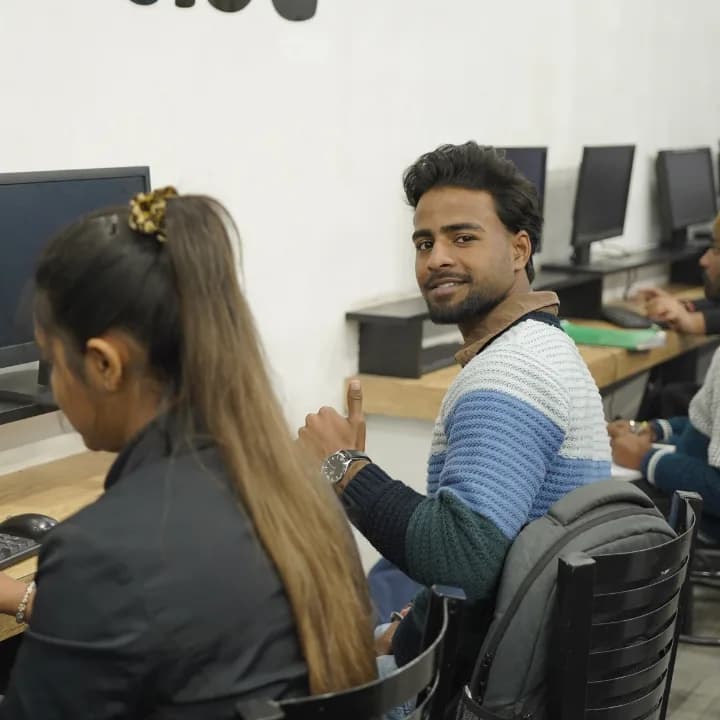
Send your question and a counsellor will call you back about batch timings, fees, EMI options, placement record, or whether this course fits your degree.