
Professional SolidWorks Training in Phagwara
Learn SolidWorks in Phagwara at Techcadd. Develop practical skills in 3D CAD modelling, mechanical design, assemblies, and engineering drawings.
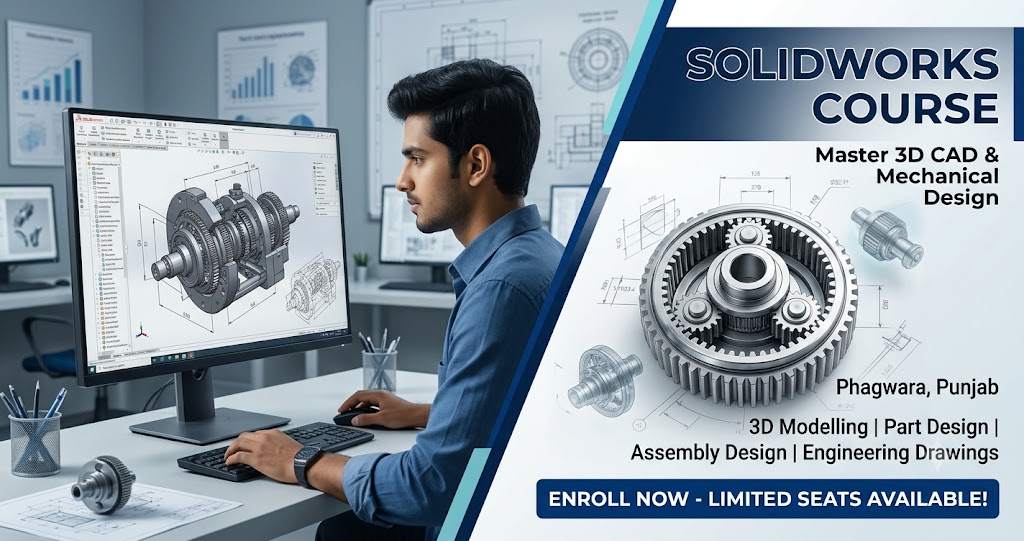
Professional SolidWorks Training in Phagwara
Learn Professional 3D CAD Design with SolidWorks in Phagwara
SolidWorks is a widely used computer-aided design (CAD) software application that helps engineers, designers, and students create detailed 3D models, mechanical components, assemblies, and engineering drawings. If you are searching for a SolidWorks course in Phagwara, learning this software can help you develop practical design skills for engineering, manufacturing, and product development.
At Techcadd, learners can explore the fundamentals of SolidWorks and understand how digital design tools are used in engineering environments. The training can help beginners build a foundation in 3D modelling while allowing learners with prior CAD knowledge to improve their design and drafting abilities.
Why Learn SolidWorks at Techcadd?
SolidWorks skills are useful in mechanical engineering, industrial design, manufacturing, product development, and related technical fields. Companies use 3D CAD software to design components, visualize products, prepare engineering drawings, and check how different parts fit together.
Learning SolidWorks helps students understand the connection between engineering concepts and practical product design. It also introduces learners to digital design workflows used in modern engineering industries.
At Techcadd, students can develop their understanding through guided exercises and practical modelling tasks. The learning process can progress from basic sketches to more detailed components and assemblies, depending on the course syllabus.
What Will You Learn in the SolidWorks Course?
The course can cover the SolidWorks interface, sketching tools, geometric constraints, dimensions, and basic drawing techniques. Learners can progress to 3D features such as Extrude, Revolve, Sweep, Loft, Fillet, and Chamfer to create mechanical components.
Additional topics may include part modelling, assembly design, component relationships, and engineering drawings. Students can learn how to combine individual components into assemblies and prepare drawings with dimensions for technical communication.
Depending on the course level, learners may also explore sheet metal design, surface modelling, and introductory simulation tools.
Practical Training in 3D Modelling and Mechanical Design
Practical exercises help learners understand how SolidWorks tools are applied to real design tasks. Students can practice creating machine components, brackets, shafts, flanges, mechanical fittings, and other engineering models.
By working on design exercises, learners can improve their understanding of dimensions, geometry, component relationships, and model accuracy. These activities also help them develop a structured approach to creating and modifying 3D designs.
The objective is to build practical knowledge that learners can apply to academic projects and entry-level design assignments.
Who Should Join a SolidWorks Course?
A SolidWorks course can be suitable for mechanical engineering students, diploma holders, engineering graduates, CAD beginners, and professionals interested in 3D product design.
Students who already understand basic engineering drawing concepts may find it easier to connect their existing knowledge with 3D modelling. Beginners can start with fundamental sketching and modelling tools before progressing to more advanced design techniques.
Career Opportunities After Learning SolidWorks
SolidWorks knowledge can support career paths related to CAD design, mechanical drafting, product design, and engineering modelling. Depending on your qualifications and experience, relevant roles may include CAD Designer, Mechanical Design Engineer, Product Design Assistant, and CAD Drafter.
Career opportunities also depend on your technical knowledge, engineering qualifications, portfolio, and practical experience. Developing a collection of well-prepared 3D models and engineering drawings can help demonstrate your design abilities to potential employers.
Start Your SolidWorks Learning Journey in Phagwara
If you want to develop skills in 3D modelling and mechanical CAD design, consider exploring the SolidWorks training options at Techcadd in Phagwara. Choose a course that matches your current knowledge and learning goals.
Build your understanding of engineering design, practice creating accurate 3D models, and take the next step towards developing your CAD skills.
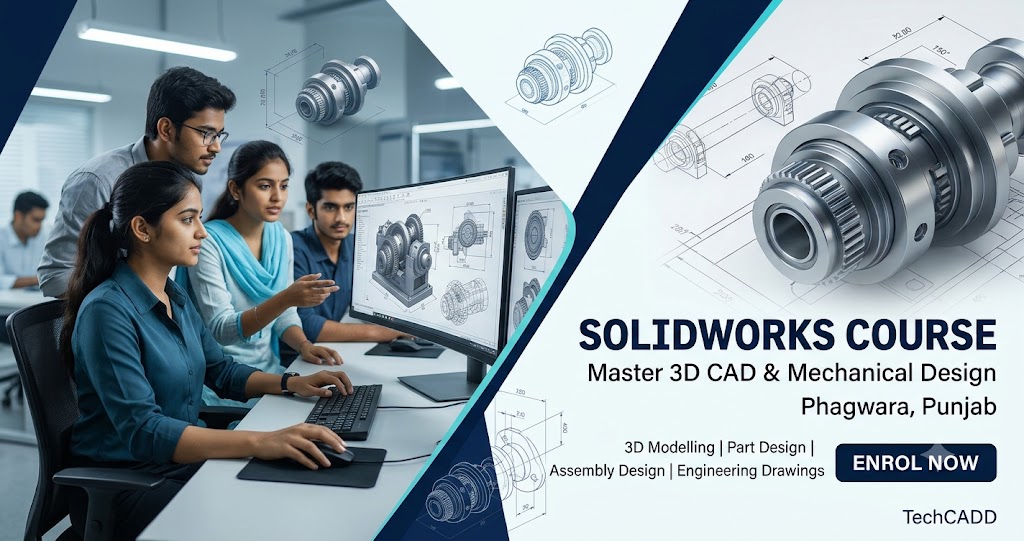
Learn SolidWorks from the Basics
Understand the SolidWorks interface, sketching environment, drawing tools, dimensions, and geometric constraints. Build a strong foundation before progressing to more complex 3D modelling tasks.
3D Part Modelling Training
Learn to create three-dimensional mechanical components using features such as Extrude, Revolve, Sweep, Loft, Fillet, and Chamfer. Understand how individual modelling operations shape a complete design.
Sketching and Design Fundamentals
Explore 2D sketching tools, geometric relationships, dimensions, and constraints. Learn how accurate sketches form the foundation of effective 3D modelling.
Assembly Design and Components
Understand how individual parts can be combined into assemblies. Learn about component positioning, mates, and relationships to visualize how mechanical products fit together.
Engineering Drawing and Drafting
Learn how to prepare engineering drawings from 3D models. Understand drawing views, dimensions, annotations, and other essential elements used to communicate design specifications.
Sheet Metal Design
Explore sheet metal modelling concepts, including bends, flanges, and sheet metal features, depending on the course syllabus. Understand how CAD tools support the design of sheet metal components.
Practical Mechanical Design Projects
Practice modelling mechanical parts and product components through guided exercises. Apply your knowledge of sketches, features, and assemblies to create organized 3D designs.
Improve Your CAD Design Skills
Develop skills in model creation, design modifications, component visualization, and technical documentation. Practical exercises can help improve your confidence when working with CAD software.
SolidWorks for Engineering Students
Build software skills that complement mechanical engineering and diploma studies. SolidWorks can help students visualize engineering concepts and prepare models for academic projects.
Career-Focused SolidWorks Training
Develop foundational CAD skills relevant to mechanical design, drafting, and product development. Combine software knowledge with engineering fundamentals and practical projects to strengthen your career preparation.