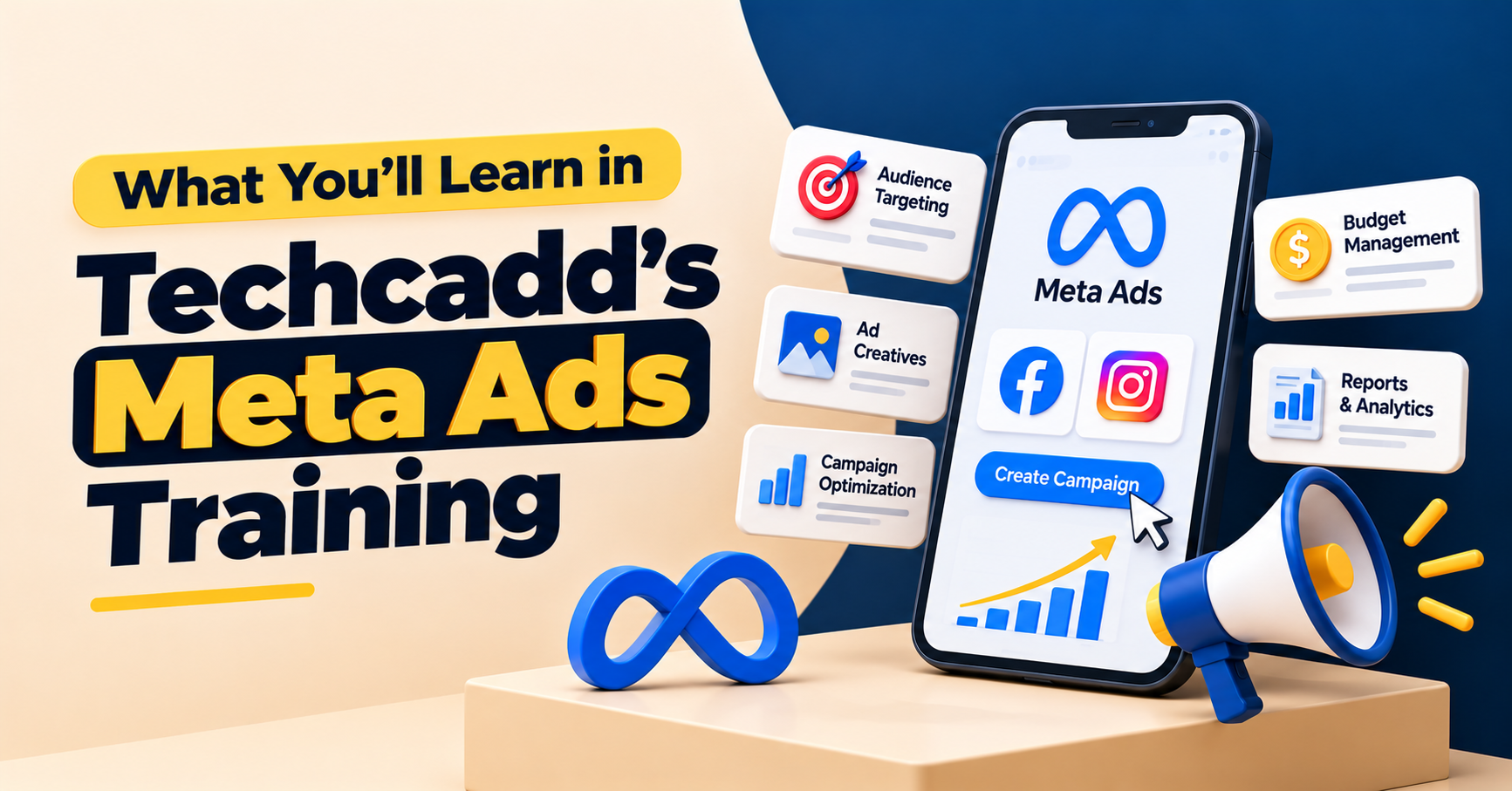
What You'll Learn in Techcadd's Meta Ads Training
Discover what you'll learn in Techcadd's Meta Ads Training, including campaign setup, audience targeting, ad creatives,budgeting, lead generation and analytics.
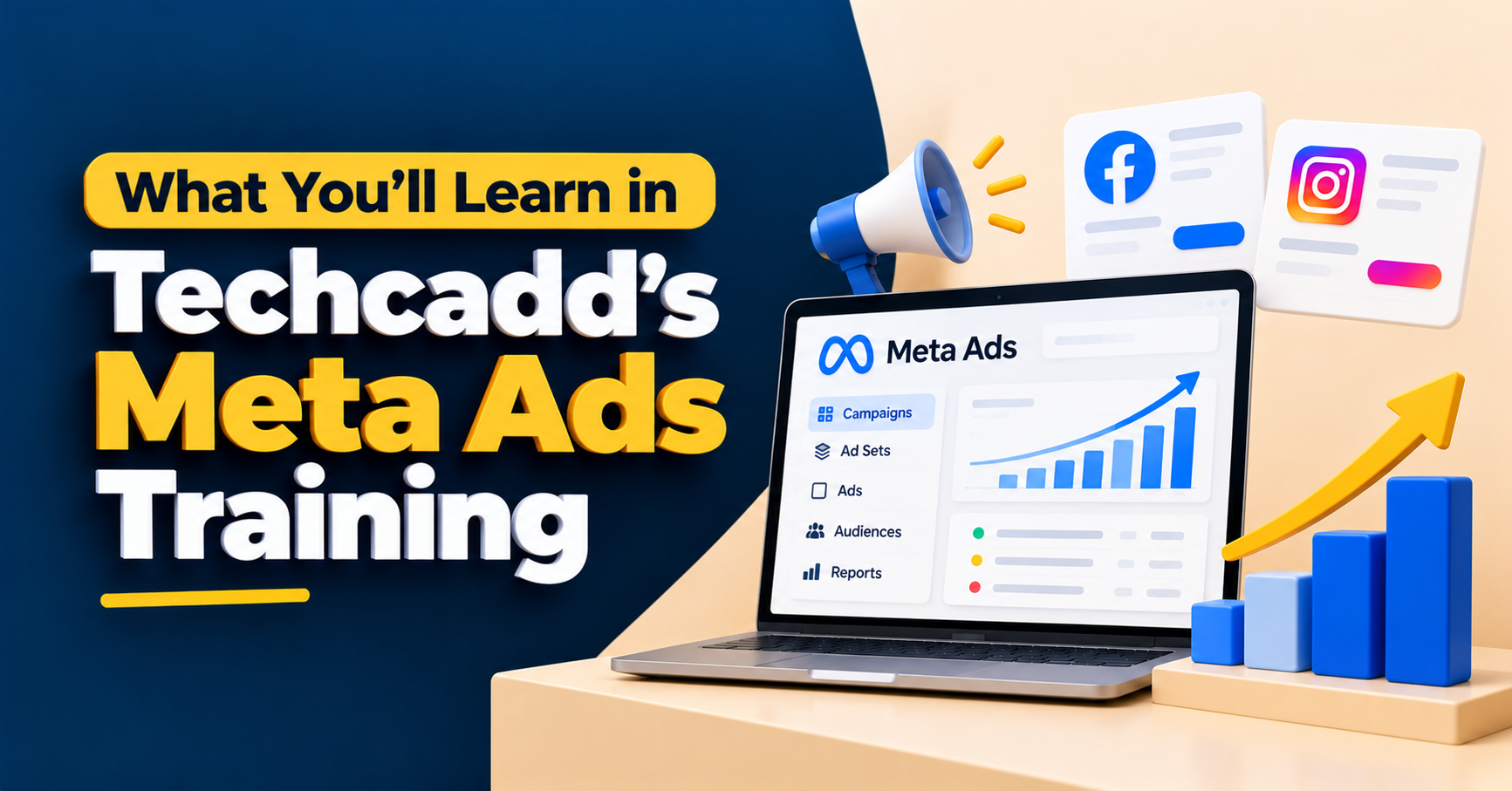
Understand What Happens Behind a Meta Ad
Ever noticed how an advertisement appears in your Facebook or Instagram feed and encourages you to visit a website, send a message or enquire about a product? That result involves more than choosing an image and pressing the Boost Post button.
Meta advertising uses campaign objectives, audience settings, creative assets, budgets and performance data to help businesses reach potential customers. Understanding how these elements work together is an important starting point for anyone interested in paid social media advertising.
What You'll Learn in Techcadd's Meta Ads Training introduces the key concepts involved in planning, setting up and evaluating advertising campaigns across Meta platforms. If you are considering training at Techcadd, ask for the latest syllabus to confirm which topics and tools are included in the current programme.
1. Get Familiar With Meta Ads Manager
Meta Ads Manager is the main platform used to create and manage many Facebook and Instagram advertising campaigns. It provides controls for campaign setup, audience selection, placements, budgets, creative assets and reporting.
Learning the interface helps you understand where campaign settings are located and how different decisions affect an advertisement. You can explore the account structure, campaign overview, reporting columns and the process of navigating between campaign, ad set and ad-level settings.
This foundation is useful before moving on to more detailed advertising decisions.
2. Choose the Right Campaign Objective
Every advertising campaign should begin with a clear purpose. A business may want people to discover its brand, visit a website, send a message, submit an enquiry or complete a purchase.
Meta offers different campaign objectives and optimisation options to support different marketing goals. Learners can explore how to match the objective with the intended customer action rather than choosing a setting simply because it is familiar.
For example, a training institute seeking course enquiries may need a different campaign approach from an online store trying to increase purchases. The objective should reflect the outcome the business actually wants.
3. Understand the Campaign, Ad Set and Ad Structure
Meta campaigns are organised into three main levels: campaign, ad set and ad. Each level serves a different purpose.
The campaign level generally defines the objective and certain overall settings. The ad set level manages factors such as audience, placements, schedule and budget settings, depending on the campaign configuration. The ad level contains the creative material people see, including the image or video, primary text, headline and call to action.
Understanding this structure makes campaign management easier to follow. It also helps you identify where a setting needs to be changed when reviewing or improving a campaign.
4. Learn Audience Targeting and Segmentation
An advertisement is more useful when it reaches people who may genuinely be interested in the offer. Audience targeting helps advertisers define who they want to reach, subject to Meta's available targeting options and advertising policies.
Training can introduce location, age and other permitted audience settings, along with the difference between broad and more specific audience approaches. Learners can also explore custom audiences and lookalike audiences where eligible data, account access and campaign settings allow them.
Consider a local business promoting a course in Phagwara. Its audience strategy may differ from that of an online brand selling products across India. The business objective, service area and likely customer behaviour all matter when planning the campaign.
5. Explore Facebook and Instagram Ad Placements
Meta advertisements can appear across supported placements on Facebook, Instagram, Messenger and other Meta surfaces, depending on campaign eligibility and settings.
Different placements may display creative material in different formats. A vertical video designed for Stories or Reels may need a different composition from a feed image or a landscape creative.
Learners can explore placement options, creative dimensions, safe text areas and the importance of checking how an advertisement appears on different screens. This helps reduce avoidable design issues and keeps the message clear across formats.
6. Write Ad Copy That Communicates the Offer
An advertisement has limited time to capture attention and explain why someone should care. Its message needs to be clear, relevant and aligned with the offer.
Meta ad copy typically includes primary text, a headline and sometimes a description, depending on the placement and format. Learners can practise writing opening hooks, explaining benefits, addressing a relevant audience need and adding an appropriate call to action.
For example, an ad promoting a training course should explain what the learner can explore and how to request further details. Clear, accurate copy is more useful than exaggerated promises or vague claims.
7. Create Ad Creatives for Different Campaign Goals
Visuals help communicate an offer quickly. Depending on the campaign, advertisers may use static graphics, carousels, short videos or other supported formats.
Learners can explore how to match a creative format to the campaign message, maintain readable text, use clear visual hierarchy and make the next step obvious. They can also consider how an image or video should work alongside the headline and primary text.
A lead-generation campaign, for instance, needs creative material that communicates the offer and encourages a relevant enquiry. A brand-awareness campaign may place more emphasis on recognition and message recall.
8. Understand Budgets, Schedules and Bidding Basics
Advertising spend needs to be planned carefully. Meta campaign settings can include daily or lifetime budgets, scheduling options and bidding or optimisation controls, depending on the campaign type.
Training can introduce the difference between a daily budget and a lifetime budget, how campaign duration affects spending plans, and why advertisers should review delivery rather than assuming every campaign will spend evenly throughout the day.
Learners can also explore how budgets relate to the campaign objective and available results. There is no single budget that works for every business, so spending decisions should take account of the goal, audience, testing needs and available resources.
9. Learn How Lead Generation Campaigns Work
Lead generation is a common objective for businesses that want enquiries from prospective customers. Depending on the campaign setup, Meta may support instant forms, messaging-based enquiries or campaigns that send people to a website.
Learners can explore the customer journey from seeing an advertisement to submitting their information or starting a conversation. They can also consider form questions, offer clarity, follow-up processes and the importance of collecting information responsibly.
A lead is not automatically a qualified customer. Businesses should review the relevance of enquiries and the follow-up process, not just count the number of forms submitted.
10. Understand the Role of Landing Pages and Follow-Up
Some campaigns direct people to a website or landing page instead of collecting information directly within Meta. In these cases, the destination should match the advertisement and make the next step easy to understand.
Learners can explore how message consistency, page relevance, loading experience and form usability may influence campaign results. They can also understand why a strong advertisement cannot fully compensate for a confusing landing page.
Once an enquiry arrives, timely and appropriate follow-up matters too. Marketing performance depends on the wider process, not only the advertisement itself.
11. Read Campaign Metrics and Performance Reports
Meta Ads Manager provides reporting metrics that help advertisers understand how campaigns are performing. Learning to interpret these figures is essential for making informed decisions.
Depending on the campaign, useful metrics may include:
Reach: The number of people who saw the advertisement.
Impressions: The number of times the advertisement was displayed.
Clicks: Click activity recorded for the selected metric.
CTR: The click-through rate for a specified type of click.
CPC: Cost per click, based on the selected click metric.
CPM: Cost per thousand impressions.
Leads or conversions: Recorded actions associated with the campaign and its measurement setup.
Cost per result: The average cost for the result being measured.
The meaning of each metric depends on how it is defined and what the campaign is trying to achieve. High impressions alone do not prove that an advertisement is generating valuable enquiries or sales.
12. Learn the Basics of Conversion Tracking
Conversion tracking helps advertisers understand whether people take important actions after interacting with an advertisement. Depending on the setup, this may involve website events, the Meta Pixel, the Conversions API or other supported measurement methods.
Learners can explore why tracking needs to be configured correctly, how event data relates to campaign optimisation and why results may differ across reporting systems. More advanced setup can require website access, technical knowledge and suitable permissions.
Tracking should also respect applicable privacy requirements and user choices. Accurate measurement is more useful than relying on assumptions about which advertisement produced a result.
13. Test and Improve Advertising Campaigns
Campaign optimisation involves reviewing results and deciding what to investigate next. A weak result may be related to the creative, audience, offer, landing page, budget, tracking or a combination of factors.
Learners can explore structured testing, including comparing different hooks, visuals or messages while keeping the test focused. They can also practise reviewing performance over a suitable period rather than making frequent changes based on very limited data.
The aim is to make decisions using evidence. Not every test produces an improvement, but a clear testing process can help advertisers learn what works better for a particular campaign.
14. Understand Meta Advertising Policies and Responsible Practices
Advertising platforms have rules that determine which ads can run and how certain products, services and audiences may be promoted. Advertisers need to understand the relevant policies before launching campaigns.
Training can introduce the importance of accurate claims, suitable creative content, appropriate use of customer information and compliance with applicable advertising requirements. Some industries and campaign types have additional restrictions or verification requirements.
Following platform policies helps reduce avoidable disapprovals and supports more responsible campaign management, although approval can never be guaranteed.
15. Practise With Campaign Planning Exercises
Campaign planning connects all the separate concepts. Before launching an advertisement, a marketer should understand the business goal, audience, offer, creative approach, budget, destination and method of measuring results.
Depending on the actual course syllabus, practice exercises may include preparing a campaign brief, drafting ad copy, selecting a suitable objective, organising creative assets or interpreting a sample report. Confirm whether the course includes live campaign access, simulated exercises or guided project reviews.
If you are new to paid advertising, structured practice can help you understand how campaign decisions fit together before you manage larger budgets or real client campaigns.
Who Can Consider Meta Ads Training?
Meta Ads training may be worth exploring for:
Students interested in paid digital advertising
Freshers learning social media marketing
Digital marketing professionals expanding their skills
Business owners who want to understand paid promotion
Freelancers interested in advertising services
Content creators who want to understand campaign objectives
Marketing assistants who may support campaign setup and reporting
The level of technical knowledge required depends on the course. Ask about the entry requirements, tools covered and practical activities before enrolling.
Explore Meta Ads Training at Techcadd
Learning Meta Ads involves more than boosting a post. It requires understanding campaign objectives, audience choices, creative messages, budgets, measurement and the decisions that can improve results over time.
If you are exploring Techcadd's Meta Ads Training, contact the institute to request the current syllabus and details of practical learning activities. Ask whether the programme covers Ads Manager, Facebook and Instagram campaigns, lead generation, reporting and conversion tracking, and choose a course that fits your current experience and learning goals.
From Campaign Setup to Performance Analysis
Explore Meta Ads Manager, campaign objectives, audience targeting, ad creatives, budget planning, lead generation and campaign reporting.