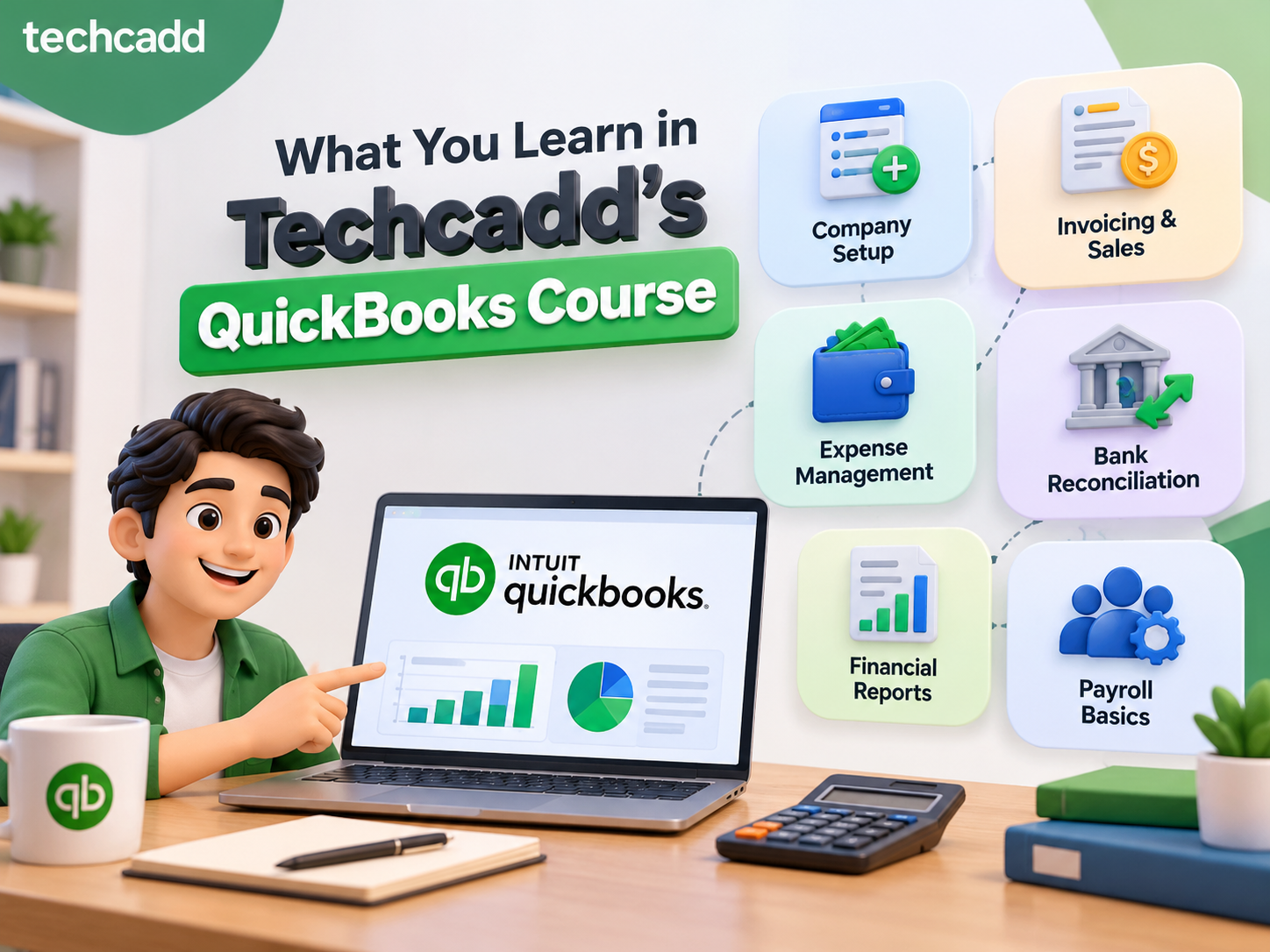
What You Learn in Techcadd's QuickBooks Course
Learn what you can learn in Techcadd's QuickBooks Course in Hoshiarpur. Build practical skills in accounting, invoices, expenses, transactions and reports.
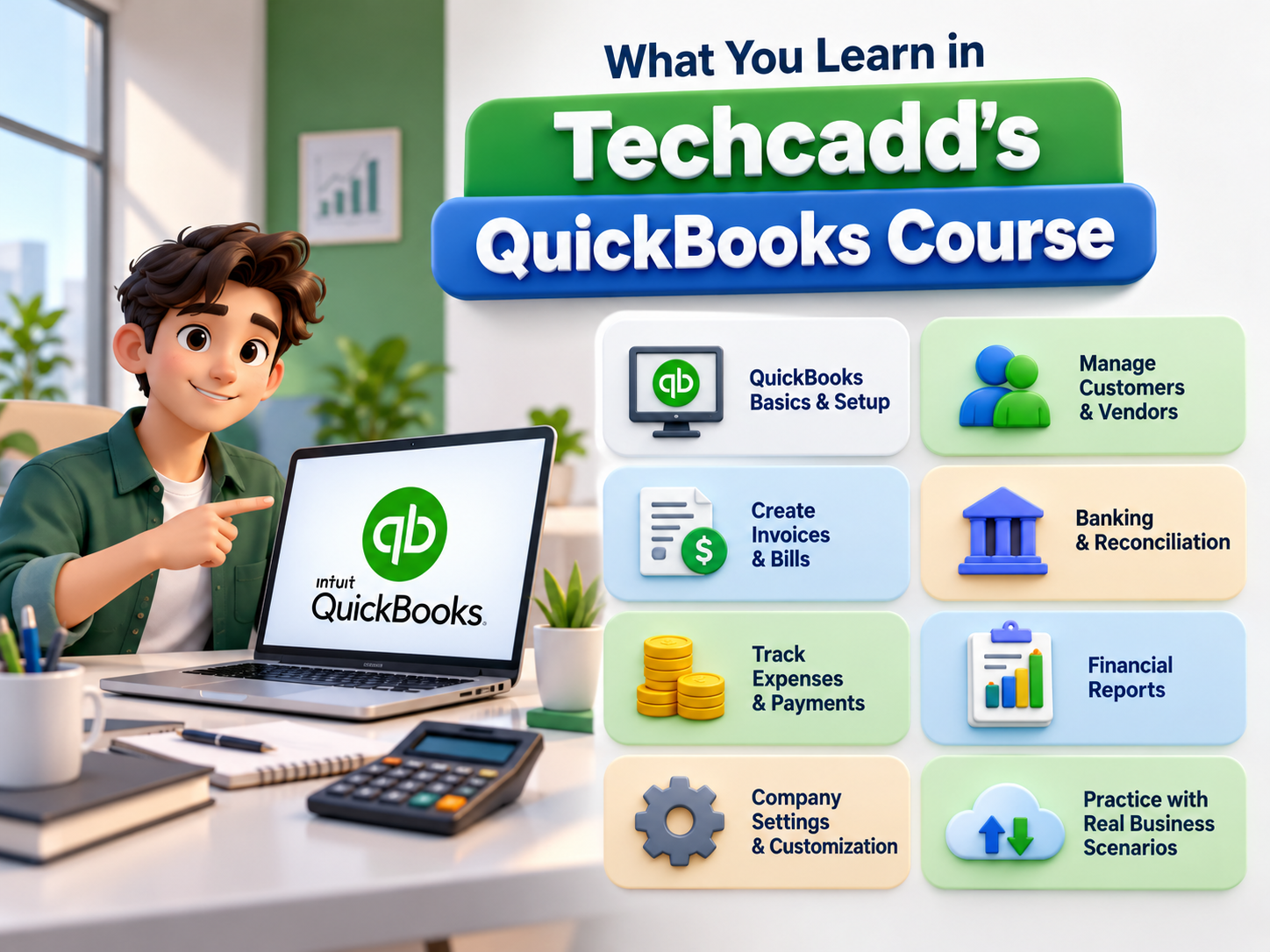
QuickBooks is one of the popular accounting software solutions used by businesses to manage financial records, invoices, expenses, customer details, vendor information, and business reports. Learning QuickBooks can help students, commerce learners, job seekers, business owners, and accounting professionals understand modern digital accounting practices.
Techcadd provides practical QuickBooks training designed to help learners understand accounting concepts along with software-based activities. The course focuses on practical learning, allowing learners to work on accounting exercises, software features, and real-world examples. Understanding what is included in a QuickBooks course can help learners prepare for digital accounting tasks and improve their knowledge of accounting software.
Introduction to QuickBooks
The first step in learning QuickBooks is understanding the software interface and its basic features. Beginners can become familiar with the dashboard, menus, navigation tools, and common accounting options available within the software.
Learners can explore:
QuickBooks interface
Dashboard navigation
Company profile setup
Basic settings
Software features
Accounting workflow overview
This introduction helps learners understand how accounting information is organized and managed digitally.
Basic Accounting Concepts
A QuickBooks course also introduces important accounting fundamentals. Understanding accounting concepts can make software training easier and help learners understand the purpose of different financial records.
Important concepts include:
Assets and liabilities
Income and expenses
Sales and purchases
Accounts receivable
Accounts payable
Payments and receipts
Business transactions
Basic accounting terminology
Learning these concepts provides a foundation before entering financial information into the software.
Company Creation and Setup
QuickBooks requires company information to be organized before accounting activities begin. Learners can understand how business details are entered and configured.
Training can include:
Creating a company profile
Entering business information
Configuring settings
Setting accounting preferences
Organizing company records
Managing business details
Practical exercises help learners understand how company data is maintained within accounting software.
Customer and Vendor Management
Businesses maintain records of customers and vendors for different financial activities. QuickBooks provides features that help organize this information.
Learners can practice:
Creating customer profiles
Adding vendor details
Updating records
Reviewing transaction history
Managing balances
Tracking customer and vendor activities
These skills can help learners understand how businesses manage relationships and financial records.
Invoice Creation and Billing
Invoice preparation is an important part of digital accounting. QuickBooks helps users create and manage invoices while recording sales-related transactions.
Practical training can include:
Creating invoices
Adding products and services
Entering prices and quantities
Recording invoice details
Tracking payments
Managing outstanding invoices
Learning invoice management can help learners understand how business sales are recorded digitally.
Recording Sales and Purchases
Sales and purchase entries are important accounting activities. Learners can understand how business transactions are entered and organized.
Training can cover:
Sales transactions
Purchase transactions
Customer payments
Vendor payments
Expense entries
Receipt management
Transaction recording
These activities can help learners understand the relationship between accounting entries and business records.
Income and Expense Tracking
Managing income and expenses is an important part of accounting. QuickBooks provides tools that help organize different financial activities.
Learners can practice:
Recording income
Tracking expenses
Categorizing transactions
Managing business costs
Reviewing financial activities
Organizing records
This practical approach can help learners understand how businesses monitor their financial information.
Bank Transactions and Reconciliation
Banking activities are another important topic covered in QuickBooks training. Learners can understand how accounting records are connected with banking information.
Practical exercises may include:
Recording bank transactions
Deposits and payments
Reviewing bank records
Matching transactions
Understanding reconciliation concepts
These activities help learners understand how businesses maintain accurate financial records.
Financial Reports in QuickBooks
QuickBooks provides different reports that help businesses understand financial performance. Learners can explore how reports are created and interpreted.
Important reports include:
Profit and Loss Report
Balance Sheet
Sales Report
Expense Report
Customer Reports
Vendor Reports
Transaction Summary Reports
Understanding reports can help learners see how individual transactions contribute to overall financial information.
Practical Learning at Techcadd
Techcadd focuses on practical training so learners can apply concepts through exercises and assignments. Practical learning can help beginners understand accounting software more effectively.
Practical activities may include:
QuickBooks exercises
Accounting assignments
Invoice practice
Customer and vendor management
Expense tracking
Financial report preparation
Transaction recording
Software-based accounting tasks
Regular practice can help learners improve their understanding of accounting processes and software usage.
Who Can Join the Course?
Techcadd's QuickBooks Course can be useful for:
Commerce students
BCom students
Accounting beginners
Job seekers
Working professionals
Small business owners
Accounting learners
Individuals interested in digital accounting
Beginners can start with accounting fundamentals, while experienced learners can strengthen their software skills.
Skills Learners Can Develop
After completing regular training and practice, learners can develop:
QuickBooks software skills
Digital accounting knowledge
Invoice management
Customer and vendor management
Income and expense tracking
Transaction recording
Bank reconciliation basics
Financial reporting
Accounting record management
Practical accounting skills
Benefits of Learning QuickBooks
QuickBooks training can help learners understand modern accounting methods and digital financial management. Practical software knowledge can support learners in handling business transactions more efficiently.
Some benefits include:
Understanding digital accounting
Learning accounting software
Improving record management
Developing practical skills
Understanding financial reports
Building confidence with accounting tools
Conclusion
Understanding What You Learn in Techcadd's QuickBooks Course can help learners prepare for practical digital accounting tasks. From company setup and invoice creation to expense tracking, bank transactions, customer management, and financial reporting, the course covers different areas of software-based accounting.
Techcadd provides practical QuickBooks training through exercises, assignments, and guided learning activities. By combining accounting concepts with software skills, learners can build a stronger foundation in digital accounting and improve their understanding of modern accounting workflows.
What You Learn in Techcadd's QuickBooks Course in Hoshiarpur
Learn QuickBooks, accounting, invoices, expenses, transactions and financial reports through practical training at Techcadd Hoshiarpur for beginners.