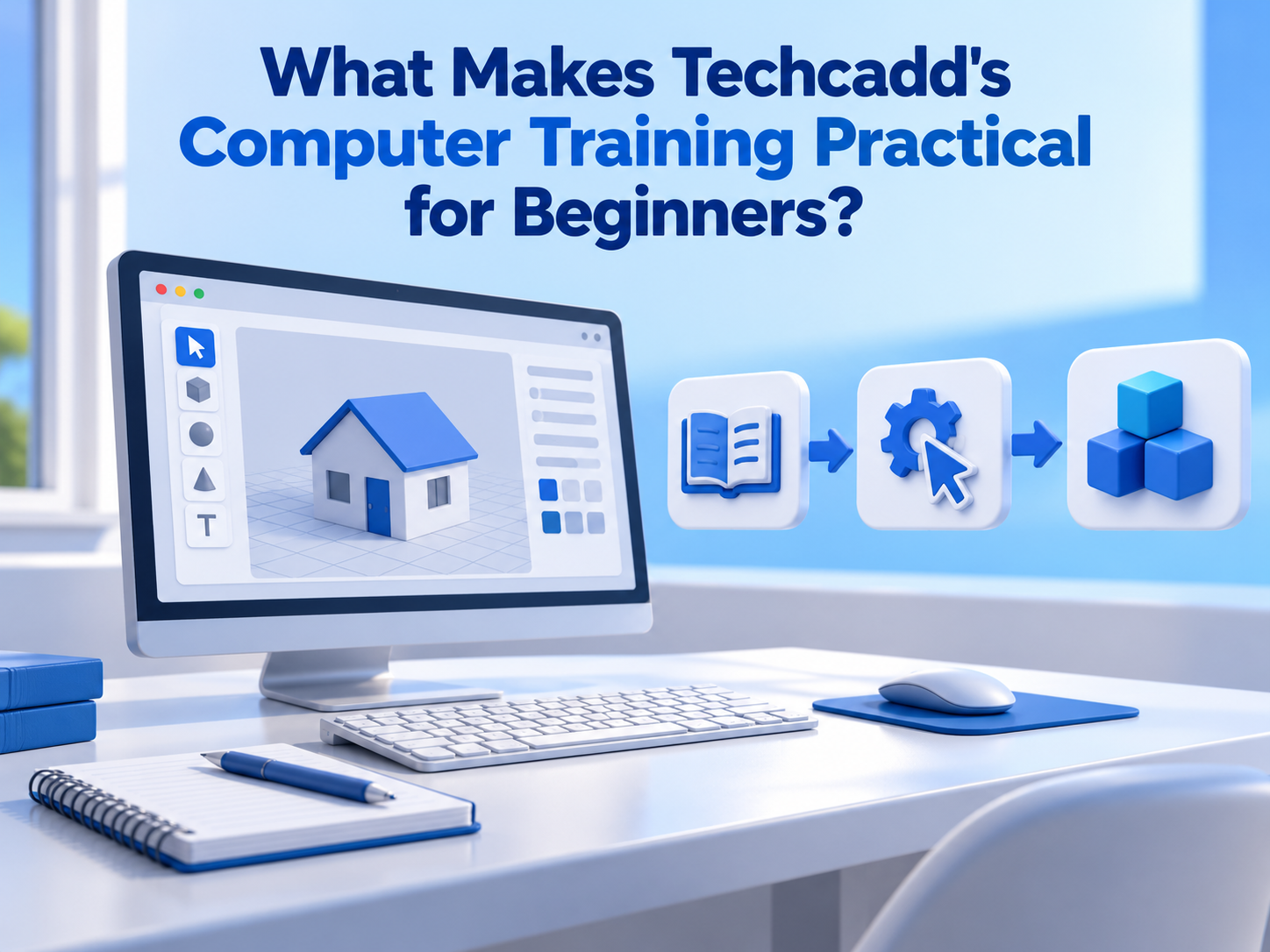
What Makes Techcadd's Computer Training Practical for Beginners?
Learn basic computer skills at Techcadd with practical training in MS Office, internet, email, file management and essential digital applications in Phagwara.
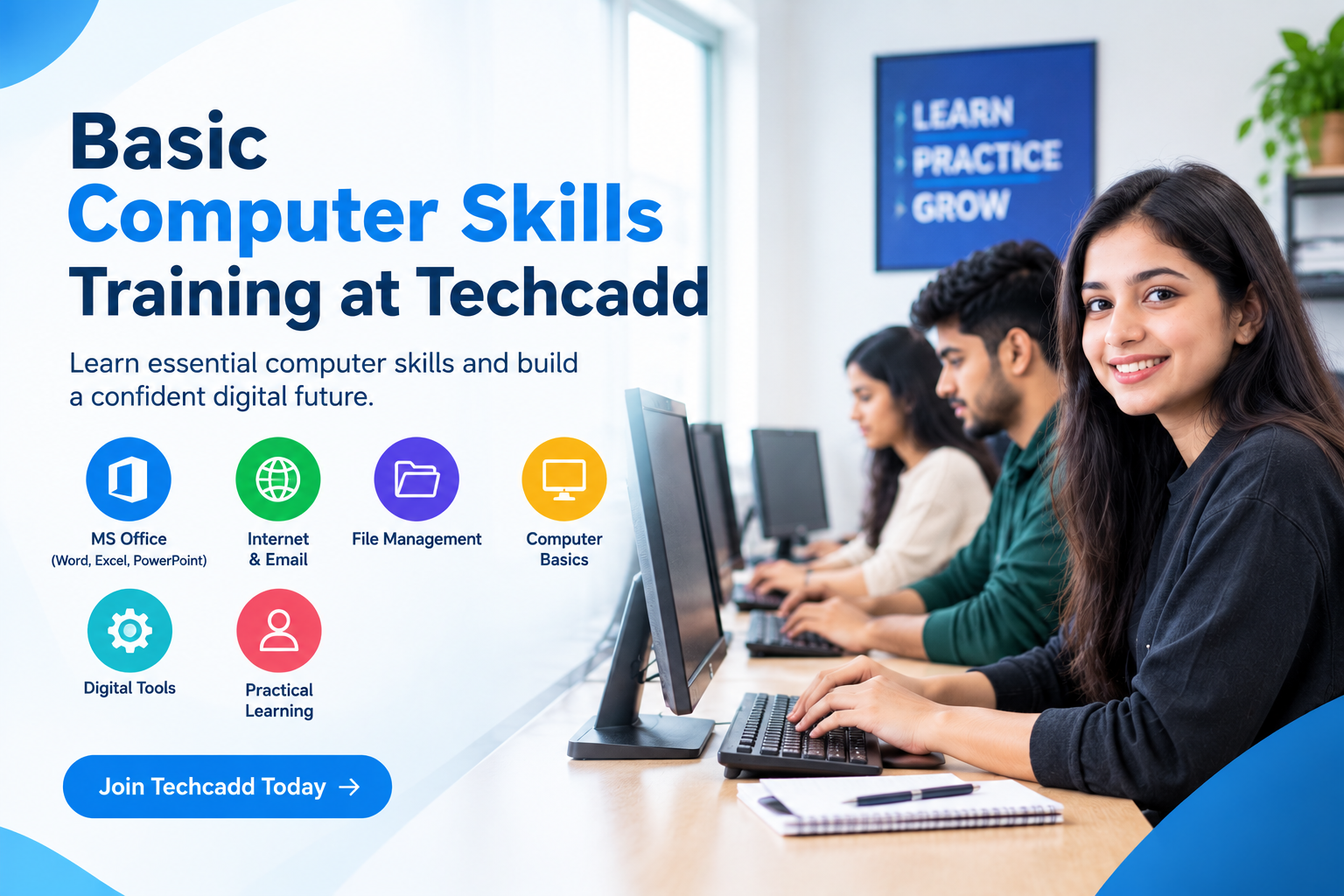
Computers have become an essential part of education, workplaces, businesses, communication, and everyday life. From preparing documents and creating presentations to searching for information, managing data, sending emails, and using online services, basic computer knowledge is useful in many situations. Learning these skills can help students, beginners, job seekers, professionals, and individuals become more confident while working with digital technology.
Techcadd provides basic computer skills training designed to help learners understand important computer concepts through structured learning and practical activities. The training can help beginners develop a strong foundation before moving toward advanced software, professional courses, or specialized technology skills.
Build a Strong Computer Foundation
Basic computer knowledge provides the foundation for learning more advanced digital skills. Beginners who understand how computers work and how common applications are used can gradually explore more specialized areas.
At Techcadd, learners can develop an understanding of:
Computer components and their functions
Operating system basics
Keyboard and mouse operations
File and folder management
Internet browsing
Email communication
Basic software applications
Digital data management
Common computer settings and functions
A strong foundation can make it easier for learners to use computers independently in academic and professional environments.
Improve Everyday Digital Skills
Computers are used for many everyday activities, including online communication, document creation, information searches, and digital transactions. Basic computer training can help learners perform these activities with greater confidence.
Learners can practice tasks such as:
Creating and saving documents
Organizing files and folders
Using search engines effectively
Sending and receiving emails
Downloading and uploading files
Using online platforms
Creating basic presentations
Managing digital information
These skills can be useful for both personal and professional tasks.
Develop MS Office Skills
MS Office applications are commonly used for documentation, data management, presentations, and workplace communication. Learning these applications can help learners handle common office-related tasks more efficiently.
Basic computer training at Techcadd can introduce learners to applications such as:
MS Word for creating and formatting documents
MS Excel for spreadsheets and basic data management
MS PowerPoint for presentations
Basic document formatting
Tables, charts, and lists
Spreadsheet formulas and functions
Presentation layouts and editing
These skills can provide a useful starting point for learners who want to improve their workplace productivity.
Increase Confidence While Using Technology
For beginners, using a computer can sometimes feel complicated, especially when they are unfamiliar with software, file management, or online tools. Structured training and regular practice can help reduce this difficulty.
Techcadd focuses on practical learning so that learners can work through computer-based tasks and understand how different features are used. With continuous practice, learners can become more comfortable navigating software, managing files, and completing digital assignments.
Improved confidence can encourage learners to explore new applications and technology-related skills.
Support Academic Learning
Students regularly use computers for assignments, presentations, research, online classes, project work, and communication. Basic computer skills can make these activities easier to manage.
Students can use their computer knowledge for:
Preparing academic assignments
Creating presentations
Organizing study material
Searching for educational resources
Sending academic emails
Working on digital projects
Managing documents and files
Participating in online learning
Learning these skills at Techcadd can help students develop practical digital habits that can support their academic activities.
Prepare for Workplace Requirements
Basic computer skills are relevant to many entry-level and professional roles. Employees may need to create documents, manage spreadsheets, communicate through email, organize files, and use digital workplace platforms.
Computer training can help learners become familiar with tasks such as:
Professional document creation
Spreadsheet management
Email communication
Digital file organization
Online research
Presentation preparation
Basic data handling
Workplace productivity tools
These skills can provide a useful foundation for learners preparing to enter technology-driven workplaces.
Learn Through Practical Activities
Practical experience is an important part of developing computer skills. Instead of only learning concepts theoretically, learners benefit from actually performing tasks on a computer.
At Techcadd, practical activities can help learners understand concepts through:
Computer-based exercises
Software practice
Assignments
Document creation tasks
Spreadsheet exercises
Presentation activities
Internet and email practice
Basic project work
Regular practice allows learners to identify mistakes, improve their workflow, and gradually become more independent.
Create a Foundation for Advanced Courses
Basic computer knowledge can also act as a starting point for learners who want to move into specialized technology fields. Once learners become comfortable with computers and common digital applications, they can explore areas based on their interests.
Possible areas include:
Digital Marketing
Data Analytics
Artificial Intelligence
Web Development
Full Stack Development
Cyber Security
Graphic Design
CAD and Design
Cloud and DevOps
UI/UX Design
Techcadd offers various technology-focused learning options, allowing learners to continue developing their skills according to their educational and professional goals.
Who Can Learn Basic Computer Skills?
Basic computer training can be useful for learners from different backgrounds. It is not limited to students or technology professionals.
The training can be suitable for:
School and college students
Beginners with limited computer knowledge
Graduates
Job seekers
Working professionals
Entrepreneurs
Freelancers
Individuals looking to improve digital skills
Learners can begin with fundamental concepts and gradually develop their knowledge through regular practice.
Benefits of Learning Basic Computer Skills at Techcadd
Choosing a structured learning environment can make it easier for beginners to develop computer knowledge. Techcadd provides a platform where learners can work on fundamental concepts and practice commonly used digital tools.
Some key benefits include:
Beginner-friendly computer learning
Practical computer-based activities
Understanding of essential software
MS Office learning
Internet and email skills
Improved digital confidence
Project and assignment practice
Foundation for advanced technology courses
Guidance during the learning process
Exposure to modern digital tools
The focus is on helping learners understand how computer skills can be applied in real academic, personal, and professional situations.
Conclusion
Learning basic computer skills can help individuals become more confident and capable in today's digital environment. From creating documents and managing spreadsheets to using email, browsing the internet, preparing presentations, and organizing digital information, these skills are useful across many areas of life.
Techcadd provides basic computer skills training that combines essential concepts with practical activities. Students, beginners, job seekers, professionals, and other learners can use this foundation to improve their digital abilities and prepare for further learning.
Building computer skills is not only about learning how to operate a computer. It is about developing the confidence and practical knowledge needed to work effectively with digital technology. With consistent learning and practice at Techcadd, learners can create a strong foundation for their academic, professional, and future technology-related goals.
Basic Computer Skills Training at Techcadd
Learn basic computer skills at Techcadd, including MS Office, internet, email, file management, digital tools and practical computer applications for everyday use.