
Professional Creo Training in Phagwara
Learn Creo Training in Phagwara at TechCADD. Gain practical skills in 3D modelling, mechanical design, part modelling, assemblies and engineering drawings.
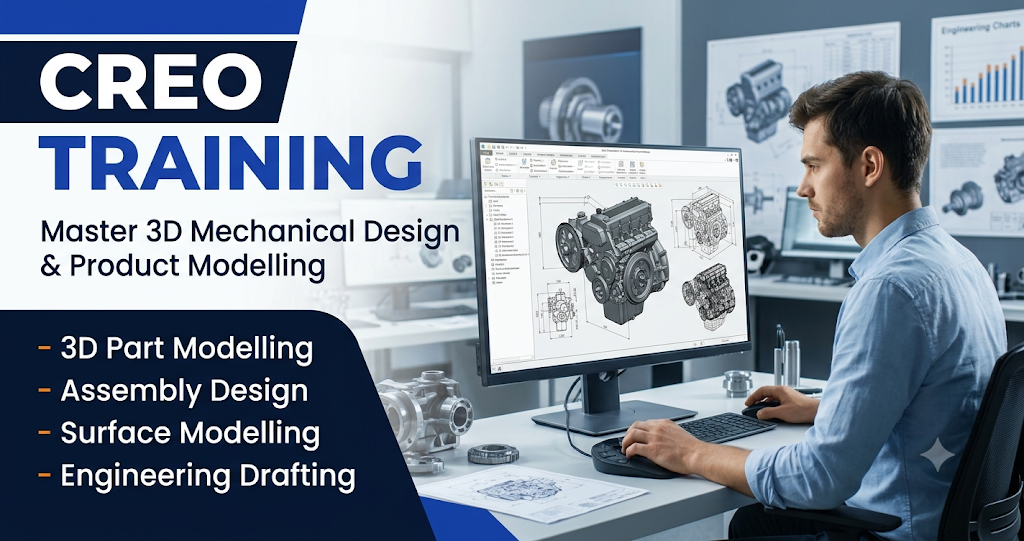
Develop professional mechanical designing skills with Creo Training in Phagwara at techcadd. This training is designed for mechanical engineering students, diploma holders, ITI students, design aspirants, and working professionals who want to gain practical knowledge of 3D modelling, product designing, and engineering applications.
Creo, also known as PTC Creo, is a powerful computer-aided design (CAD) software used in mechanical engineering, automotive industries, manufacturing, and product development. It allows designers to create detailed 3D models, develop mechanical components, prepare assemblies, and generate technical engineering drawings.
At TechCADD, learners are introduced to Creo through structured software training and practical designing exercises. The course begins with basic software navigation and sketching tools before moving towards advanced part modelling, assembly design, and technical drawing preparation.
Students learn how to transform design concepts into accurate 3D models. They also understand how individual components are designed, modified, assembled, and documented using professional CAD techniques.
The training focuses on practical software knowledge rather than memorizing commands. Through regular assignments and modelling exercises, learners develop confidence in handling different mechanical design tasks.
Whether you are interested in mechanical product development, machine component design, or industrial modelling, Creo training can help you build a strong foundation in modern CAD technology.
What Will You Learn in Creo Training?
Creo Software Introduction
Understand the Creo interface, workspaces, toolbars, navigation options, and basic software settings. Learn how to create, open, save, and manage design projects.
2D Sketching and Design Fundamentals
Learn to create sketches using lines, circles, arcs, rectangles, and geometric shapes. Understand dimensions and constraints to prepare accurate design profiles.
3D Part Modelling
Explore the process of converting 2D sketches into three-dimensional components. Practice modelling tools such as Extrude, Revolve, Sweep, Blend, and Hole.
Advanced Part Modification
Learn how to modify existing models using different editing features. Understand rounds, chamfers, patterns, shells, and other commonly used design operations.
Assembly Design
Understand how multiple mechanical components are combined into a complete product or mechanical structure. Learn component placement, positioning, and assembly constraints.
Surface Modelling
Explore surface design techniques used to create complex product shapes. Understand how surface features are applied in automotive and industrial product development.
Technical Drawing and Drafting
Learn to generate engineering drawings from 3D models. Understand orthographic views, sectional views, dimensions, annotations, and drawing layouts.
Sheet Metal Design
Understand the fundamentals of sheet metal modelling, including walls, bends, flanges, and flat patterns used in manufacturing applications.
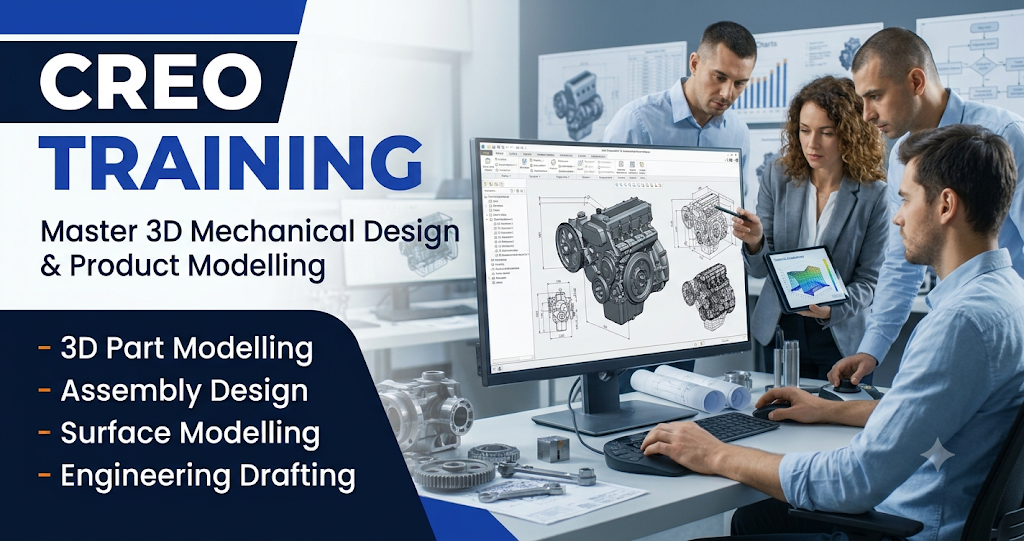
Mechanical Component Development
Learn to create different mechanical parts using 3D modelling tools. Practice designing shafts, brackets, plates, machine components, and other engineering shapes.
Parametric Design Techniques
Understand how dimensions, constraints, and design parameters control the geometry of a model. Learn how to make design changes while maintaining accuracy.
Product Assembly Modelling
Develop the ability to combine individual components into functional assemblies. Understand component positioning and relationships within mechanical designs.
Industrial Product Designing
Explore how Creo supports product development by allowing designers to create, modify, and visualise mechanical products before manufacturing.
Advanced 3D Design Features
Practice advanced modelling operations such as sweeps, blends, patterns, rounds, and chamfers to create detailed mechanical geometries.
Engineering Drawing Preparation
Learn to convert digital 3D models into professional engineering drawings with dimensions, different views, and technical annotations.
Manufacturing-Oriented Design Knowledge
Understand how digital product models support manufacturing processes, component development, and engineering communication.
Practical Modelling Assignments
Work on different design exercises to improve software handling, modelling accuracy, and technical problem-solving abilities.
Why Choose TechCADD for Creo Training in Phagwara?
Learning professional CAD software requires regular practice and proper technical guidance. TechCADD focuses on developing practical designing knowledge through structured learning.
Step-by-step Creo software training.
Practical 3D modelling exercises.
Mechanical component design assignments.
Training in part and assembly design.
Technical drawing preparation.
Beginner-friendly teaching approach.
Individual practice and guidance.
Focus on industry-relevant CAD skills.
Who Can Join Creo Training?
This course is suitable for:
Mechanical engineering students.
Diploma engineering students.
ITI students.
Automobile engineering learners.
Production engineering students.
Manufacturing professionals.
Product design aspirants.
Beginners interested in mechanical CAD designing.
Career Opportunities After Creo Training
Creo software knowledge can help learners explore opportunities in mechanical designing, manufacturing, automotive engineering, and product development.
Possible career options include:
Creo Design Engineer
Mechanical CAD Designer
3D Modelling Designer
Product Design Assistant
Mechanical Draftsman
CAD Modeller
Design and Development Assistant
Manufacturing Design Assistant