
Professional Computer Skills Training in Phagwara
Learn basic computer skills in Phagwara at Techcadd. Master MS Word, Excel, PowerPoint, internet browsing, email, and essential office applications.
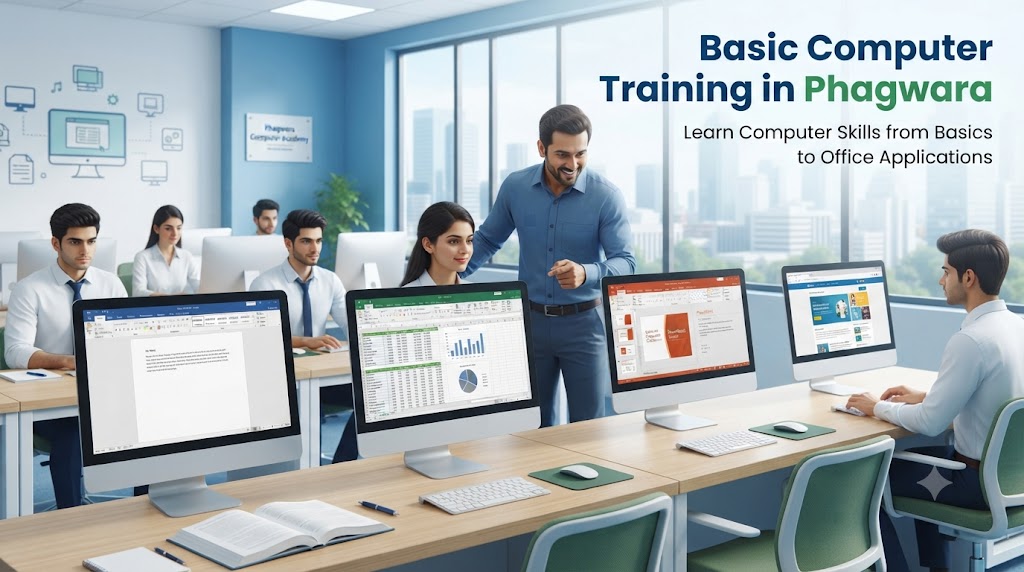
Basic Computer Training in Phagwara
Computer Fundamentals
Learn the basics of computers, including their main components, such as the monitor, keyboard, mouse, CPU, and printer. Understand the difference between hardware and software and how computers help people perform everyday tasks efficiently.
Windows Operating System
Understand how to operate a computer using Windows. Learn to navigate the desktop, use the Start menu, open applications, adjust settings, and manage different windows. These skills help beginners use computers comfortably.
Microsoft Word – Document Creation
Learn to create professional documents using Microsoft Word. Practice typing and formatting text, changing fonts, inserting tables and pictures, setting page layouts, and preparing letters, applications, resumes, and reports.
Microsoft Excel – Spreadsheet Skills
Develop basic spreadsheet skills using Microsoft Excel. Learn to enter data, organize information into rows and columns, format cells, and use formulas such as SUM, AVERAGE, MIN, and MAX. These skills are useful for calculations, attendance records, and business reports.
Microsoft PowerPoint – Presentation Design
Learn how to create attractive presentations for school projects, college assignments, and office meetings. Understand how to add slides, insert images, format text, apply themes, and use transitions to present information clearly.
Internet and Web Browsing
Understand how to use web browsers such as Google Chrome to search for information, visit websites, download files, and access online services. Learn basic internet safety practices to help protect your information while browsing.
Email and Online Communication
Learn how to create and manage an email account, compose messages, add recipients, attach documents, and reply to emails. These skills help students and professionals communicate effectively with teachers, colleagues, and employers.
File and Folder Management
Learn how to create folders, save documents, rename files, copy and move data, and organize information on a computer. Proper file management makes it easier to find important documents and maintain an organized workspace.
Typing and Keyboard Skills
Improve your familiarity with the keyboard, mouse, and common keyboard shortcuts. Practise typing accurately and learn shortcuts such as Ctrl+C for copying, Ctrl+V for pasting, and Ctrl+S for saving your work.
Practical Digital Skills
Learn to fill out online forms, upload documents, download certificates, share files, and use common digital services. These practical skills can help with educational tasks, job applications, and everyday activities.
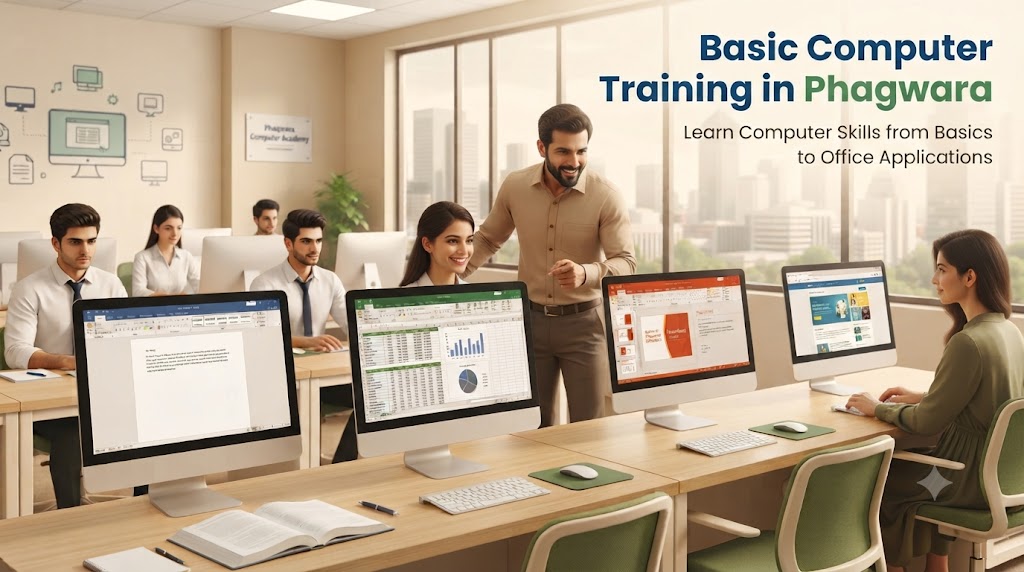
Computer Fundamentals for Beginners
Understand computer basics, hardware, software, and essential operations to build a strong foundation in digital skills.
Windows Operating System Training
Learn to navigate Windows, manage desktop settings, open applications, and organize your computer workspace.
Microsoft Word Training
Develop document creation and formatting skills to prepare professional letters, resumes, applications, and reports.
Microsoft Excel Training
Learn data entry, spreadsheet formatting, basic formulas, and calculations to manage information efficiently.
Microsoft PowerPoint Training
Create engaging presentations using slides, images, text formatting, themes, and transitions.
Internet and Email Skills
Learn web browsing, online searching, email communication, and document sharing for educational and professional purposes.
File and Folder Management
Understand how to create, save, rename, copy, move, and organize files and folders for easy access.
Typing and Keyboard Shortcuts
Improve typing accuracy and learn useful keyboard shortcuts to complete computer tasks more efficiently.
Practical Digital Skills
Practice filling out online forms, uploading documents, downloading files, and using essential online services.
Why Choose Techcadd?
Build confidence with structured computer training and practical exercises designed to help beginners develop useful digital skills.
Career Opportunities After Basic Computer Training
Use your computer knowledge as a foundation for roles such as data entry operator, computer operator, office assistant, and administrative support staff.
Enroll in Basic Computer Training in Phagwara
Start learning essential computer skills at Techcadd. Contact the institute to know more about the syllabus, course duration, fees, and upcoming batches.