
Premiere Pro Basics in Phagwara
Learn Premiere Pro basics in Phagwara at Techcadd. Develop video editing skills with transitions, text, audio editing, visual effects, and video exports.
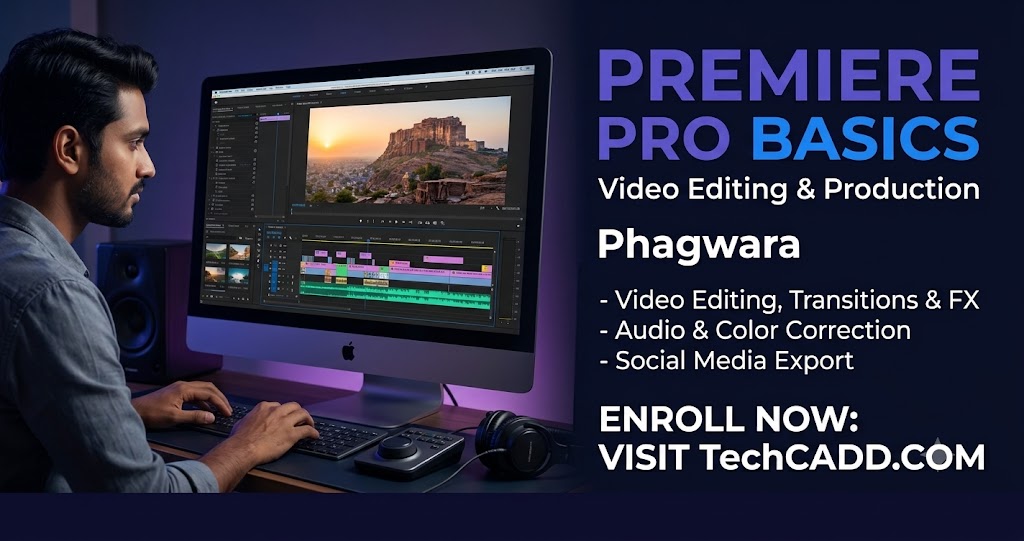
Premiere Pro Basics in Phagwara
Premiere Pro Basics in Phagwara is designed for beginners, students, content creators, and individuals who want to develop practical video editing skills. Adobe Premiere Pro is a professional video editing software widely used for creating YouTube videos, promotional videos, social media content, interviews, educational videos, and other digital media projects.
At Techcadd, learners can explore the fundamental tools and techniques required to edit videos effectively. The course introduces the software interface, timeline, editing tools, transitions, text, audio adjustments, and video export settings. It helps beginners understand the video editing process and develop confidence through practical exercises.
Learn the Premiere Pro Interface
The course begins with an introduction to the Premiere Pro workspace, project panel, source monitor, program monitor, timeline, and toolbar. Students learn how to create projects, import media files, organize footage, and manage video editing assets.
Understanding the interface helps learners work efficiently and makes it easier to complete editing tasks. Beginners also learn how to arrange video clips and navigate the timeline.
Understand Video Editing Techniques
Video editing is an essential skill for producing engaging digital content. Students learn how to trim, split, rearrange, and combine video clips to create a smooth sequence. They explore basic editing techniques that help remove unwanted footage and improve the overall flow of a video.
Learners also understand how to work with multiple video and audio tracks. These skills provide a foundation for creating organized and visually appealing video projects.
Learn Transitions, Text, and Effects
Premiere Pro offers several tools for improving the appearance of videos. Students learn how to apply basic transitions, add titles and text, adjust clip speed, and use simple visual effects.
The course also introduces essential color correction concepts to help improve the brightness, contrast, and overall appearance of footage. These techniques help learners create videos that look more polished and professional.
Audio Editing and Background Music
Clear audio is important for effective video communication. Learners explore basic audio editing, volume adjustment, background music, and simple audio transitions. They understand how to balance music with dialogue and reduce common audio issues during editing.
These skills are useful for creating tutorials, interviews, promotional content, and social media videos.
Export Videos for Different Platforms
After editing, students learn how to export completed projects using appropriate video settings. The course introduces basic concepts such as resolution, frame rate, video format, and export quality.
Learners understand how to prepare videos for platforms such as YouTube, Instagram, Facebook, and other digital channels. Selecting suitable export settings helps maintain video quality across different platforms.
Career Opportunities After Learning Premiere Pro
Premiere Pro skills can support further learning and creative work in video editing, digital marketing, social media content creation, advertising, and multimedia production. Students can practice their skills by creating sample projects and building a portfolio of edited videos.
At Techcadd, practical learning helps beginners understand editing workflows and explore the creative possibilities of video production.
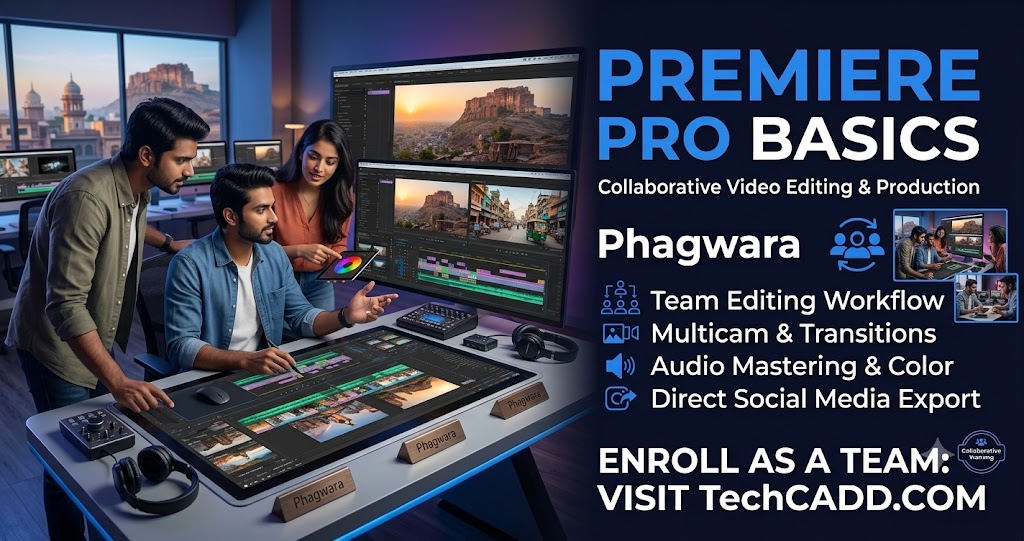
Introduction to Adobe Premiere Pro
Understand the purpose of Premiere Pro and explore its applications in video editing, digital marketing, social media, and multimedia production.
Premiere Pro Interface and Workspace
Learn about the project panel, timeline, source monitor, program monitor, toolbar, and workspace settings to navigate the software efficiently.
Importing and Organizing Media
Discover how to import video clips, images, audio files, and other media assets. Learn to organize files and folders for a structured editing workflow.
Basic Video Editing Techniques
Practise trimming, splitting, arranging, and combining video clips. Understand how to remove unwanted footage and create a smooth video sequence.
Timeline and Clip Management
Learn how to work with multiple video and audio tracks, adjust clip positions, and manage the timeline to organize your editing projects.
Transitions and Visual Effects
Explore basic transitions and visual effects that improve video presentation. Understand how to use effects appropriately without distracting viewers.
Titles and Text Animation
Learn to add titles, captions, headings, and text overlays. Understand how text can communicate information and improve the viewing experience.
Audio Editing and Background Music
Explore audio volume controls, background music, dialogue balancing, and basic audio transitions to improve sound quality.
Basic Colour Correction
Understand brightness, contrast, saturation, and other basic colour adjustments to improve the visual appearance of video footage.
Video Export and Final Project
Learn how to export edited videos with suitable resolution, frame rate, and format settings. Apply your knowledge by creating a basic video editing project.