
PowerPoint Animation Training in Phagwara
Learn PowerPoint animation training in Phagwara at techcadd, Master slide transitions, animation effects, timing, and professional presentation design.
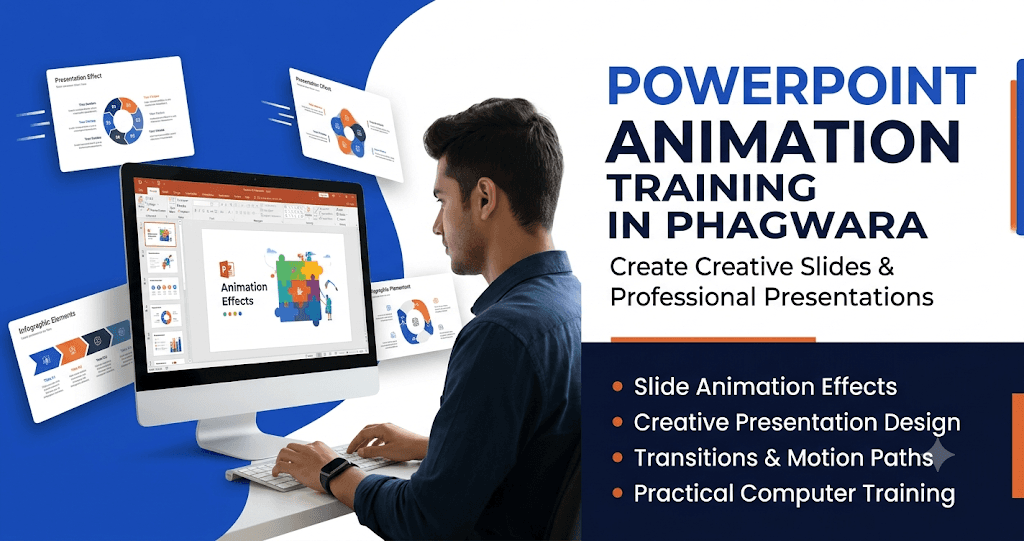
PowerPoint Animation Training in Phagwara is designed for students, beginners, job seekers, teachers, and working professionals who want to learn how to create attractive and professional presentations. Microsoft PowerPoint is an important computer application used in schools, colleges, offices, businesses, and educational institutions to present information in a clear and interesting way.
At TechCADD, students receive practical PowerPoint animation training with step-by-step explanations and hands-on exercises. The training helps learners understand how to create presentations, design slides, add animations, apply transitions, and organize presentation content professionally.
Learn Microsoft PowerPoint from Basic to Advanced
Students begin by understanding the Microsoft PowerPoint interface, including the Home, Insert, Design, Transitions, Animations, Slide Show, and View tabs. They learn how to create new presentations, add slides, select layouts, choose themes, and format text. These basic skills help beginners become comfortable with PowerPoint tools.
Create Attractive and Professional Slides
Slide designing is an important part of PowerPoint training. Students learn how to use different fonts, colors, backgrounds, shapes, icons, pictures, and design elements. They practice arranging text and images properly to create clean, attractive, and easy-to-understand slides.
Understand PowerPoint Animation Effects
Animation is one of the most useful features of Microsoft PowerPoint. It allows users to add movement to text, pictures, shapes, charts, and other objects. Students learn the four major animation categories:
Entrance Effects: Make objects appear on the slide in different ways.
Emphasis Effects: Highlight important text or objects using movement and visual effects.
Exit Effects: Make objects disappear from the slide smoothly.
Motion Paths: Move objects along selected paths such as lines, curves, and custom directions.
Through practical exercises, students understand when and how to use different animation effects.
Learn Slide Transitions and Timing
Slide transitions control how one slide changes into another during a presentation. Students learn to apply different transition effects, adjust their speed, and manage presentation timing. They also understand how to use animation settings such as On Click, With Previous, and After Previous to control the sequence of objects.
Work with Images, Charts, and SmartArt
A professional presentation often includes more than text. Students learn to insert and format images, icons, shapes, tables, charts, and SmartArt graphics. They also practice applying animation effects to these elements to explain information in a more interesting and organized way.
Create Interactive Presentations
Students learn how to combine text, graphics, animations, and transitions to create engaging presentations. They practice preparing educational presentations, business slides, project reports, and classroom presentations. This helps them communicate ideas effectively.
Practical Training and Real Projects
At TechCADD, practical learning is an important part of the training. Students work on different PowerPoint assignments and presentation projects to improve their creativity and technical knowledge. They learn to create presentations independently and apply their skills to real-world tasks.
Build Useful Computer and Office Skills
PowerPoint animation skills are useful for office employees, teachers, students, business professionals, and job seekers. Learning presentation design can improve communication, creativity, and confidence. This training also helps learners develop useful Microsoft Office skills for academic and professional environments.
Join PowerPoint Animation Training in Phagwara at TechCADD and learn to create creative, engaging, and professional presentations through practical computer training.
Introduction to Microsoft PowerPoint
Learn the PowerPoint interface, ribbon options, slide layouts, themes, and basic presentation tools. Understand how to create, save, edit, and organize presentations.
Creative Slide Designing
Learn to design attractive slides using colors, fonts, backgrounds, shapes, icons, and images. Create visually balanced slides that communicate information clearly.
Basic Animation Effects
Understand how to apply animation effects to text, pictures, shapes, and other objects. Learn the four main animation categories: Entrance, Emphasis, Exit, and Motion Paths.
Advanced Animation Techniques
Explore advanced animation options to create dynamic presentations. Learn how to combine multiple effects and control the sequence of animated objects.
Slide Transitions
Learn how to apply different transition effects between slides. Understand transition duration, sound, and timing settings for smooth presentation flow.
Animation Timing and Sequencing
Understand how to manage animation order using the Animation Pane. Practice Start On Click, With Previous, and After Previous options.
Working with Images and Graphics
Learn to insert and animate pictures, shapes, SmartArt, icons, and other graphic elements to make presentations more attractive.
Charts and Infographics
Create professional charts, diagrams, and infographics. Apply animation effects to present data and information step by step.
Practical Presentation Projects
Create practical presentations for business meetings, classroom activities, educational projects, and professional purposes.
Professional Presentation Skills
Learn how to deliver presentations confidently with proper slide arrangements, smooth animations, readable content, and effective visual communication.