Social Media Campaign
Create a complete social media campaign with Instagram posts, stories, carousel designs, and branded visuals.
Master Photoshop for marketing from social media posts and ad creatives to branding, product visuals, and campaign designs. Build practical skills to create professional, engaging marketing content.

Learn Adobe Photoshop with a marketing-focused approach designed for social media, advertising, branding, product promotion, and digital campaigns. Build practical skills through hands-on projects, including social media posts, ad creatives, promotional banners, product visuals, YouTube thumbnails, and branded content. Develop a professional workflow for editing images, creating campaign variations, maintaining brand consistency, and preparing high-quality designs for different digital platforms.
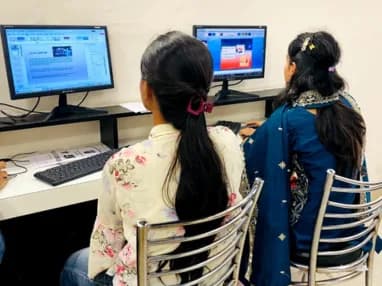
Create a complete social media campaign with Instagram posts, stories, carousel designs, and branded visuals.
Design a promotional ad campaign with multiple banner sizes, product advertisements, offers, and CTA-focused creatives.
Create a professional thumbnail, channel banner, video-promotion graphic, and reusable content templates for a creator brand.
The working loop
Every project moves through the same loop: understand the brief, build with guidance, then explain the decisions behind your work.
Review the marketing brief, target audience, platform requirements, and campaign objective before starting the design.
Social Media Campaign
Define the visual direction, layout, typography, colors, imagery, and content needed for the campaign.
Digital Advertising Campaign
Build the design in Photoshop using layers, selections, masks, typography, image editing, and composition techniques.
YouTube & Content Creator Pack
Improve the creative through retouching, color correction, spacing, visual hierarchy, and brand consistency.
Resize and customize the design for social posts, stories, ads, banners, thumbnails, and other marketing platforms.
Export professional files, organize the project, present the final creatives, and add the work to a portfolio.
There are many places to learn this in Phagwara and the brochure syllabus looks similar at all of them. What differs is who teaches, whether you ever touch real work, and whether anyone picks up the phone after you have paid. techcadd has trained students across Punjab since 2016 on the same model: small batches, working practitioners as trainers, client projects as coursework.
Your trainer is not a full-time lecturer. They deliver client projects for techcadd’s services arm, so examples in class are current rather than a case study from five years ago.
You work on genuine client requirements under supervision. This is where a portfolio comes from, and it is the first thing an interviewer asks to see.
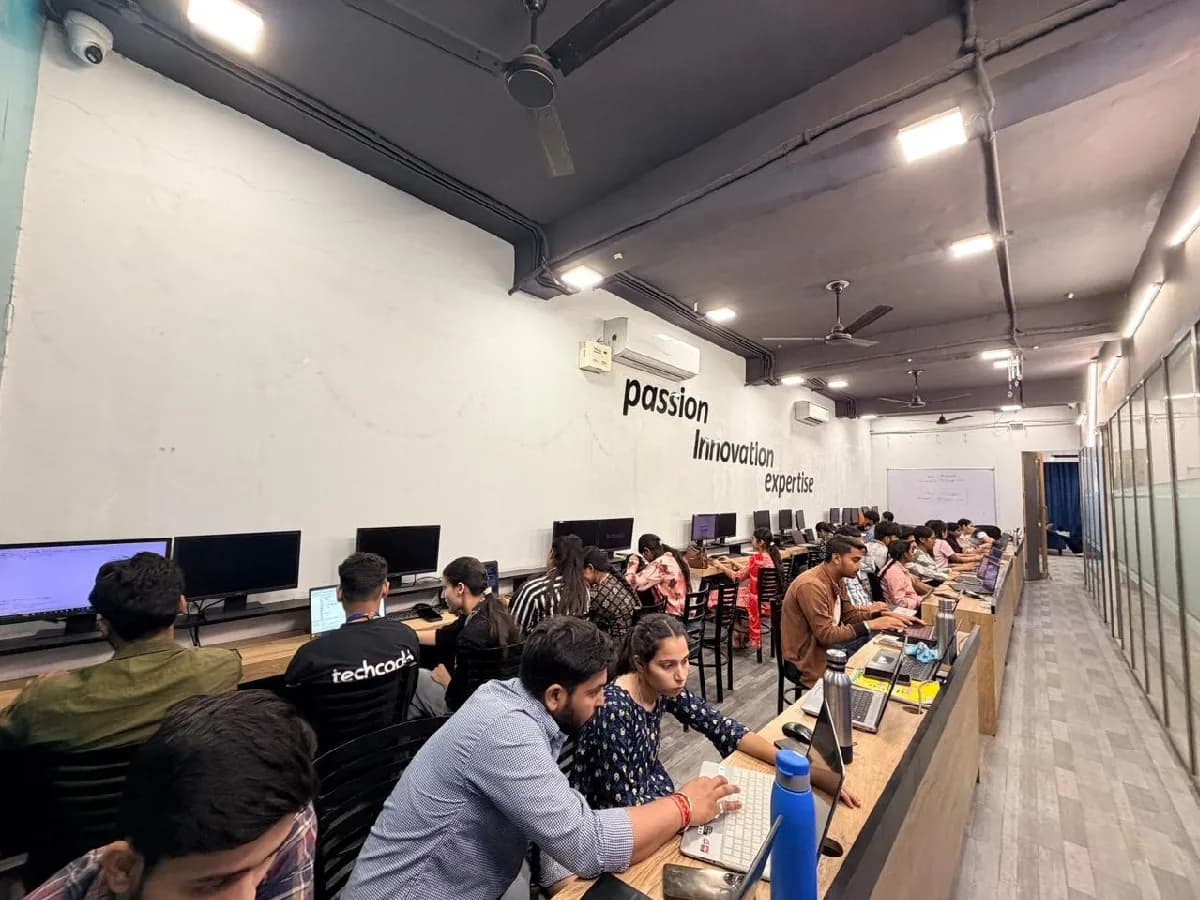
Batches stay small enough that a trainer sees your screen daily. Lab time runs outside class hours and doubt sessions continue until the concept lands.
Every student finishes with an industry-recognised certificate and a documented internship on real work, accepted for university industrial training requirements.
Mock interviews, CV reviews and drives with hiring partners across Phagwara, Jalandhar and North India, repeated after a rejection, not abandoned.
A decade of hiring relationships in Punjab is why a call from our placement cell gets answered and why local employers know what our certificate means.
The toolchain behind the craft
Everything below is installed on the lab machines and used on live client work, not shown once in a slide and forgotten.
The roles this opens, what they pay in Punjab and beyond, and who is hiring for them — drawn from published job-market listings on one comparable scale, not a brochure number.
The Photoshop for Marketing Professionals course is built for people at six different starting points, and the batch is deliberately mixed. What matters far more than your background is turning up consistently and finishing what each module asks you to build.
Students and beginners who want practical Photoshop skills for social media, advertising, and digital marketing.
Social media managers and content creators who need to produce engaging, platform-ready visual content.
Marketing professionals who want to create campaign creatives, promotional graphics, and branded visual content.
Business owners who want to create professional promotional materials without relying on a designer for every campaign.
Aspiring freelancers and career switchers building practical Photoshop skills and a portfolio for creative marketing opportunities.
Digital marketing agencies, advertising firms, e-commerce businesses, startups, local brands, and social media teams hire professionals who can create high-quality marketing visuals with Photoshop. That gap is the whole argument for this course: there is local demand, there are budgets, and there are very few trained people to hand the work to.
Build skills that hold up beyond the classroom.
What separates this from a playlist of tutorials is supervision on real work. From the second half of the course you build on live client projects with a trainer beside you, make decisions that have consequences, and correct them the following week. That loop is the skill. No employer in Phagwara will take your word for it without work they can inspect.
Be realistic about the money. A fresher who finishes with a working portfolio starts near the bottom of the band and moves quickly; someone who finishes with a certificate and nothing to show does not. The difference is entirely what you built.
The alternative is what most people try first: free videos, a cheap online course, six months of drifting, and knowledge you cannot demonstrate. A structured programme with live projects, a mentor who corrects you, an internship letter and a placement cell that actually calls employers is the difference between knowing the subject and being hired to do it.
Students reach the Phagwara centre from Banga, Nakodar, Kartarpur and the university belt, and the weekend batch exists so a job or a degree does not have to be paused to attend.
You’ll leave with 2–3 real marketing projects to showcase in interviews, portfolios, or freelance profiles.
Create professional Instagram, Facebook, LinkedIn, and YouTube creatives using practical Photoshop workflows.
Design promotional banners, campaign creatives, ad visuals, offers, and CTA-focused marketing graphics.
Learn to create polished product images, promotional graphics, branded templates, and marketing visuals.
Work confidently with layers, masks, selections, typography, color correction, retouching, and professional exports.
Build a collection of campaign-ready designs that demonstrate your Photoshop and visual marketing skills.
Complete the course with a portfolio of live projects and receive an industry-recognised certificate, plus a documented internship letter accepted by Punjab universities.
Recognised by employers across Punjab and beyond
Based on real client work, not a simulation
Live work you can show in any interview
CV review, mock interviews and hiring drives
Two certificates on completion — the course certificate and a separate capstone project certificate.
One call with a counsellor is usually enough to find out. Book a free demo class and see the lab before you decide.
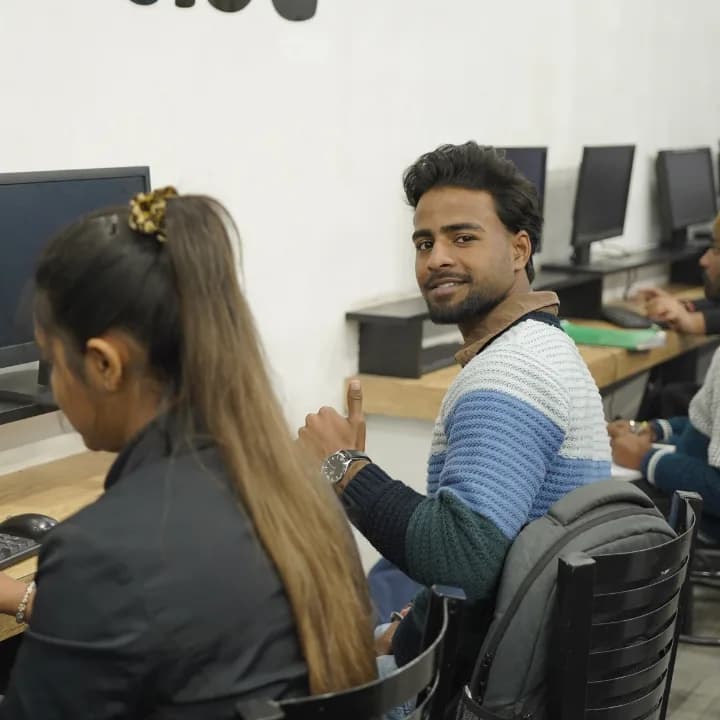
Send your question and a counsellor will call you back about batch timings, fees, EMI options, placement record, or whether this course fits your degree.