Office correspondence kit
A letterhead, three standard letter templates and a mail-merged circular for a school or business.
- MS Word
- MS Excel
Run an office desk end to end: documents, records, email, scanning, printing and filing.
Admissions open
Free demo class & counselling
Session slots
Three months that prepare you for the daily work of an office desk: fast document and spreadsheet work, mail merge and templates, email and shared calendars, scanning, printing and PDFs, online meetings and an organised digital filing system.
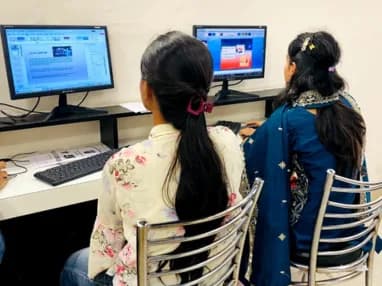
The syllabus is arranged so every module produces an asset rather than a set of notes. You will cover documents & correspondence, records & registers in excel, email, calendar & online meetings, office equipment & digital filing, and finish with a live project built on MS Word, MS Excel, MS PowerPoint. Modules run in the order a real project runs: foundations first, then the core skills, then applied work under supervision, then the portfolio and interview preparation that turn all of it into an offer letter.
The working knowledge the job description actually lists.
Records & registers in Excel
The registers an office keeps, as sheets that total themselves.
4 weeks · 20 sessions
Topics covered
A letterhead, three standard letter templates and a mail-merged circular for a school or business.
A month's attendance that feeds a salary sheet and a one-page summary.
A set of paper records scanned, named, filed in folders and backed up to the cloud.
The working loop
Every project moves through the same loop: understand the brief, build with guidance, then explain the decisions behind your work.
Break a real requirement into a clear plan and the right tools.
Office correspondence kit
Work hands-on with trainer feedback while the decisions are still easy to change.
Staff attendance and salary register
Turn the finished work into a portfolio story you can defend in an interview.
Digital filing system
There are many places to learn this in Phagwara and the brochure syllabus looks similar at all of them. What differs is who teaches, whether you ever touch real work, and whether anyone picks up the phone after you have paid. techcadd has trained students across Punjab since 2016 on the same model: small batches, working practitioners as trainers, client projects as coursework.
Your trainer is not a full-time lecturer. They deliver client projects for techcadd’s services arm, so examples in class are current rather than a case study from five years ago.
You work on genuine client requirements under supervision. This is where a portfolio comes from, and it is the first thing an interviewer asks to see.
Batches stay small enough that a trainer sees your screen daily. Lab time runs outside class hours and doubt sessions continue until the concept lands.
Every student finishes with an industry-recognised certificate and a documented internship on real work, accepted for university industrial training requirements.
Mock interviews, CV reviews and drives with hiring partners across Phagwara, Jalandhar and North India, repeated after a rejection, not abandoned.
A decade of hiring relationships in Punjab is why a call from our placement cell gets answered and why local employers know what our certificate means.
Office Automation is used every day in education, healthcare, retail & distribution and banking & insurance offices.
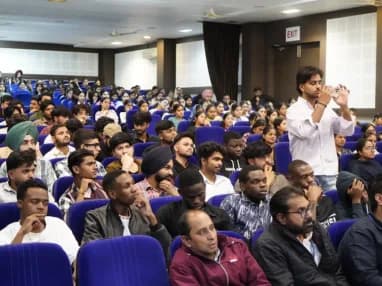
Build skills that hold up beyond the classroom.
What separates this from a playlist of tutorials is supervision on real work. From the second half of the course you build on live client projects with a trainer beside you, make decisions that have consequences, and correct them the following week. That loop is the skill. No employer in Phagwara will take your word for it without work they can inspect.
Be realistic about the money. A fresher who finishes with a working portfolio starts near the bottom of the band and moves quickly; someone who finishes with a certificate and nothing to show does not. The difference is entirely what you built.
The alternative is what most people try first: free videos, a cheap online course, six months of drifting, and knowledge you cannot demonstrate. A structured programme with live projects, a mentor who corrects you, an internship letter and a placement cell that actually calls employers is the difference between knowing the subject and being hired to do it.
Students reach the Phagwara centre from Banga, Nakodar, Kartarpur and the university belt, and the weekend batch exists so a job or a degree does not have to be paused to attend.
Most of every session is hands-on at the computer, with the trainer checking your work.
Attend at our Phagwara centre opposite the bus stand, or join the same batch live online.
Morning, evening and Saturday–Sunday batches, so school, college or a job is not a blocker.
You finish with real files — letters, sheets, reports — that prove what you can do.
A techcadd Phagwara certificate once you complete the course and its assessment.
Help with your resume, interview practice and the skill tests offices and recruiters set.
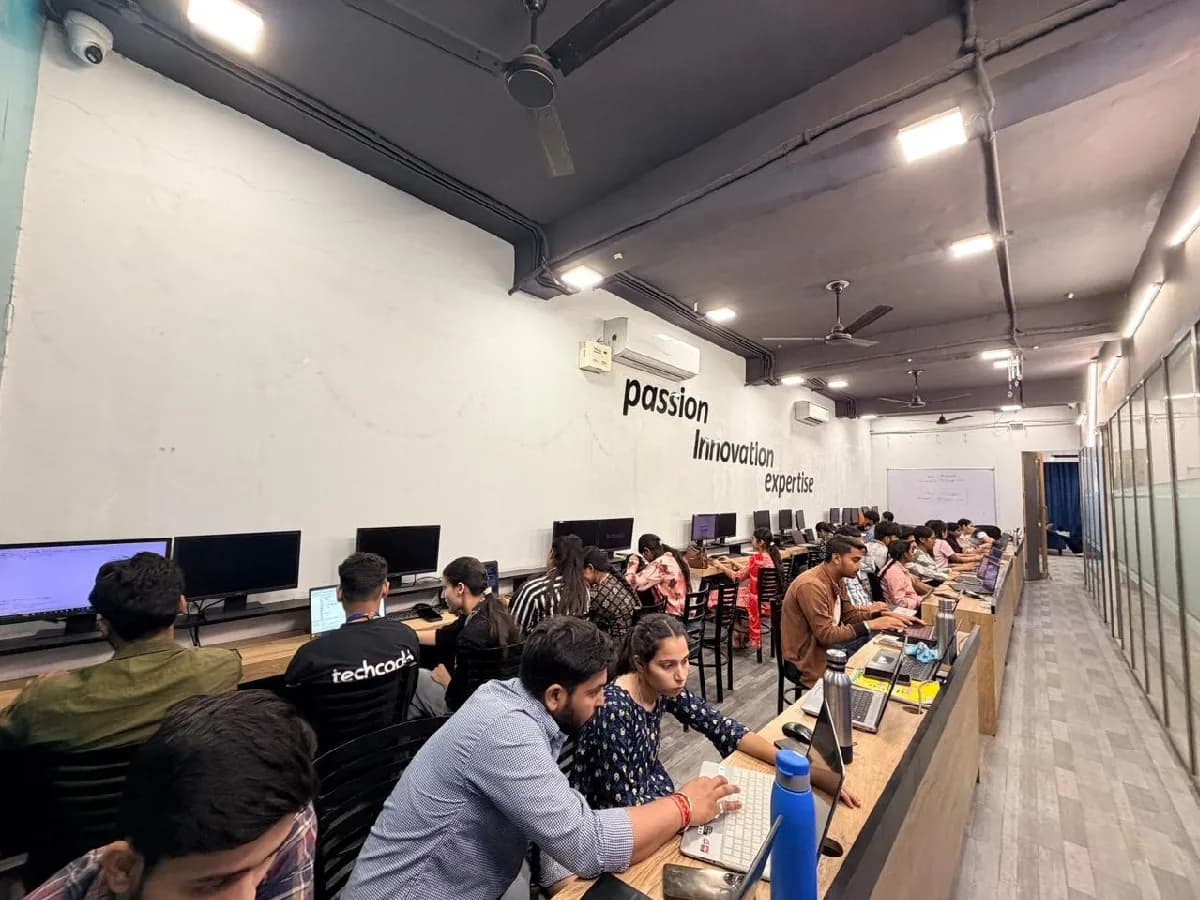
The Office Automation course is built for people at six different starting points, and the batch is deliberately mixed. What matters far more than your background is turning up consistently and finishing what each module asks you to build.
A practical skill to add while you decide on, or continue, further studies.
Fits alongside a degree, with weekend and evening batches covering the same syllabus.
Candidates preparing for clerk, data entry and other posts that test computer or typing skills.
Do daily work faster and take on reports and tasks you avoid today.
Learn at your own pace in a friendly batch, for work from home or everyday use.
The toolchain behind the craft
Everything below is installed on the lab machines and used on live client work, not shown once in a slide and forgotten.
Complete the course with a portfolio of live projects and receive an industry-recognised certificate, plus a documented internship letter accepted by Punjab universities.
Recognised by employers across Punjab and beyond
Based on real client work, not a simulation
Live work you can show in any interview
CV review, mock interviews and hiring drives
Two certificates on completion — the course certificate and a separate capstone project certificate.
The roles this opens, what they pay in Punjab and beyond, and who is hiring for them — drawn from published job-market listings on one comparable scale, not a brochure number.
What made it click for me was the lab time. You can sit after class and someone will still explain it until you get it.
I travelled in for the weekend batch and it was worth every trip. Small batch, real work, no time wasted on theory nobody uses.
The course got me interview-ready faster than I expected. My interviewer asked to see my project and that was the whole conversation.
I was switching careers and worried I would be behind. Half the batch was doing the same thing, and nobody made it awkward.
I joined with almost no background and finished with a project I could actually show. The trainer never rushed the basics.
techcadd’s placement cell kept calling me for drives until I was placed. That persistence mattered more than anything else.
It is a three-month course at our Phagwara centre that prepares you for the computer work of an office desk — correspondence, Excel registers, email and calendars, scanning and printing, PDFs, online meetings and digital filing.
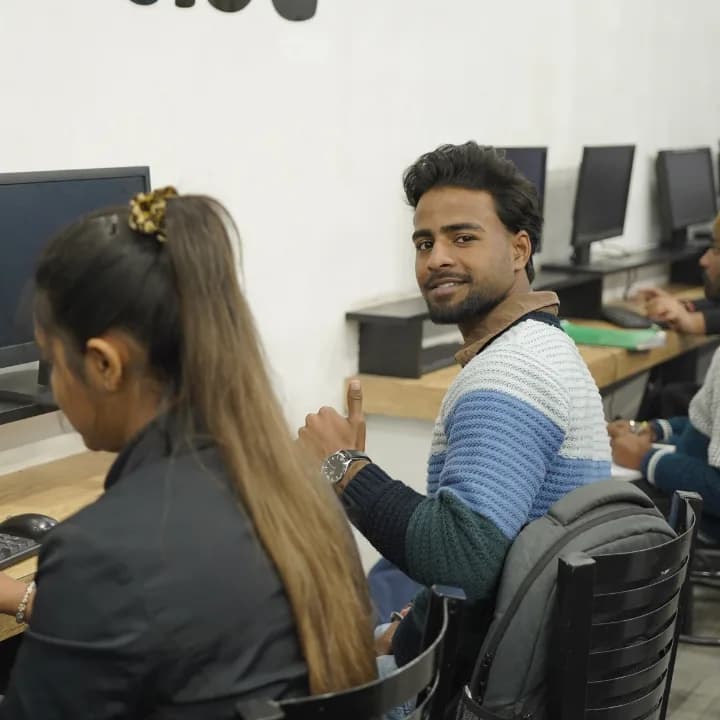
Send your question and a counsellor will call you back about batch timings, fees, EMI options, placement record, or whether this course fits your degree.
One call with a counsellor is usually enough to find out. Book a free demo class and see the lab before you decide.