
MS Word Training in Phagwara
Learn MS Word in Phagwara at Techcadd. Master document creation, text formatting, tables, page layout, mail merge, and professional document design.
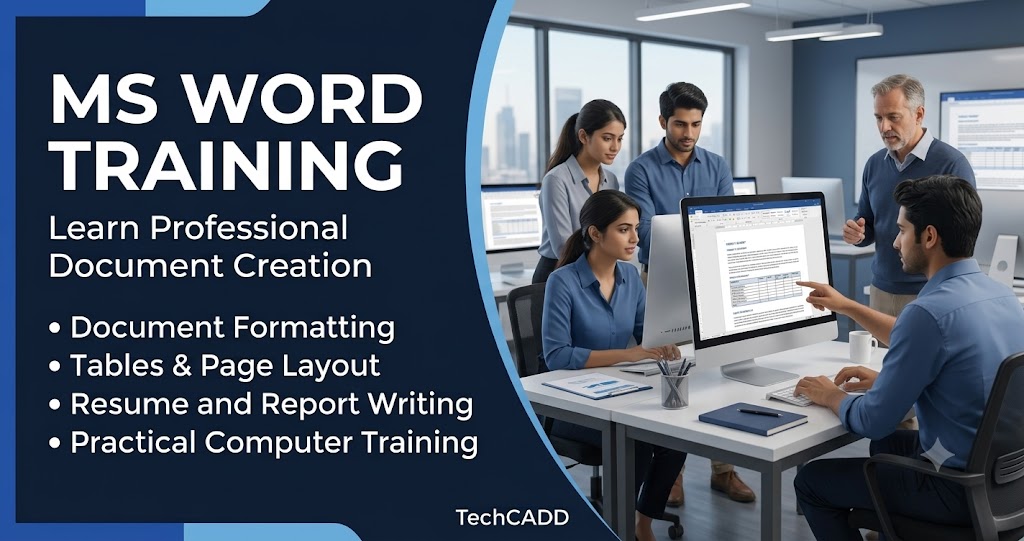
MS Word Training in Phagwara
Learn Microsoft Word at Techcadd
Are you looking for professional MS Word Training in Phagwara? Techcadd offers practical Microsoft Word training for students, beginners, job seekers, and working professionals who want to improve their document creation and formatting skills. The course helps learners understand how to use MS Word for educational assignments, office documentation, business reports, and everyday professional tasks.
Microsoft Word is an important word-processing application used in schools, colleges, offices, and businesses. It allows users to create, edit, format, save, and print documents easily. Learning MS Word can help you improve your computer knowledge, complete work efficiently, and prepare professional-looking documents.
MS Word Basics and Document Creation
The training begins with the basics of Microsoft Word, including understanding the interface, opening and closing documents, creating new files, and saving work in different locations. Students learn how to enter text, edit content, select words or paragraphs, and use basic keyboard shortcuts. These skills help beginners become comfortable using the software.
Text Formatting and Paragraph Settings
Text formatting is essential for creating clear and attractive documents. Students learn how to change font styles, font sizes, and text colors, as well as apply bold, italic, and underline formatting. The course also covers paragraph alignment, line spacing, indentation, bullets, and numbering. These features help learners organize information and improve document readability.
Page Layout and Document Design
A well-formatted document should have a clean and professional layout. Students learn how to adjust page margins, orientation, paper size, and page spacing. They can also practice adding page borders, headers, footers, and page numbers. These features are useful when preparing reports, assignments, applications, and official documents.
Tables, Pictures, and Other Elements
Microsoft Word allows users to add different elements to make documents more informative. Students learn how to insert tables, pictures, shapes, symbols, and other objects. They also practice adjusting table rows and columns, resizing images, and positioning elements properly. These skills are helpful when preparing structured reports, project files, and business documents.
Advanced MS Word Features
The course can introduce useful features such as Find and Replace, spelling and grammar checking, styles, templates, and document review tools. Students can also learn about mail merge, which helps create multiple personalized letters, labels, or documents using a common format and a data list. Understanding these tools can save time when handling repetitive documentation tasks.
Practical MS Word Projects
Practical exercises help learners apply their knowledge to real-world tasks. Students can practice creating resumes, job application letters, business letters, notices, reports, and college assignments. Working on these documents helps them understand how different formatting tools are used in everyday situations and builds confidence in managing documents independently.
Career Benefits of MS Word Training
MS Word skills are useful for office assistants, administrative staff, data entry operators, receptionists, students, and job seekers. Many entry-level roles involve preparing documents, maintaining records, and formatting reports. Learning Microsoft Word can strengthen your basic computer skills and provide a foundation for further training in MS Excel, PowerPoint, accounting software, and other professional applications.
Why Choose Techcadd in Phagwara?
Techcadd focuses on practical computer learning through structured lessons, demonstrations, and exercises. Students can develop their MS Word skills step by step, from basic document creation to more advanced formatting features. This approach is suitable for beginners as well as learners who want to improve their existing knowledge.
Start Your MS Word Learning Journey
If you want to develop professional document creation skills, MS Word Training in Phagwara at Techcadd is an option to explore. Learning Microsoft Word can help you prepare better assignments, create professional documents, and improve your confidence with everyday office applications. Choose a course that matches your learning goals and take the next step towards improving your computer skills.
Learn MS Word Basics
Understand the Microsoft Word interface, create new documents, enter text, edit content, and save files efficiently.
Text Formatting Skills
Learn to change fonts, sizes, colors, and styles, including bold, italic, underline, and text highlighting.
Paragraph Formatting
Master paragraph alignment, line spacing, indentation, bullets, numbering, and spacing to create organized documents.
Page Layout and Design
Learn to set page margins, orientation, paper size, page borders, and layouts for professional document presentation.
Tables and Image Insertion
Practice inserting and formatting tables, pictures, shapes, and symbols to make documents more informative.
Headers, Footers, and Page Numbers
Learn to add headers, footers, and page numbers to reports, assignments, and official documents.
Resume and Letter Preparation
Create professional resumes, job application letters, business letters, notices, and other commonly used documents.
Advanced MS Word Features
Explore Find and Replace, spelling and grammar checking, styles, templates, and mail merge for efficient document management.
Practical MS Word Projects
Apply your learning by preparing reports, assignments, formatted documents, and other real-world practice projects.
Career-Oriented Computer Skills
Develop useful document-processing skills for office administration, data entry, business documentation, and further computer training.