
MS Outlook Training in Phagwara
Learn MS Outlook in Phagwara at Techcadd. Develop practical skills in email management, calendar scheduling, meetings, contacts, and office communication.
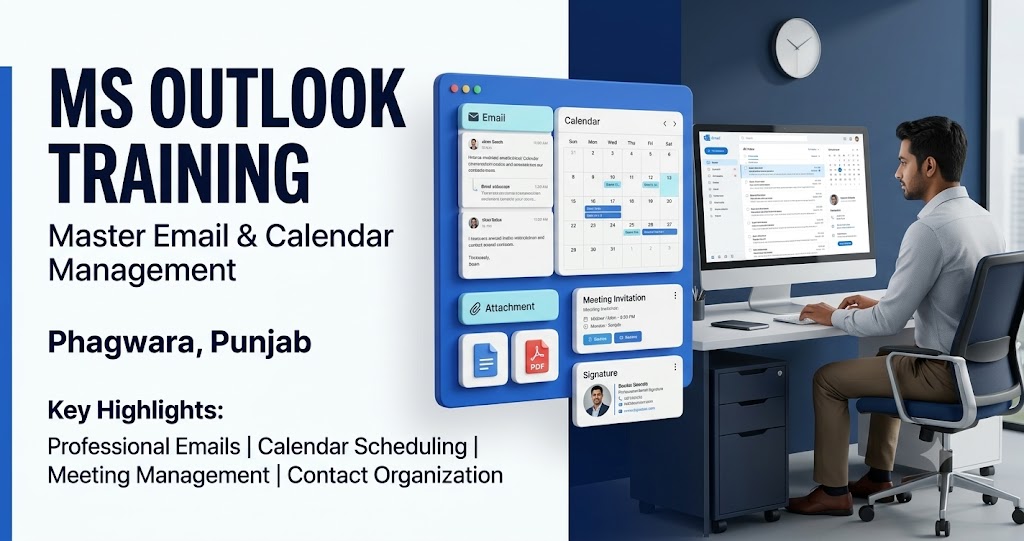
Learn Microsoft Outlook with Practical Training in Phagwara
Microsoft Outlook is a popular email and productivity application used by businesses, educational institutions, and professionals to manage emails, appointments, calendars, contacts, and daily tasks. If you are searching for MS Outlook training in Phagwara, learning this application can help you improve your communication skills and manage everyday office responsibilities more efficiently.
At Techcadd, learners can develop practical knowledge of email management and understand how Outlook supports professional communication. The training can help beginners, students, job seekers, and working professionals learn to organize messages, schedule meetings, manage contacts, and maintain a structured daily workflow.
Why Learn MS Outlook at Techcadd?
Email communication is an important part of modern office work. Employees use email to communicate with colleagues, share documents, respond to customers, schedule meetings, and exchange business information. Microsoft Outlook brings several of these activities together in one application.
Learning Outlook can help you manage your inbox more effectively, organize important messages, avoid missing appointments, and maintain professional communication. These skills are valuable for administrative work, office management, customer support, and other business-related responsibilities.
What Will You Learn in MS Outlook Training?
The course can begin with the Outlook interface, email account basics, and composing, replying to, and forwarding messages. Learners can practice writing professional emails, adding recipients, attaching files, and organizing messages into folders.
Students can also explore email signatures, message formatting, inbox organization, search tools, and rules for managing incoming emails. These features can make daily communication more organized and efficient.
Calendar management is another important part of Outlook. Learners can understand how to create appointments, schedule meetings, set reminders, and manage daily activities. Depending on the course syllabus and account features, training may also cover contact management, task tracking, and meeting invitations.
Email Organization and Professional Communication
A well-organized inbox makes it easier to locate important information and respond to messages on time. Outlook provides tools for categorizing emails, flagging important messages, creating folders, and searching for specific conversations.
Training can help learners understand how to use these features effectively. Students can also practice writing clear subject lines, using appropriate greetings, attaching relevant documents, and maintaining a professional tone in business emails.
Calendar and Meeting Management
Microsoft Outlook helps users organize their schedules and coordinate meetings. Learners can practice creating calendar events, setting reminders, checking availability, and sending meeting invitations where supported.
These skills are useful for professionals who need to manage appointments, plan work activities, and coordinate with colleagues. Understanding calendar tools can help reduce scheduling confusion and improve time management.
Who Should Join an MS Outlook Course?
MS Outlook training is suitable for college students, freshers, job seekers, office assistants, administrative staff, business owners, and working professionals. It can also benefit learners who already know basic computer applications and want to improve their email and scheduling skills.
Beginners can start with basic email functions before moving to more advanced inbox organization and calendar features.
Career Benefits of Microsoft Outlook Training
Outlook skills can support a variety of office responsibilities, including email communication, appointment scheduling, document sharing, and administrative coordination. These abilities can be useful in roles such as office assistant, administrative executive, customer support representative, receptionist, and documentation assistant.
Learning Outlook alongside Microsoft Word, Excel, and PowerPoint can further strengthen your overall office productivity skills. Career opportunities depend on your qualifications, experience, and other relevant skills.
Start MS Outlook Training at Techcadd in Phagwara
If you want to improve your email management and professional communication skills, explore MS Outlook training options at Techcadd in Phagwara. Build practical knowledge of emails, calendars, contacts, meetings, and task organization.
Develop useful digital workplace skills and become more confident handling everyday communication and scheduling tasks.
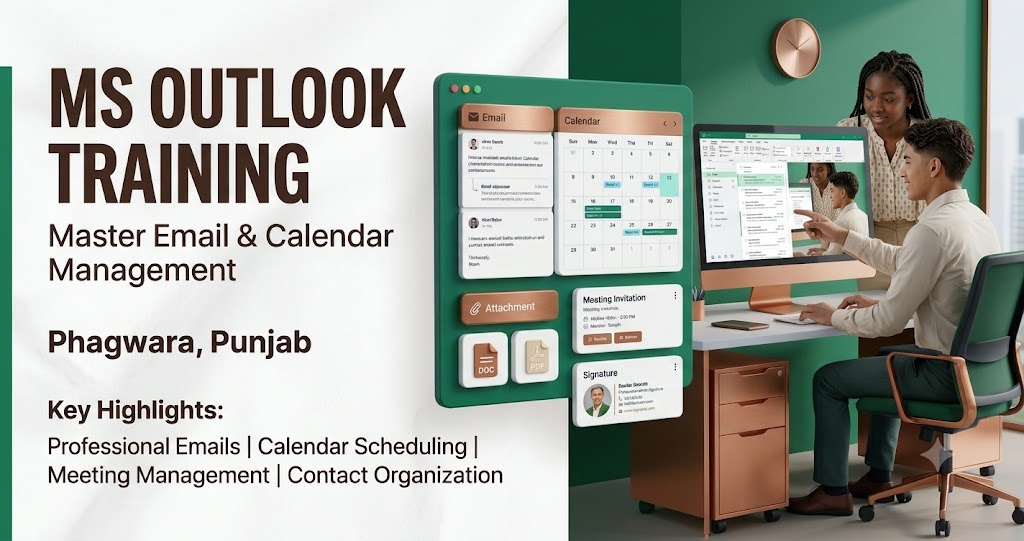
Introduction to Microsoft Outlook
Understand the Outlook interface and learn how the application supports email communication, scheduling, contact management, and everyday office activities.
Email Writing and Management
Learn to compose, reply to, forward, and organize emails. Practice adding recipients, attaching files, formatting messages, and writing professional business emails.
Inbox Organization and Email Rules
Explore folders, categories, flags, search tools, and inbox organization techniques. Learn how supported email rules can help manage incoming messages more efficiently.
Professional Email Etiquette
Understand how to write clear subject lines, use appropriate greetings, communicate politely, and structure professional emails for colleagues, clients, and business contacts.
Calendar and Appointment Management
Learn to create calendar events, schedule appointments, set reminders, and organize daily activities using Outlook calendar features.
Meeting Scheduling and Invitations
Understand how to create meeting invitations, share meeting details, and coordinate schedules using the calendar features available in your Outlook account.
Contact and Task Management
Explore how Outlook can help organize contact information and manage tasks. Learn to maintain useful records and keep track of important activities.
Email Attachments and Document Sharing
Learn how to attach files to messages, share documents, and locate important email attachments. Understand basic precautions when handling files received through email.
Practical Outlook Training for Office Work
Practice everyday activities such as responding to emails, organizing messages, scheduling appointments, and sending meeting invitations through guided exercises.
Career-Oriented Outlook Skills
Build practical email and scheduling skills that can support administrative, customer service, office coordination, and documentation responsibilities.