
Mechanical Engineering Software Training in Phagwara
Learn mechanical engineering software in Phagwara Develop 2D drafting, 3D modeling, assembly design and mechanical CAD skills.
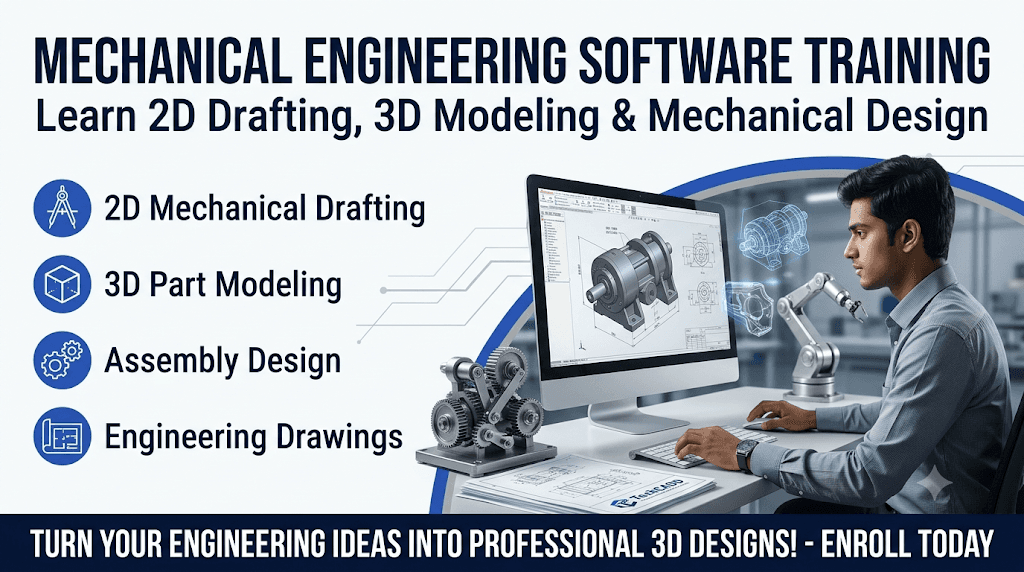
Mechanical engineering software plays an important role in modern product design, manufacturing, machine development and industrial engineering. Learning professional engineering software helps students understand how mechanical components are designed, modeled, assembled and prepared for manufacturing.
The Mechanical Engineering Software Training in Phagwara is designed for mechanical engineering students, diploma holders, beginners and individuals interested in developing technical design skills. The training introduces learners to computer-aided design (CAD), 3D modeling, mechanical drafting and engineering design concepts.
At TechCADD, students develop practical knowledge of mechanical design software through structured lessons, software demonstrations and hands-on exercises. The training focuses on helping learners understand engineering drawings and convert design ideas into accurate digital models.
Introduction to Mechanical Engineering Software
Students begin by understanding the importance of engineering software in mechanical industries. They learn how CAD tools are used for designing machine parts, mechanical components and industrial products. This section introduces the role of digital design in modern engineering workflows.
2D Mechanical Drafting
Learners understand the fundamentals of 2D mechanical drafting. They practice creating engineering drawings with dimensions, lines, circles, symbols and different geometric shapes. Students also learn how to prepare technical drawings according to basic engineering drawing standards.
3D Modeling and Component Design
This section focuses on creating three-dimensional mechanical components using professional design tools. Students learn to develop solid models, modify shapes and apply different modeling operations. Practical exercises help learners understand the structure and geometry of mechanical parts.
Assembly Design and Component Fitting
Students explore how individual mechanical components are combined to create complete assemblies. They learn basic assembly concepts, component positioning and fitting relationships. This knowledge helps them understand how machine parts work together.
Mechanical Drawing and Documentation
Learners understand how to generate technical drawings from 3D models. They practise creating different views, dimensions, annotations and section drawings. These skills are useful for communicating engineering designs clearly.
Surface and Advanced Modeling Concepts
Students get introduced to surface modeling and advanced design techniques used to create complex mechanical shapes. They understand how different modeling tools help improve product design and component development.
Product Design and Manufacturing Concepts
This section explains how mechanical software supports product development and manufacturing planning. Students learn the importance of accurate dimensions, component specifications and design modifications.
Practical Mechanical Design Projects
Students apply their learning through practical exercises involving mechanical parts, component models and basic assembly projects. These activities help improve software confidence, technical accuracy and design understanding.
Career Opportunities After Mechanical Software Training
Mechanical engineering software skills can support opportunities in mechanical design, CAD drafting, product development and manufacturing-related industries. Depending on their skills and experience, learners can explore roles such as Mechanical CAD Designer, Junior Design Engineer, CAD Technician and 3D Modeler.
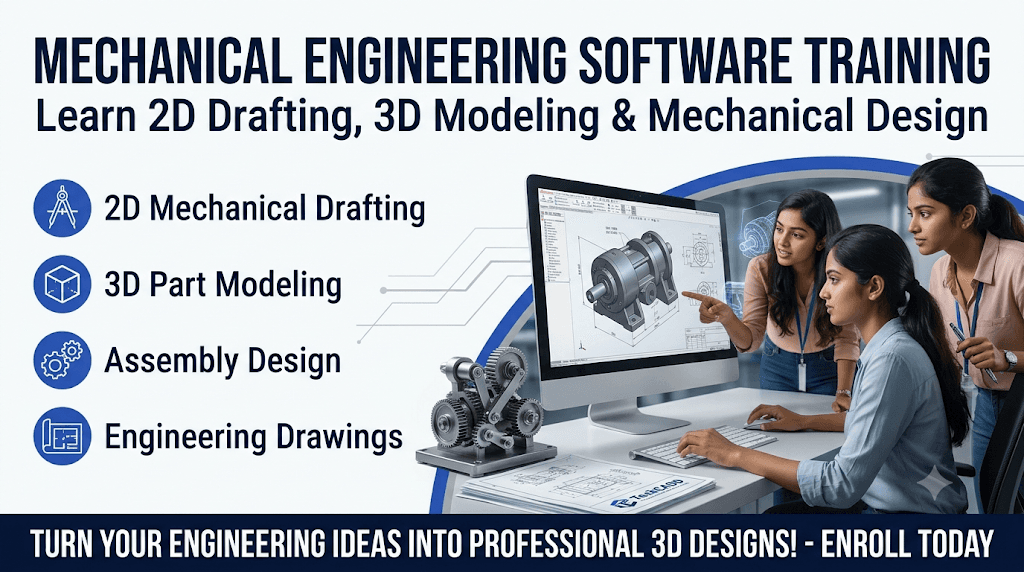
Mechanical CAD Fundamentals
Understand the basics of computer-aided design and its applications in mechanical engineering.
2D Mechanical Drafting
Learn to prepare technical drawings using dimensions, engineering symbols and drafting tools.
3D Part Modeling
Develop three-dimensional mechanical components using solid modeling techniques.
Assembly Design
Understand component positioning, fitting relationships and mechanical assembly creation.
Engineering Drawing Preparation
Create detailed technical drawings with dimensions, sections and multiple views.
Surface Modeling Techniques
Explore surface design tools for developing complex mechanical shapes and product designs.
Product Design Fundamentals
Learn how digital design tools support product development and mechanical component planning.
Manufacturing Design Concepts
Understand the relationship between mechanical design, component accuracy and manufacturing requirements.
Practical CAD Assignments
Work on mechanical parts, 3D models and assembly exercises to improve practical software skills.
Industry-Oriented Software Skills
Build foundational technical knowledge relevant to mechanical design and engineering workflows.