Job Opportunities After Basic Computer Training in Phagwara
Explore job opportunities after basic computer training in Phagwara. Learn MS Office, data entry, digital tools and workplace skills with Techcadd.
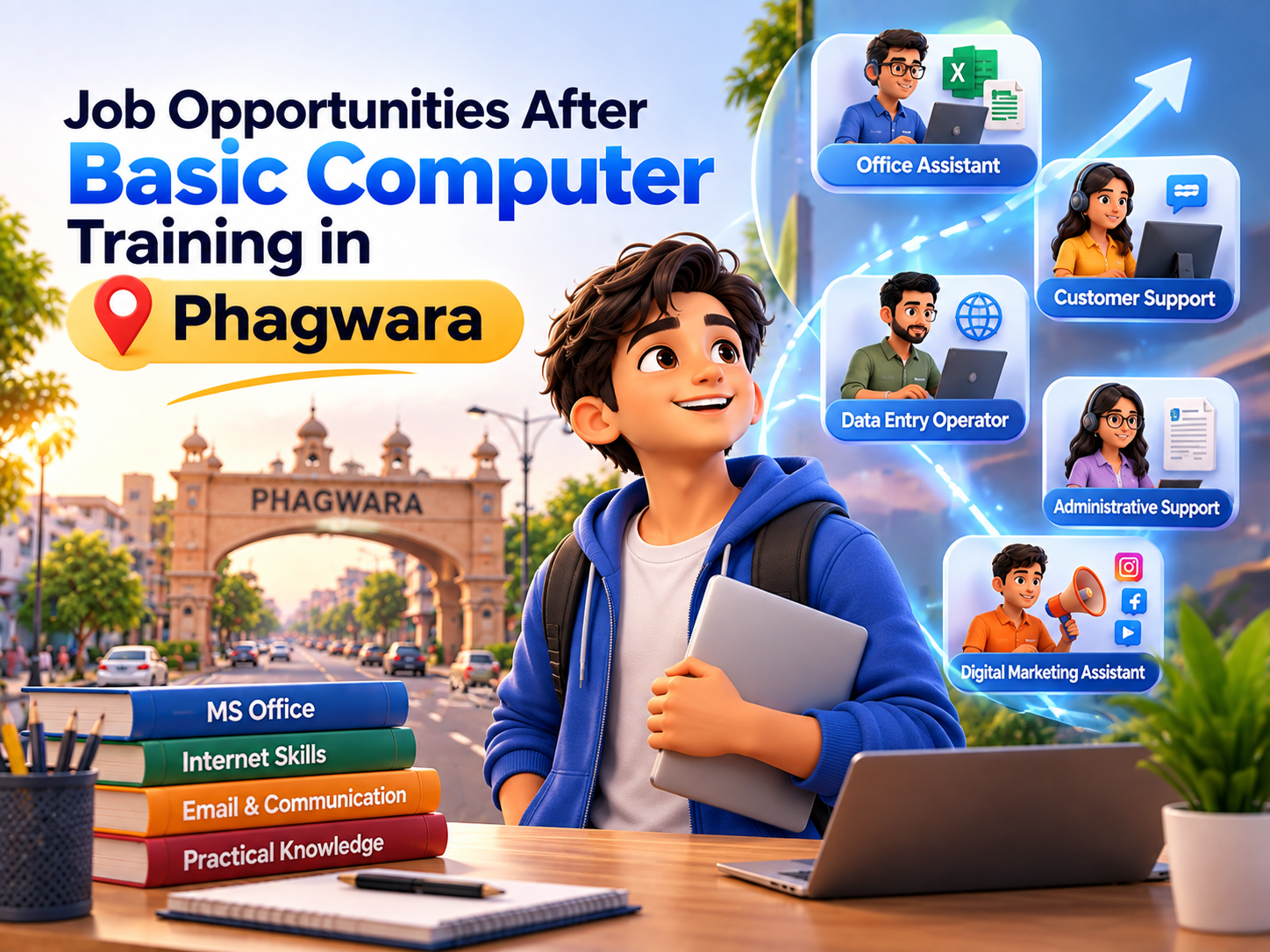
Computer skills have become useful across many industries, including education, retail, administration, customer service, banking support, healthcare, logistics, and small businesses. Many entry-level roles involve working with documents, spreadsheets, emails, digital records, online platforms, and basic software applications. For beginners, basic computer training can provide a foundation for developing these skills and understanding common workplace tasks.
A Basic Computer Training course in Phagwara can help learners become more comfortable with computers, MS Office, internet usage, email communication, file management, and other digital applications. Techcadd provides computer training that focuses on practical learning, helping students and beginners understand how these skills can be applied in everyday academic and workplace situations.
Build Essential Workplace Computer Skills
Before applying for many entry-level positions, learners may benefit from understanding common computer operations. Basic training can introduce the skills required to perform routine digital tasks.
Learners can develop knowledge of:
Computer fundamentals
File and folder management
Internet browsing
Email communication
MS Word
MS Excel
MS PowerPoint
Basic data entry
Digital document management
Online forms and platforms
These skills can help learners handle common computer-based responsibilities more confidently.
Administrative and Office Assistant Roles
Office environments frequently use computers for documentation, communication, record management, and basic data handling. Learners with computer skills may explore entry-level positions such as office assistant, administrative assistant, or computer operator, depending on the employer's requirements.
Typical responsibilities may include:
Preparing and formatting documents
Managing digital files
Entering information into spreadsheets
Sending and responding to emails
Preparing basic reports
Maintaining digital records
Printing and scanning documents
Supporting day-to-day office activities
Basic computer training can provide a foundation for understanding these routine tasks.
Data Entry Opportunities
Data entry is another area where basic computer knowledge can be relevant. Data entry roles may involve entering, updating, organizing, or checking information in digital systems.
Useful skills can include:
Keyboarding and typing
MS Excel basics
Data formatting
File management
Accuracy while entering information
Using online data-entry platforms
Basic spreadsheet functions
Techcadd's practical computer training can help beginners become familiar with spreadsheets and digital data handling before exploring roles that require these skills.
Computer Operator Roles
Some organizations require employees to handle routine computer-based activities. Depending on the job requirements, computer operator positions may involve document preparation, data entry, file management, printing, scanning, or maintaining digital records.
Basic computer training can help learners understand:
Computer operations
Office applications
Digital file organization
Basic troubleshooting
Data entry
Document handling
Internet and email usage
Additional employer-specific training may still be required depending on the organization and role.
Customer Support and Front-Office Work
Many customer-facing roles involve using computers to maintain customer information, communicate through email, update records, schedule appointments, or work with business software.
Basic computer skills can support tasks such as:
Entering customer information
Sending emails
Managing digital records
Using basic office applications
Updating customer details
Preparing simple documents
Using online communication platforms
For learners interested in front-office or customer support roles, computer knowledge can complement communication and interpersonal skills.
Reception and Documentation Roles
Receptionists and front-desk employees often use computers to manage appointments, maintain records, communicate with visitors or customers, and prepare basic documentation.
Relevant computer skills may include:
MS Word
MS Excel basics
Email communication
Online scheduling
File management
Printing and scanning
Digital record keeping
Basic computer training can help beginners become familiar with these everyday digital activities.
Retail and Business Support Jobs
Retail stores and small businesses increasingly use computers and digital systems for billing, inventory records, customer information, communication, and reporting. The exact requirements vary by employer, but basic computer knowledge can be useful when working with digital business processes.
Learners may encounter tasks involving:
Entering product information
Maintaining basic records
Preparing spreadsheets
Updating digital information
Using business software
Managing customer details
Communicating through email or online platforms
Additional training may be needed for specialized billing, inventory, or point-of-sale systems.
Freelancing and Online Work
Basic computer skills can also provide a starting point for individuals interested in learning digital work. While basic computer training alone may not be enough for specialized freelancing, it can help learners become comfortable with online tools and digital workflows.
Learners can build on their foundation by developing additional skills such as:
Content writing
Digital marketing
Graphic design
Data analytics
Web development
Virtual assistance
Social media management
Techcadd offers different technology-focused learning areas that can help learners continue developing specialized skills after completing their computer fundamentals.
Prepare for Government and Private Sector Exams
Many competitive examinations and recruitment processes involve computer-based tests, online applications, document uploads, email communication, or digital forms. Basic computer knowledge can help learners become more comfortable with these processes.
Learners can practice:
Online form filling
Document uploads
Email usage
Basic computer operations
Internet browsing
Digital document management
Computer-based test interfaces
The specific computer requirements vary depending on the examination, organization, and position.
Improve Employability Through Additional Skills
Basic computer training is a foundation rather than a guarantee of employment. Learners can improve their professional profile by combining computer knowledge with other skills relevant to their chosen field.
For example:
Computer skills + communication
Computer skills + accounting
Computer skills + digital marketing
Computer skills + data analytics
Computer skills + graphic design
Computer skills + web development
Computer skills + office administration
This approach allows learners to build a broader skill set based on their career interests.
Why Learn Basic Computer Skills at Techcadd?
Techcadd provides a practical learning environment for students, beginners, job seekers, and individuals who want to improve their digital abilities. The training can help learners understand essential computer operations and commonly used applications through practice and assignments.
Key learning areas can include:
Computer fundamentals
MS Word
MS Excel
MS PowerPoint
Internet and email
File and folder management
Digital documentation
Basic data handling
Practical computer exercises
Foundation for advanced technology courses
The skills gained can be used as a starting point for further learning and professional development.
Who Can Benefit from Basic Computer Training?
Basic computer training can be useful for people from different backgrounds, including:
School and college students
Graduates
Job seekers
Beginners
Working professionals
Career changers
Freelancers
Entrepreneurs
Individuals returning to the workforce
Learners can select additional courses based on their existing skills and future goals.
Conclusion
Basic computer training can open the door to a range of entry-level opportunities where digital skills are part of everyday work. Administrative support, data entry, computer operator, front-office, customer support, documentation, retail support, and other roles may require varying levels of computer knowledge depending on the employer.
Techcadd provides practical computer training in Phagwara that helps learners build foundational skills in computer operations, MS Office, internet usage, email, file management, and digital applications. These skills can provide a starting point for further specialization in areas such as digital marketing, data analytics, web development, graphic design, and other technology fields.
While basic computer training does not guarantee a job, developing strong fundamentals and combining them with communication, professional, and specialized skills can help learners prepare more effectively for today's digital work environment.
Job Opportunities After Basic Computer Training in Phagwara
Explore entry-level job opportunities after basic computer training in Phagwara. Learn MS Office, data entry, digital tools and workplace computer skills at Techcadd.