
Image Retouching in Phagwara
Learn image retouching in Phagwara with practical Photoshop training in portrait editing, background removal, colour correction and photo enhancement.
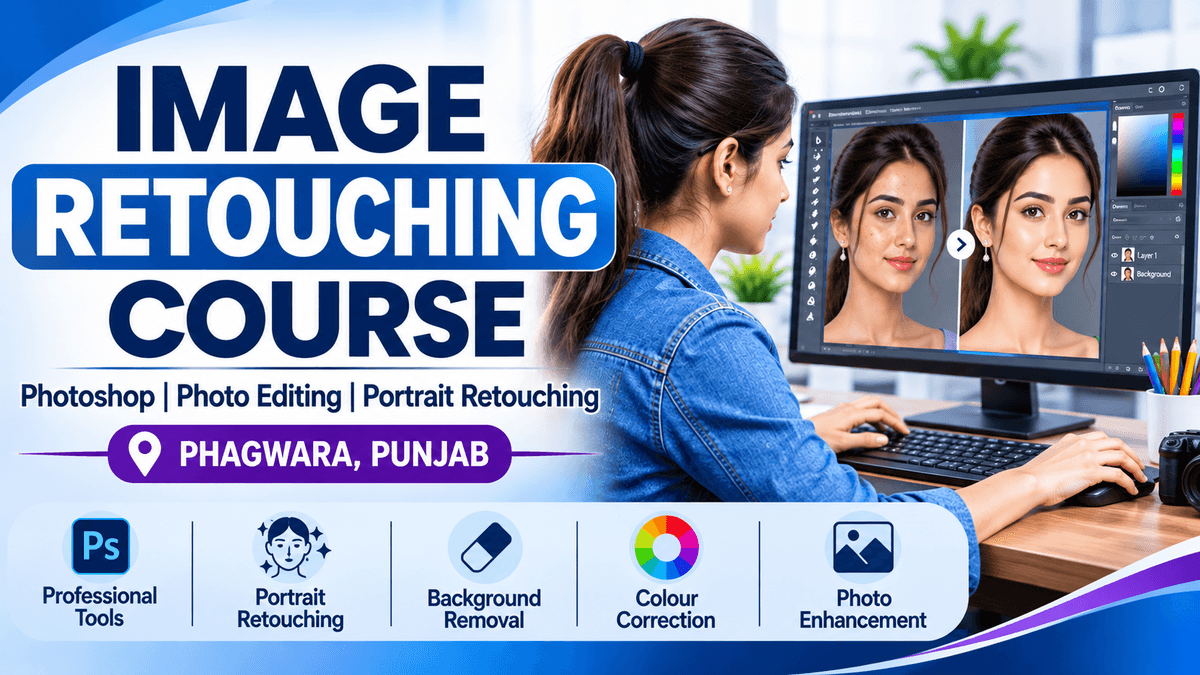
Learn professional image retouching techniques with practical, hands-on training at techcadd Phagwara. This course is designed to help students develop the skills required to enhance photographs, correct imperfections, improve image quality and create visually appealing images for professional and creative purposes.
Our Image Retouching Training focuses on practical editing techniques using industry-relevant image editing software, including Adobe Photoshop. Students learn how to work with layers, selection tools, masking, colour correction, skin retouching, background removal, photo enhancement and advanced editing techniques.
Throughout the training, students practise editing different types of photographs, including portraits, product images, fashion photographs and commercial images. They learn how to remove unwanted objects, improve lighting, adjust colours, smooth skin naturally, correct blemishes and enhance image details while maintaining a realistic appearance.
The course also introduces professional image editing workflows, non-destructive editing, image composition, resolution management and exporting images for websites, social media, printing and digital marketing.
What You Will Learn
Introduction to digital image editing and retouching
Adobe Photoshop interface and essential tools
Layers, masks and selection techniques
Skin smoothing and portrait retouching
Blemish, wrinkle and spot removal
Background removal and image replacement
Colour correction and colour enhancement
Lighting, contrast and exposure adjustment
Object removal and image restoration
Product and fashion photo retouching
Image sharpening and quality enhancement
Professional image export and file formats
Practical Projects
Students work on practical editing assignments such as portrait enhancement, product photo editing, background replacement, old photo restoration and social media image preparation. These exercises help develop editing confidence and build a portfolio of creative work.
Who Can Join?
This course is suitable for beginners, students, photographers, graphic design learners, freelancers, content creators and anyone interested in developing professional photo editing skills. No advanced design experience is required.
Career Opportunities
After completing the training, learners can explore opportunities as:
Photo Retoucher
Image Editing Assistant
Photoshop Designer
Photo Editing Freelancer
Product Image Editor
Junior Graphic Designer
Transform Ordinary Photos into Professional Images
Image retouching is an essential skill in photography, graphic design and digital media. Learn how to transform ordinary photographs into polished, professional-quality images using advanced photo editing techniques.
Our practical training covers portrait retouching, skin correction, blemish removal, background editing, colour correction, lighting adjustments and image enhancement. You will gain hands-on experience with Adobe Photoshop tools and learn how to create natural-looking results for portraits, product photography, fashion images and social media content.
Whether you are a beginner, aspiring designer, photographer or freelancer, this training helps you build creative confidence and develop useful image editing skills for real-world projects.
Learn by Practising. Create. Edit. Enhance.