
Google Workspace Training in Phagwara
Learn Google Workspace in Phagwara with practical training in Gmail, Google Docs, Sheets, Slides, Drive, Calendar and online collaboration at techcadd
Learn essential cloud-based productivity and collaboration skills with Google Workspace Training in Phagwara. This practical training programme helps students, job seekers, working professionals, business owners and beginners understand how to use Google's productivity tools for everyday office work, communication, document creation, data management and teamwork.
Google Workspace includes powerful applications such as Gmail, Google Drive, Google Docs, Google Sheets, Google Slides, Google Forms, Google Calendar and Google Meet. Learning these tools can help you organise your work, collaborate with others, manage information online and improve your digital office skills.
At TechCADD Computer Education, learners can develop practical knowledge of cloud-based office applications through guided exercises, real-world examples and hands-on activities.
What You Will Learn
1. Gmail and Professional Email Management
Learn to create and organise emails, manage labels and folders, use search filters, attach files, maintain contacts and communicate professionally through email.
2. Google Drive and Cloud Storage
Understand how to upload, download, store, organise and share files online. Learn about folders, access permissions, file management and collaborative document storage.
3. Google Docs
Create and format professional documents, letters, reports and notices. Practise page formatting, tables, images, comments, document sharing and real-time collaboration.
4. Google Sheets
Learn spreadsheet basics, data entry, formatting, formulas, functions, sorting, filtering and charts. Practise maintaining records, preparing reports and organising business information.
5. Google Slides
Design presentations for classroom projects, office meetings and business proposals. Learn slide layouts, themes, text formatting, images and presentation delivery.
6. Google Forms
Create online forms, questionnaires, registration forms, feedback forms and quizzes. Learn how to collect responses and organise the information in Google Sheets.
7. Google Calendar
Manage appointments, schedule meetings, create reminders, organise events and share calendars to improve time management and workplace coordination.
8. Google Meet
Learn how to join and schedule online meetings, manage meeting links, use basic meeting controls and collaborate with colleagues or classmates remotely.
9. Collaboration and Productivity
Practise sharing files securely, assigning access permissions, collaborating on documents, tracking comments and working with teams in a cloud-based environment.
10. Practical Office Activities
Apply your learning through activities such as preparing a business report, maintaining a spreadsheet, creating a presentation, designing a feedback form and organising shared files.
Who Can Join This Training?
Students who want to improve their computer and office productivity skills
Freshers preparing for office and administrative jobs
Working professionals who want to improve their digital workflow
Business owners and entrepreneurs managing documents and records
Teachers, trainers and students who use online collaboration tools
Beginners interested in learning cloud-based office applications
Career Benefits
Google Workspace skills can be useful in administrative work, office assistance, data entry, customer support, education, coordination and other roles that involve digital documents, spreadsheets, email and online collaboration. The training can also help learners work more efficiently in academic projects and everyday business activities.
Why Choose techcadd in Phagwara?
Practical, application-based learning
Guidance for beginners
Training in commonly used Google productivity tools
Exercises based on office and business tasks
Opportunities to practise document creation, spreadsheets and collaboration
A learning environment focused on useful digital workplace skills
Start Learning Google Workspace
Build confidence in email communication, cloud storage, document creation, spreadsheets and online teamwork with Google Workspace Training in Phagwara. Contact TechCADD Computer Education to enquire about the current batch schedule, course duration, fees and available training options.
Take the next step towards stronger digital productivity and workplace readiness.
Learn Google Workspace Tools
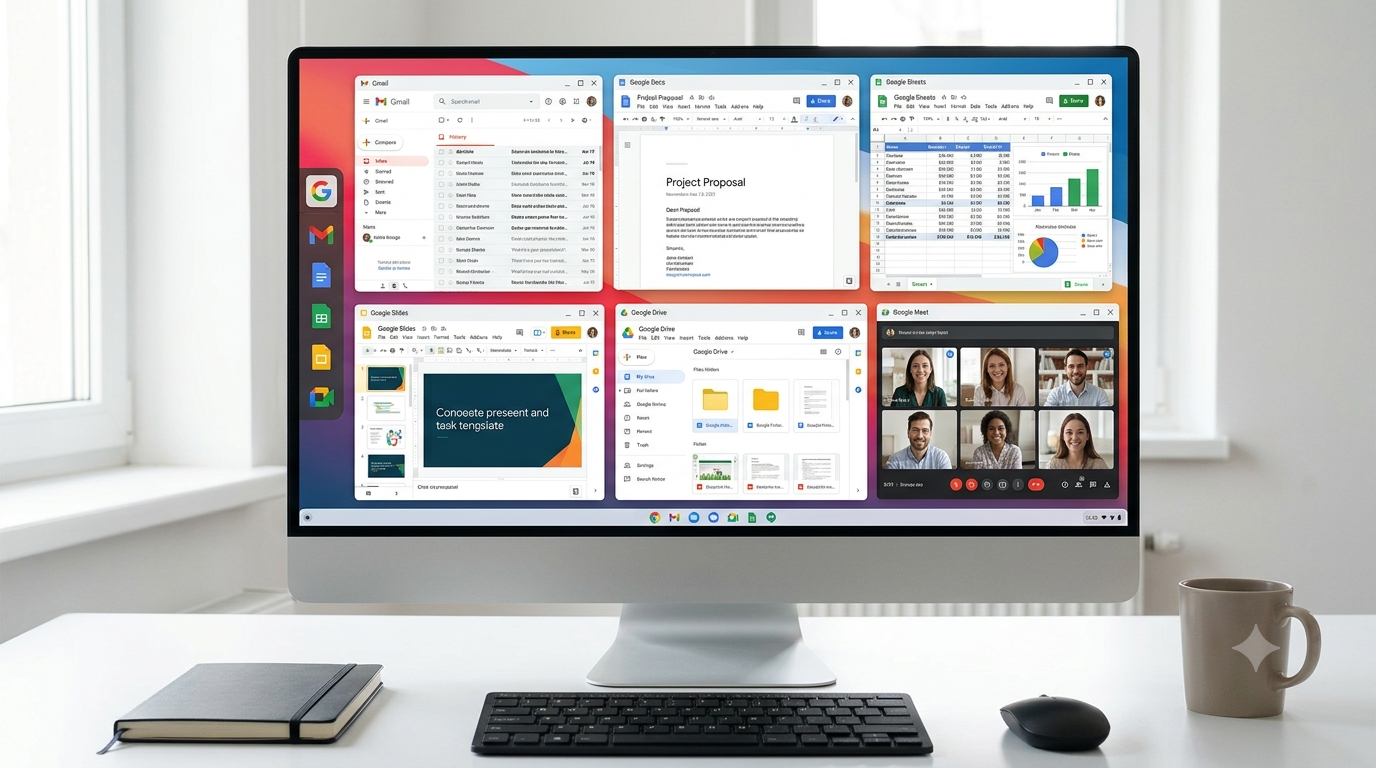
Our Google Workspace Training in Phagwara is designed to help students, job seekers, working professionals and business owners develop essential digital productivity and collaboration skills. At techcadd learners can explore Google's productivity tools through practical exercises and real-world tasks.
Learn how to manage emails using Gmail, create professional documents in Google Docs, organise data with Google Sheets, prepare presentations in Google Slides, and store and share files using Google Drive. The training also introduces Google Calendar for scheduling, Google Meet for online meetings, and collaborative workflows for efficient teamwork.
By learning Google Workspace, you can improve your office productivity, organise information effectively, communicate professionally and collaborate on projects from anywhere. This training is suitable for beginners and individuals who want to strengthen their computer and workplace skills.
Key learning areas include:
Gmail for professional email communication
Google Docs for creating and formatting documents
Google Sheets for spreadsheets, formulas and data organisation
Google Slides for presentations
Google Drive for cloud storage and file sharing
Google Calendar for scheduling and time management
Google Meet for online meetings and communication
Real-time collaboration and document sharing
Digital file management and workplace productivity
Join techcadd to develop practical Google Workspace skills for academic, professional and business use.