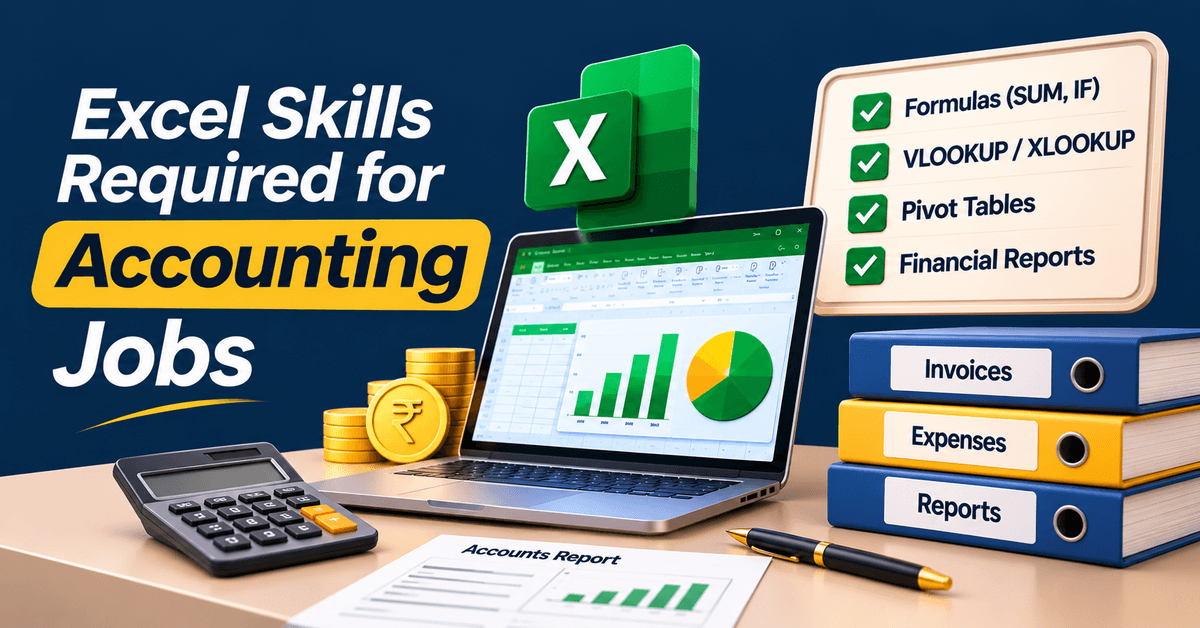
Excel Skills Required for Accounting Jobs
Learn Excel skills required for accounting jobs in Phagwara. Explore formulas, Pivot Tables, financial reports and practical Excel training at Techcadd.
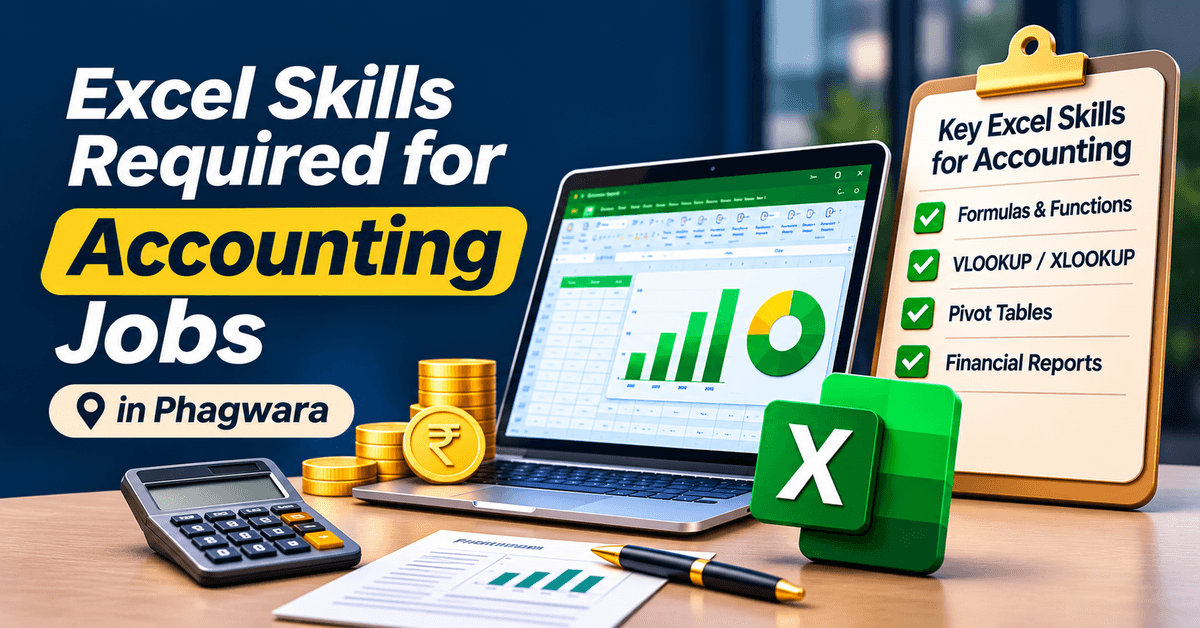
Why Excel Is an Important Skill for Accounting Professionals
Accounting is not just about recording transactions and calculating totals. It also involves organising financial information, maintaining records, preparing reports and checking business expenses. Microsoft Excel makes these responsibilities easier by providing tools for calculations, data management and financial reporting.
Whether you want to work as an Accounts Assistant, Junior Accountant or Finance Executive, Excel knowledge can help you handle everyday accounting tasks more efficiently.
At Techcadd Phagwara, learners can develop practical Microsoft Excel skills and understand how spreadsheets are used in accounting and financial operations. From basic calculations to advanced formulas, the focus is on learning tools that are useful in professional environments.
10 Excel Skills Every Accounting Job Aspirant Should Learn
If you are preparing for an accounting-related job, these Excel features can help you perform common financial tasks.
1. Basic Excel Formulas
Functions such as SUM, AVERAGE, MIN and MAX are useful for calculating totals, average expenses and financial figures. These are among the first tools every accounting learner should understand.
2. IF Function
The IF function helps apply conditions to financial data. For example, you can use it to identify whether a payment is completed, pending or overdue based on specific conditions.
3. SUMIF and SUMIFS
These functions help calculate totals based on one or multiple conditions. They are useful for preparing category-wise expense reports, customer-wise sales summaries and monthly financial records.
4. VLOOKUP and XLOOKUP
Lookup functions help retrieve information from large spreadsheets. Accounting professionals can use them to find invoice details, customer information, product prices and transaction records.
5. COUNTIF and COUNTIFS
These functions count entries that meet specific conditions. They can help count pending invoices, completed payments and transactions belonging to particular categories.
6. Pivot Tables
Pivot Tables make it easier to summarise large financial datasets. You can organise transaction details, compare monthly expenses and prepare category-wise summaries without manually calculating every figure.
7. Conditional Formatting
This feature highlights important values automatically. For example, overdue payments, unusually high expenses or negative balances can be highlighted for quick identification.
8. Data Validation
Data Validation helps control what information can be entered into a spreadsheet. It is useful for maintaining consistent payment statuses, expense categories and transaction records.
9. Excel Charts and Reports
Accounting professionals often need to present financial information clearly. Charts and graphs can help compare expenses, revenue, monthly sales and budget performance.
10. Data Sorting and Filtering
Sorting and filtering help organise large transaction lists. You can quickly find specific dates, customers, invoice numbers, payment statuses and expense categories.
How Is Excel Used in Daily Accounting Work?
Excel supports several routine accounting activities. Here are some practical examples:
Accounting TaskExcel ApplicationExpense ManagementMonthly expense sheetsInvoice TrackingPayment status recordsSalary CalculationsPayroll spreadsheetsSales RecordsDaily and monthly sales reportsBank ReconciliationComparing transaction entriesBudget PlanningIncome and expense comparisonsFinancial ReportingSummary tables and charts
These applications help accounting teams organise information and reduce repetitive manual calculations.
Excel Skills Required for Different Accounting Job Roles
Different accounting positions involve different spreadsheet responsibilities.
Accounts Assistant: Maintaining transaction records, preparing expense sheets and organising invoices.
Junior Accountant: Working with financial data, calculations, ledgers and basic financial reports.
Accounts Executive: Managing financial spreadsheets, checking transaction details and preparing summaries.
Payroll Assistant: Organising salary details, attendance information and payroll calculations.
Finance Executive: Preparing budget comparisons, analysing expenses and supporting financial reporting.
The exact requirements vary by employer, qualifications and job responsibilities.
Can Excel Help You Get an Accounting Job?
Yes, Excel can strengthen your profile when applying for accounting and finance-related positions. Many employers value candidates who can organise financial information, perform calculations and prepare reports using spreadsheets.
However, Excel alone may not be sufficient for every accounting position. Knowledge of accounting fundamentals, taxation, financial documentation and accounting software such as Tally Prime can also be important.
Combining Excel with practical accounting knowledge can help you build a stronger foundation for accounting-related work.
Excel Training for Accounting Aspirants at Techcadd Phagwara
Want to become more confident with financial spreadsheets? Techcadd Computer Education in Phagwara offers an opportunity to develop Microsoft Excel knowledge through structured learning and practical exercises.
Understand formulas, manage spreadsheet data, prepare reports and explore features commonly used in accounting departments. The focus is on helping learners understand how Excel tools can be applied to everyday professional tasks.
Whether you are a commerce student, fresher, job seeker or working professional, improving your Excel skills can be a useful step towards developing your accounting knowledge.
Start Building Accounting-Ready Excel Skills
A good understanding of Excel can make financial data easier to manage and everyday accounting responsibilities more organised.
Learn the spreadsheet skills used in accounting environments and improve your confidence with calculations, reports and business records.
Join Excel Training at Techcadd Phagwara and prepare yourself with practical computer skills for accounting-related opportunities.
Accounting professionals work with numbers, financial records and reports every day. Microsoft Excel makes these tasks easier through powerful formulas and data management tools. Learn essential accounting-related Excel skills such as SUMIF, IF, VLOOKUP, Pivot Tables, conditional formatting and financial reporting. At Techcadd Phagwara, develop practical spreadsheet knowledge to manage expenses, track invoices, organise transactions and prepare professional reports. Build a useful skill set for accounting and finance-related job opportunities.