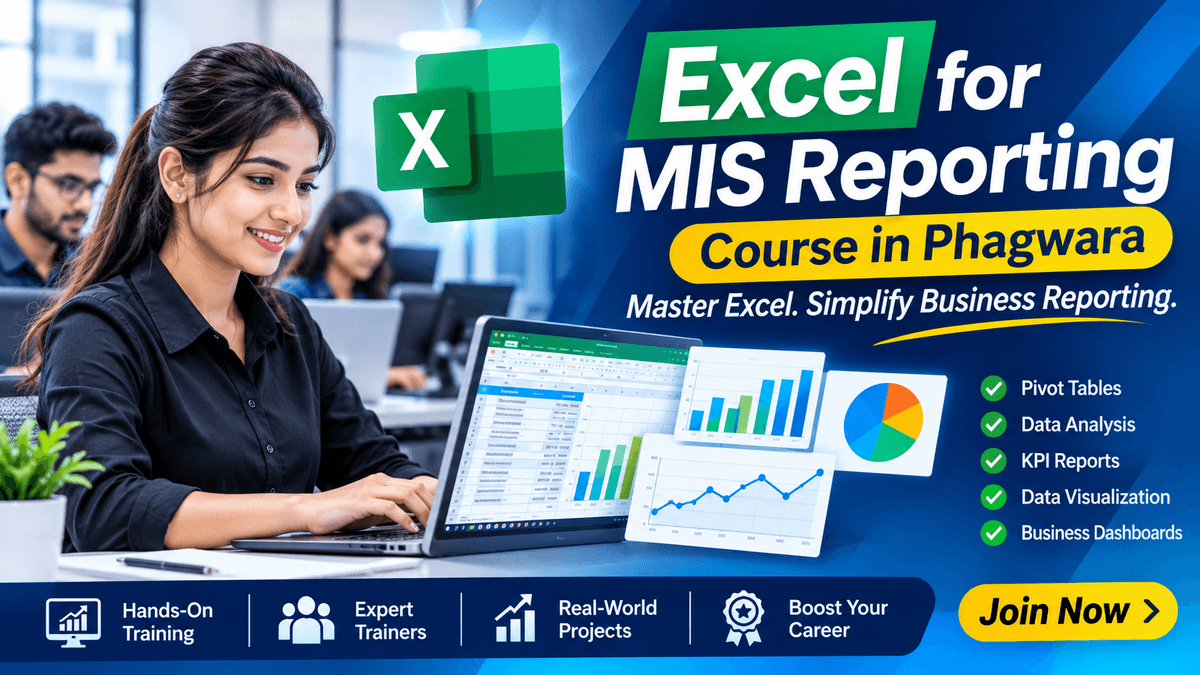
Excel for MIS Reporting in Phagwara
Learn Excel for MIS Reporting in Phagwara. Master formulas, Pivot Tables, dashboards, data analysis, and professional business reporting.
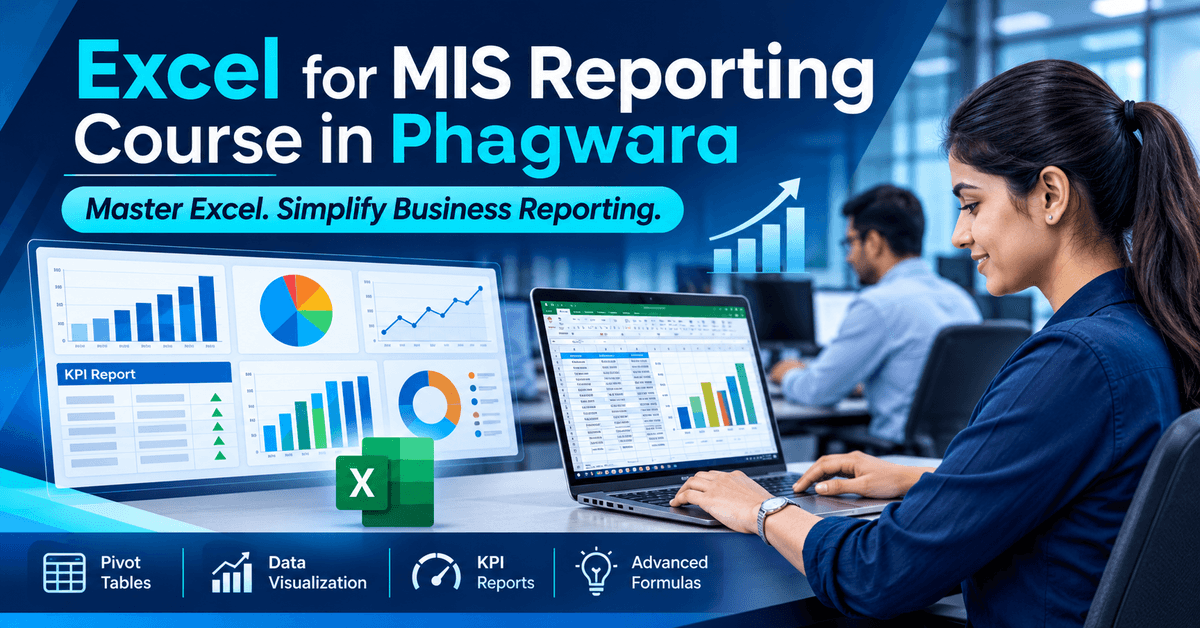
Excel for MIS Reporting Course in Phagwara – Learn Professional Reporting and Data Analysis Skills
Microsoft Excel is an essential tool for managing business information, analyzing data, and preparing professional reports. Many companies use Excel to track sales performance, employee attendance, inventory, expenses, customer records, and daily business operations. Learning advanced Excel functions and MIS reporting techniques helps individuals organize large amounts of data, generate meaningful insights, and prepare accurate reports. Excel for MIS Reporting Course in Phagwara helps learners develop practical spreadsheet, data management, reporting, and dashboard creation skills required in modern office environments.
The Excel for MIS Reporting Course in Phagwara is designed for school students, college students, graduates, freshers, job seekers, working professionals, accountants, and beginners who want to improve their Excel knowledge. The training focuses on practical Excel applications, professional report preparation, advanced formulas, Pivot Tables, data analysis, and interactive dashboards.
Understanding Microsoft Excel and MIS Reporting Basics
The training introduces learners to Microsoft Excel and the fundamentals of Management Information System (MIS) reporting. Students understand how businesses use spreadsheets to collect, organize, manage, and present information for everyday operations and decision-making.
Topics include workbook management, worksheets, rows and columns, cell formatting, data entry, spreadsheet organization, basic calculations, and professional report formatting. These fundamentals help learners build a strong foundation for preparing business reports.
Advanced Excel Formulas and Functions
Excel formulas and functions help simplify calculations, manage large datasets, and improve reporting accuracy. Learners explore commonly used functions that are important for office administration, business reporting, and data management.
The training covers SUM, AVERAGE, COUNT, COUNTA, IF, SUMIF, COUNTIF, SUMIFS, COUNTIFS, VLOOKUP, XLOOKUP, INDEX, MATCH, and other useful Excel functions. Students learn how to apply formulas to real-world business data and automate repetitive calculations.
Data Management, Cleaning and Organization
Accurate data management is important for creating reliable MIS reports. Students learn how to organize business information, identify errors, remove duplicate entries, and maintain structured spreadsheets.
Topics include sorting and filtering, removing duplicates, text-to-columns, data validation, conditional formatting, date formatting, text functions, and data cleaning techniques. These skills help learners manage customer records, employee information, sales data, and inventory details efficiently.
Pivot Tables and Pivot Charts for MIS Reports
Pivot Tables are useful Excel features for summarizing and analyzing large datasets. Learners understand how to create Pivot Tables, arrange fields, group information, apply filters, and summarize business performance.
The training also covers Pivot Charts, slicers, report filters, and data summaries. Students learn how to prepare reports that present important business information in a clear and organized format.
Professional MIS Report Preparation
MIS reporting involves collecting and presenting business information in a structured format. Students learn how to prepare different types of reports used in offices, companies, and business operations.
The training covers daily, weekly, and monthly reporting, sales performance reports, employee attendance reports, inventory reports, expense tracking, customer records, and performance summaries. Practical examples help learners understand how businesses use Excel for regular reporting and monitoring.
Excel Dashboard Creation and Data Visualization
Dashboards make business information easier to understand through charts, graphs, summaries, and visual indicators. Learners explore how to convert spreadsheet data into meaningful visual reports.
Topics include interactive dashboards, column charts, bar charts, line graphs, pie charts, KPI summaries, conditional formatting, Pivot Charts, and dashboard layouts. Students learn to present important business information in a professional and easy-to-understand format.
Practical Excel for MIS Reporting Activities
Practical learning helps students understand how Excel reporting techniques are used in real office environments. Through assignments and business-related examples, learners work with datasets and develop useful reporting skills.
Practical activities may include:
Creating daily and monthly sales MIS reports
Preparing employee attendance and performance reports
Developing inventory and stock management sheets
Using VLOOKUP and XLOOKUP for data matching
Applying IF, SUMIF, and COUNTIF formulas
Cleaning and organizing large Excel datasets
Creating Pivot Tables and Pivot Charts
Preparing expense and financial tracking reports
Designing interactive Excel dashboards
Analyzing business data through charts and graphs
These activities help learners improve spreadsheet accuracy, reporting efficiency, and confidence in handling business information.
Who Can Join Excel for MIS Reporting Course in Phagwara?
Excel for MIS Reporting Course in Phagwara is suitable for anyone interested in developing professional Excel and data reporting skills. School and college students can build practical computer knowledge, while graduates and freshers can prepare for office-based responsibilities.
Job seekers interested in MIS Executive, Reporting Executive, Data Entry Operator, and Office Assistant roles can benefit from learning advanced Excel techniques. Accountants, administrative staff, business owners, and working professionals can also improve their ability to manage and analyze business information.
No advanced technical knowledge is required. Beginners with basic computer knowledge can start learning Excel step by step.
Benefits of Learning Excel for MIS Reporting Skills
Learning Excel for MIS reporting helps individuals manage business data more effectively and prepare accurate reports. Advanced formulas, Pivot Tables, data cleaning, and dashboards can reduce repetitive work and improve reporting efficiency.
These skills are useful in office administration, sales departments, accounting, human resources, inventory management, operations, and business analysis. Excel knowledge also provides a useful foundation for individuals interested in further learning in data analytics and business intelligence.
Why Choose Practical Excel Training in Phagwara?
Learning Excel through practical assignments and business-related examples makes it easier to understand how spreadsheets are used in professional environments. The training approach focuses on hands-on exercises, formula applications, report preparation, and dashboard development.
Students get opportunities to work with sample business datasets, create different MIS reports, apply advanced Excel functions, and develop practical reporting skills. The focus is on building useful workplace knowledge rather than learning formulas without understanding their applications.
Enrol in Excel for MIS Reporting Course in Phagwara
Excel is an important workplace skill for managing information, preparing business reports, and analyzing performance. If you want to learn advanced Excel formulas, Pivot Tables, data management, MIS report preparation, and professional dashboard creation, Excel for MIS Reporting Course in Phagwara can help you develop practical knowledge.
Connect with the training centre to learn more about the course syllabus, training schedule, fees, and admission details. Start developing professional Excel skills and build confidence in handling real-world reporting tasks.
Master Excel. Simplify Business Reporting.
Build professional Excel and MIS reporting skills with practical training. Learn advanced Excel formulas, data management, Pivot Tables, data analysis, MIS report preparation, and interactive dashboard creation at Techcadd Phagwara.