
Document Formatting Training in Phagwara
Learn Microsoft Word, professional document formatting, page layout, tables, reports and resume design with practical training in Phagwara.
Build professional document creation and formatting skills with practical Document Formatting Training in Phagwara. This training is designed for students, beginners, job seekers and working professionals who want to improve their ability to create well-structured, attractive and professional business documents.
At techcadd , Phagwara, students learn how to format documents using Microsoft Word and other essential office productivity features. The course covers page layout, font formatting, paragraph alignment, headings, spacing, margins, page numbering, headers and footers, tables, images, borders and professional document design.
The training also focuses on preparing real-world documents such as business letters, applications, resumes, reports, project files, notices, forms and office correspondence. Students practise organizing information, maintaining consistent formatting, correcting layout issues and preparing documents for printing and digital sharing.
Through guided practical exercises and hands-on assignments, learners develop accuracy, presentation skills and confidence in handling everyday documentation tasks.
Whether you are preparing for an office job, improving your computer knowledge or strengthening your administrative skills, this training helps you create professional documents efficiently and confidently.
Learn practical document formatting skills and improve your workplace productivity with techcadd in Phagwara.
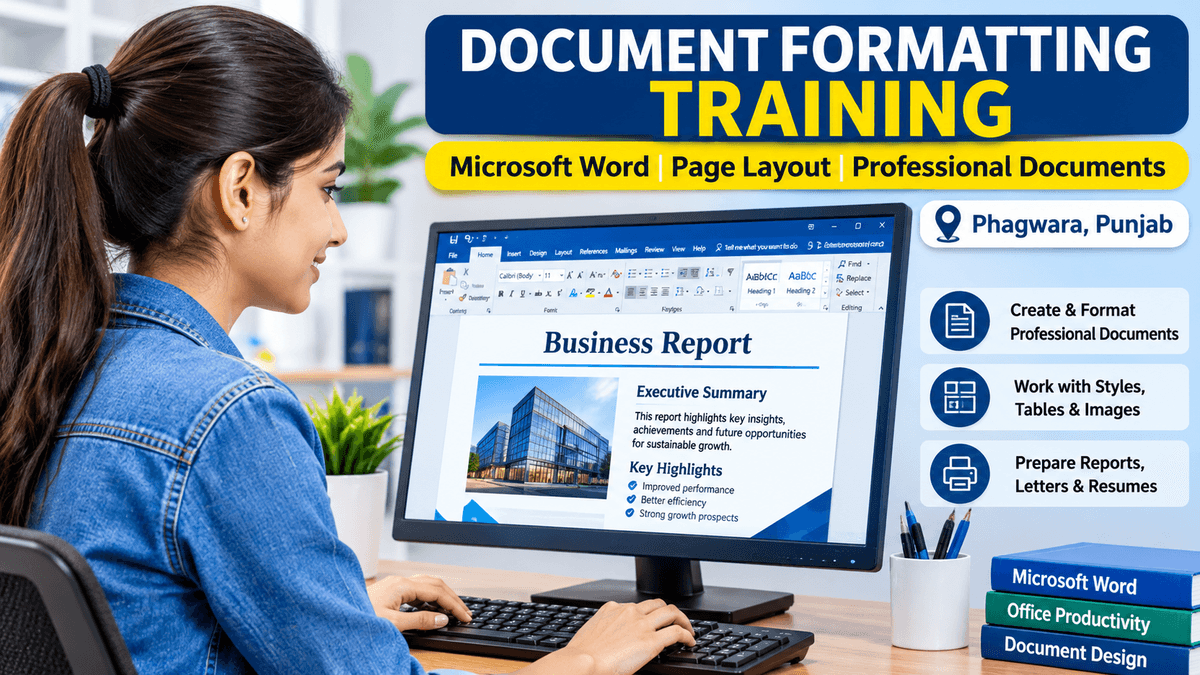
Learn Professional Document Formatting Skills
Professional document formatting is an essential computer skill for students, office employees and business professionals. It helps you present information clearly, maintain a consistent layout and create documents that look organized and professional.
During this training, you will learn how to use Microsoft Word to create and format different types of documents, including:
Business Documents: Create professional letters, notices and official correspondence.
Page Formatting: Manage margins, page size, orientation, borders and spacing.
Text Formatting: Apply fonts, headings, styles, alignment and paragraph settings.
Tables & Images: Insert and organize tables, pictures, shapes and other visual elements.
Reports & Projects: Prepare structured reports, assignments and project documents.
Resume Formatting: Design clean, professional resumes and applications.
Document Management: Save, edit, print and convert documents into PDF format.
Practical Learning Approach
Students practise formatting real-world documents through guided exercises and assignments. This helps develop accuracy, presentation skills and confidence in everyday office documentation.
Build Your Office Productivity Skills
Learn to create professional documents efficiently and develop useful skills for administrative, computer operator and office assistant roles.