
Computer Operator Training
Learn Computer Operator Training in Phagwara at techcadd. Develop practical skills in MS Office, data entry, typing, Excel, and office documentation.
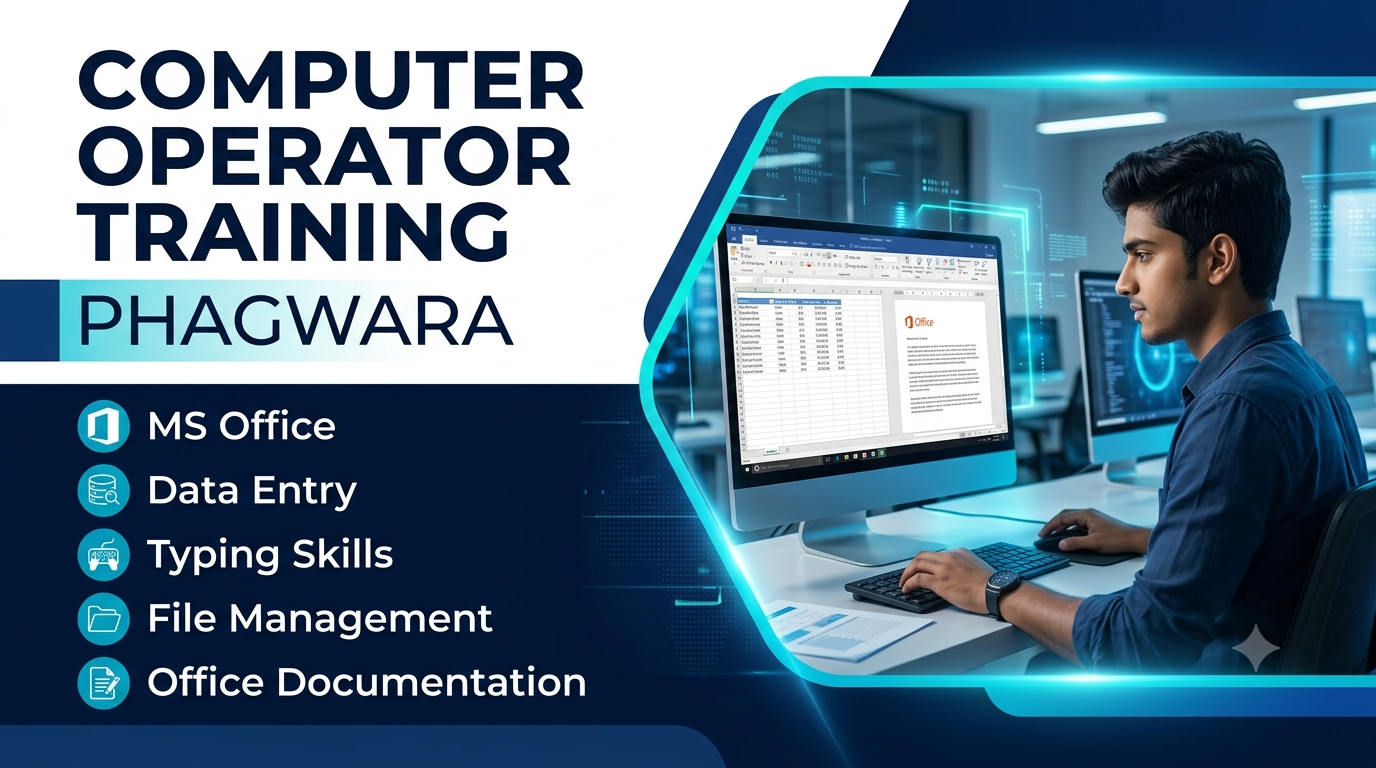
Computer Operator Training in Phagwara
techcadd offers practical Computer Operator Training in Phagwara for students, graduates, freshers, job seekers, and aspiring office professionals who want to develop essential computer skills and improve their office work efficiency.
This training program focuses on computer fundamentals, Windows operating system, MS Office applications, data entry, typing, internet usage, email communication, file management, and office documentation. Students can learn how to perform everyday computer operations, manage digital records, prepare documents, and handle routine administrative tasks.
What You Will Learn
Computer Fundamentals
Windows Operating System Basics
MS Word and Document Formatting
MS Excel and Spreadsheet Management
MS PowerPoint Presentations
Internet Browsing and Email Communication
Data Entry and Typing Practice
File and Folder Management
Office Documentation and Record Keeping
Printing, Scanning, and Basic Troubleshooting
Practical Training
The training emphasises hands-on learning through guided computer exercises, practical assignments, and office-based activities. Students can practise preparing documents, creating spreadsheets, organising digital files, entering data accurately, and using common office applications in practical scenarios.
Tools and Technologies
Depending on the course syllabus, students may explore Microsoft Windows, MS Word, MS Excel, MS PowerPoint, internet browsers, email platforms, and other commonly used tools for computer operations and office administration.
Projects and Assignments
Practical activities may include document preparation, spreadsheet creation, data entry exercises, presentation design, digital record management, email drafting, and office report preparation. These activities help students improve accuracy, organisation, time management, and computer handling skills.
Who Can Join This Course?
This training program is suitable for school students, college students, graduates, freshers, job seekers, and beginners interested in computer operator or office assistant roles. No advanced computer knowledge is required to begin, although basic familiarity with computers can be helpful.
Skills You Can Develop
Through practical exercises and guided assignments, learners can develop foundational skills in computer operations, data management, document formatting, spreadsheet handling, typing accuracy, digital communication, and routine office administration.
Career Opportunities After Training
After developing the necessary computer skills, learners may explore entry-level opportunities such as Computer Operator, Data Entry Operator, Office Assistant, Computer Assistant, Back Office Executive, and Junior Office Administrator. Career opportunities depend on individual skills, qualifications, practical experience, and employer requirements.
Why Choose techcadd in Phagwara?
techcadd focuses on developing computer proficiency through structured learning, practical exercises, office application training, and skill-building assignments. Students can strengthen their digital foundation and gain confidence in handling everyday computer-based tasks.
Start Your Computer Learning Journey
Take the next step towards improving your computer skills with Computer Operator Training in Phagwara at techcadd. Contact the Phagwara centre to confirm the syllabus, eligibility, training structure, fees, batch timings, and certificate requirements.
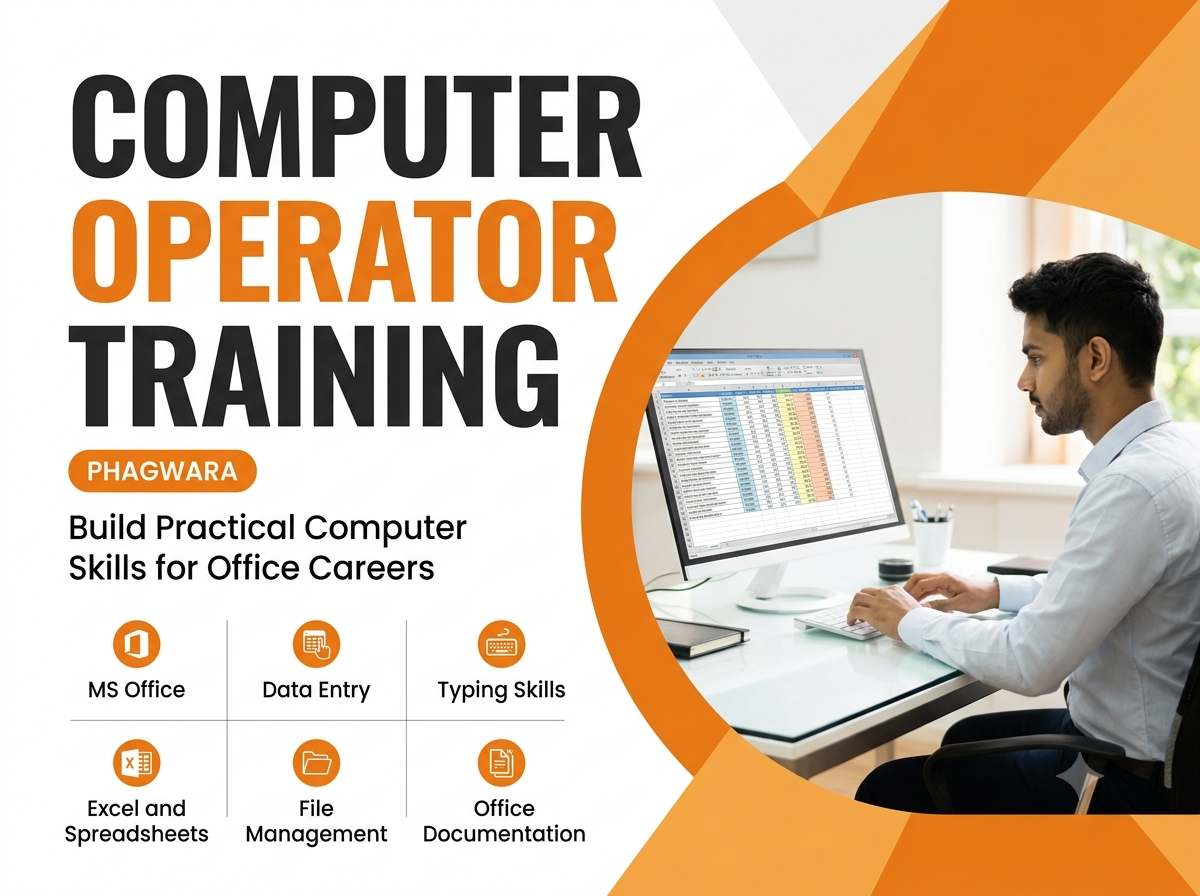
Computer Operator Training Overview
Learn essential computer skills with Computer Operator Training in Phagwara at techcadd. Develop practical knowledge of computer fundamentals, MS Office, data entry, typing, file management, internet usage, and office administration through guided learning and hands-on exercises.
Computer Operator Course Curriculum
Computer Fundamentals
Understand basic computer operations, hardware components, software applications, input and output devices, and essential computing concepts.
Windows Operating System
Learn how to navigate Windows, manage files and folders, organise digital documents, and use common system features.
MS Word
Explore document creation, text formatting, tables, page layouts, letters, and professional document preparation.
MS Excel
Learn spreadsheet creation, data entry, basic formulas, functions, cell formatting, sorting, filtering, and simple data management.
MS PowerPoint
Understand presentation creation, slide formatting, layouts, images, animations, and professional presentation design.
Typing and Data Entry
Develop typing speed, accuracy, keyboard familiarity, data entry techniques, and efficient handling of digital records.
Internet and Email Communication
Learn internet browsing, online information searching, email creation, attachments, file sharing, and professional email communication.
File and Folder Management
Understand file organisation, folder creation, document storage, file extensions, copying, moving, renaming, and basic file management practices.
Office Documentation
Learn to prepare office letters, reports, forms, records, spreadsheets, and other commonly used administrative documents.
Printing, Scanning, and Troubleshooting
Explore printer and scanner operations, document printing, scanning, basic computer maintenance, and common troubleshooting techniques.
Practical Training and Lab Exercises
The training focuses on practical learning through guided exercises, supervised assignments, and everyday office-based tasks. Students can practise document preparation, spreadsheet management, data entry, file organisation, email communication, and printing in a computer lab environment.
Projects and Assignments
Students may work on practical activities such as preparing office documents, creating Excel spreadsheets, designing presentations, entering and organising data, drafting professional emails, and preparing office reports. These assignments help develop accuracy, problem-solving abilities, time management, and computer handling skills.
Who Can Join This Course?
Computer Operator Training in Phagwara is suitable for school students, college students, graduates, freshers, job seekers, and beginners interested in computer operations and office administration. Basic computer knowledge is helpful but not essential for starting the training.