
Computer Maintenance Basics in Phagwara
Learn Computer Maintenance Basics in Phagwara. Get practical knowledge of hardware, Windows installation, troubleshooting and computer repair.
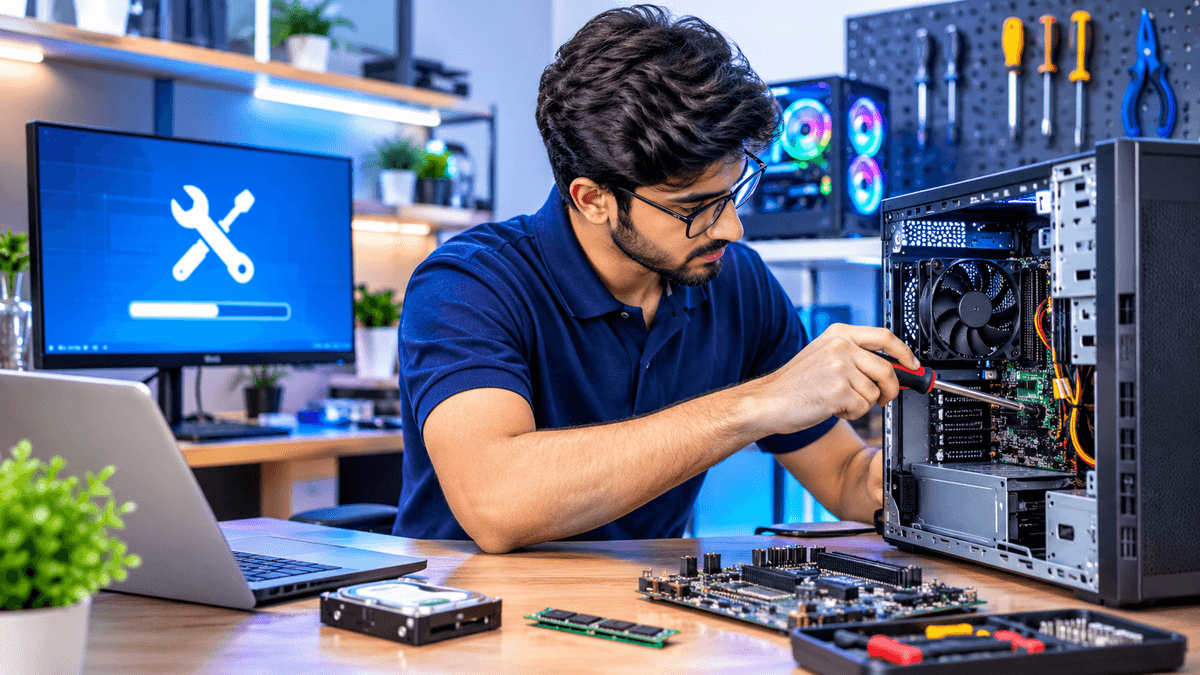
Computer Maintenance Basics in Phagwara is a practical learning course designed for students, beginners, job seekers, and individuals who want to understand how computers work and how to maintain them properly. Computer maintenance is an important skill in today's digital environment because computers are widely used in educational institutions, offices, businesses, and professional workplaces.
Introduction to Computer Hardware
Computer hardware refers to the physical components of a computer system. Understanding these components is essential for maintaining, upgrading, and troubleshooting computers.
Students learn about important hardware components such as the motherboard, processor, RAM, hard disk, SSD, power supply, keyboard, mouse, monitor, and other peripheral devices.
The training explains the functions of different components and how they work together to operate a computer. Learners also understand the importance of selecting compatible hardware components.
Computer Assembly and Disassembly
Computer assembly involves connecting different hardware components to build a working computer system. Disassembly is the process of safely removing components for inspection, cleaning, replacement, or upgrading.
Students learn the basic steps involved in assembling and disassembling desktop computers. They understand how to identify hardware connections, handle components carefully, and follow basic safety precautions.
Practical demonstrations help learners understand how internal computer parts are arranged inside a system cabinet.
Operating System Installation
An operating system manages computer hardware and software resources and provides an environment for running applications.
Students learn the fundamentals of installing and configuring operating systems such as Windows. The training introduces installation preparation, bootable USB creation, partition selection, installation steps, and basic system configuration.
Learners also understand how to install device drivers and perform essential system updates after installation.
Computer Software Installation and Management
Software installation is an important part of computer maintenance. Computers require different applications and utilities for everyday work.
Students learn how to install, uninstall, update, and manage commonly used software applications. They also understand how to check system requirements, manage storage space, and remove unnecessary programs.
This module helps learners maintain an organised and properly functioning computer system.
Computer Troubleshooting and Problem Solving
Computer troubleshooting involves identifying and resolving common hardware and software problems.
Students learn how to recognise issues such as slow computer performance, startup errors, software crashes, overheating, connectivity problems, and storage-related issues.
The course introduces basic troubleshooting methods, error identification, system checks, and practical problem-solving techniques.
These skills help learners understand how to diagnose common computer problems systematically.
Virus Protection and Computer Security
Computer security is important for protecting personal information, files, and system performance. Computers can be affected by viruses, malware, spyware, and other security threats.
Students learn about basic computer security practices, antivirus software, system scanning, safe browsing, and protecting important files.
The training also explains the importance of strong passwords, regular software updates, and avoiding suspicious downloads or unknown email attachments.
RAM, Hard Disk and SSD Upgrades
RAM and storage devices play an important role in computer performance. Students learn the differences between RAM, HDD, and SSD and understand their functions in a computer system.
They explore how to identify compatible memory and storage devices, install basic hardware upgrades, and check available system resources.
This module helps learners understand how hardware upgrades can improve computer speed, storage capacity, and overall performance.
Computer Cleaning and Preventive Maintenance
Regular computer cleaning helps maintain system performance and reduces the risk of hardware-related problems.
Students learn basic cleaning procedures for computer cabinets, keyboards, monitors, cooling fans, and other hardware components.
They also understand the importance of proper ventilation, dust removal, cable management, and safe handling of electronic components.
Preventive maintenance practices help learners understand how to reduce common hardware issues and extend the useful life of computer equipment.
Printer and Peripheral Device Installation
Printers, scanners, keyboards, mice, speakers, and other peripheral devices are commonly used with computer systems.
Students learn how to connect and configure different peripheral devices. They also explore printer driver installation, basic printer settings, scanning operations, and common connectivity problems.
This module helps learners understand how to manage external devices used in offices, educational institutions, and workplaces.
Data Backup and Recovery Basics
Data is an important part of every computer system. Accidental deletion, hardware failure, and software problems can result in data loss.
Students learn the importance of creating regular backups and protecting important documents, photographs, and other files.
The training introduces external storage devices, USB drives, backup procedures, and basic file recovery concepts. Learners also understand how to organise files and protect important information.
Basic Networking and Internet Troubleshooting
Computer networking allows different devices to communicate and share information.
Students learn basic networking concepts, including LAN, Wi-Fi, routers, Ethernet cables, and network connections.
They also understand how to identify common internet connectivity problems, check network settings, and perform basic troubleshooting.
This knowledge is useful for maintaining computers in offices, computer labs, and home environments.
Practical Computer Maintenance Exercises
Practical exercises help students apply their knowledge to real computer maintenance tasks.
During the course, learners can practise activities such as:
Identifying computer hardware components
Assembling and disassembling desktop computers
Installing Windows operating systems
Installing drivers and software applications
Checking RAM and storage devices
Performing basic computer cleaning
Troubleshooting common system errors
Installing antivirus software
Connecting printers and peripheral devices
Creating data backups
Career opportunities depend on practical experience, technical knowledge, and employer requirements.
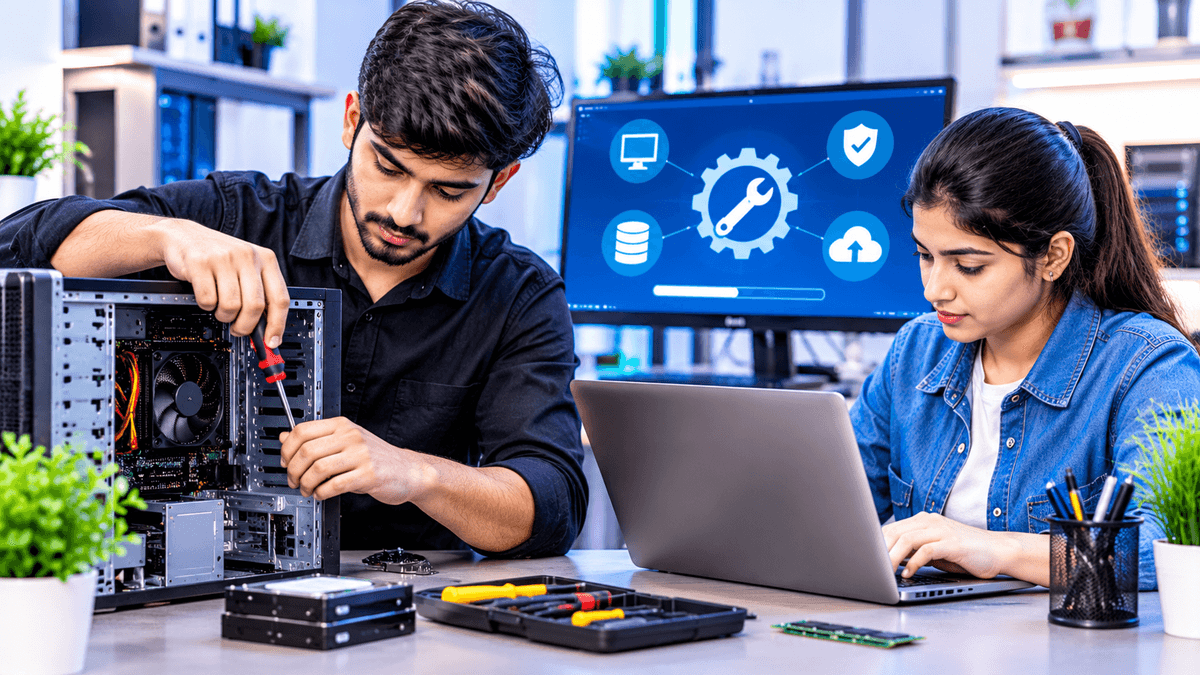
Introduction to Computer Hardware
Understand computer components, their functions, and how different hardware parts work together.
Computer Assembly and Disassembly
Learn the basic process of assembling desktop computers, removing components, and handling hardware safely.
Operating System Installation
Understand Windows installation, bootable USB creation, partitioning, driver installation, and system configuration.
Software Installation and Management
Learn how to install, update, uninstall, and manage commonly used computer applications.
Computer Troubleshooting
Identify common hardware and software problems and learn basic methods to diagnose and resolve them.
Virus Protection and Computer Security
Understand antivirus software, malware protection, safe browsing, and basic computer security practices.
RAM, HDD and SSD Upgrades
Learn about memory and storage devices, hardware compatibility, installation, and performance improvement.
Computer Cleaning and Maintenance
Explore preventive maintenance, dust cleaning, cooling systems, cable management, and safe hardware care.
Printer and Peripheral Installation
Learn how to connect printers, scanners, keyboards, mice, and other external computer devices.
Data Backup and Networking Basics
Understand data backup methods, file protection, LAN connections, Wi-Fi, and basic internet troubleshooting.