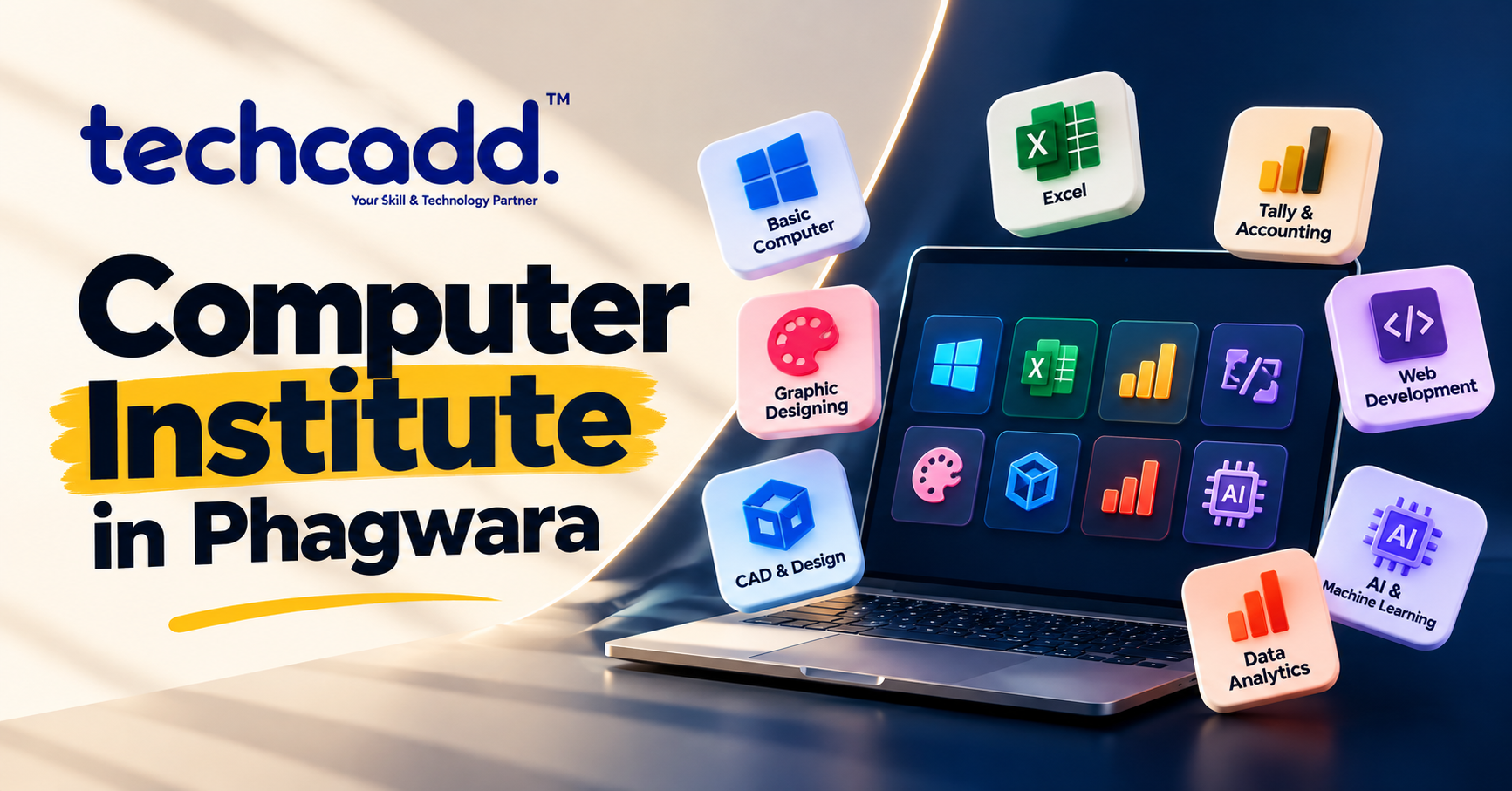
Computer Institute in Phagwara
Join a Computer Institute in Phagwara to learn practical computer skills, MS Office, Tally, programming, digital marketing, data analytics, AI, and more.

Computer Institute in Phagwara
Learning computers today is less about simply knowing how to operate a system and more about being comfortable with the digital tools used in everyday work. From creating a professional document and managing an Excel sheet to learning coding, designing graphics, analyzing data, or exploring AI, the right training can help you turn basic computer knowledge into useful skills.
Techcadd Phagwara offers a range of computer and technology courses for learners with different interests and experience levels. Instead of following one fixed path, students can choose training based on what they want to learn and where they want to use those skills.
Learn What You Actually Need
Different goals require different skills. Someone preparing for an office role may want to focus on MS Office and Excel, while another learner may be interested in programming, design, marketing, or data.
Some of the learning options include:
Basic Computer Course – Get familiar with computers, file handling, internet use, email, and everyday digital tasks.
MS Office & Advanced Excel – Learn to create documents, presentations, spreadsheets, reports, formulas, and organized data.
Accounts & Tally*– Master financial recording methods, transactions, invoices, and accounting software.
Graphic Designing – Learn the fundamentals of creating digital graphics and visual content.
Digital Marketing – Explore SEO, social media, advertising, analytics, and other online marketing tools.
Web Development – Understand how websites are structured, developed, and maintained.
Python Programming – Build coding fundamentals and improve logical problem-solving through Python.
Data Analytics – Learn how to organise, examine, visualise, and interpret data.
AI & Machine Learning – Get introduced to AI concepts, machine learning methods, and data-based applications.
CAD & DESIGN- Familiarize yourself with CAD software used for technical design and modeling purposes.
Practice Makes the Difference
Watching someone demonstrate software is one thing; using it yourself is another. Practical learning gives students the chance to repeat tasks, experiment with tools, correct mistakes, and gradually become more independent.
Course activities can include preparing reports, building spreadsheets, creating presentations, managing accounting entries, designing graphics, developing websites, analysing datasets, or completing programming exercises. The exact projects depend on the course and its learning objectives.
A Starting Point for Different Careers
Computer skills are useful across many types of work. Office administration, accounting, marketing, design, education, customer support, business operations, and technical roles all involve digital tools in some form.
For learners who want to move into technology-focused careers, foundational computer knowledge can also make it easier to progress toward areas such as Python, web development, data analytics, AI, machine learning, and other specialized technologies.
Who Can Join?
A computer institute can be useful at different stages of learning. Students may want computer skills for academics, while graduates and job seekers may want to strengthen their resumes with practical software knowledge. Working professionals can use additional training to improve existing skills or explore a new area.
Even if you are starting from scratch, you can begin with basic computer concepts and gradually move toward more advanced subjects as your confidence grows.
Make Technology Easier to Work With
Good computer knowledge is not only about remembering menus and commands. It is about knowing how to use technology to complete a task efficiently.
With regular practice, learners can become more comfortable creating, organizing, editing, analyzing, and sharing digital information. These habits can be useful long after the course has finished.
Keep Building After the Course
Completing a course is only one stage of the learning process. Once you understand the fundamentals, you can continue improving through projects, advanced courses, certifications, and independent practice.
For example, basic Excel knowledge can lead to advanced spreadsheet and analytics skills, while programming fundamentals can become a starting point for web development, data science, or AI learning.
Start With the Skill You Want to Build
If you are looking for a Computer Institute in Phagwara, first think about the skill you want to gain. A clear goal can help you choose a course that feels relevant instead of trying to learn everything at once.
At Techcadd Phagwara, you can explore different computer and technology learning paths and choose one that fits your current level and future plans. Start with one useful skill, practice it consistently, and build from there.
Build Digital Skills for Your Next Opportunity
From everyday computer use to specialised technology, develop practical skills that can support your studies, work, and career plans. Explore the right course, practise with relevant tools, and keep building your knowledge step by step.