
Computer Hardware Basics Training in Phagwara
Learn computer hardware in Phagwara, Punjab. Explore PC assembly, RAM, SSDs, troubleshooting, Windows installation, maintenance, and basic networking.
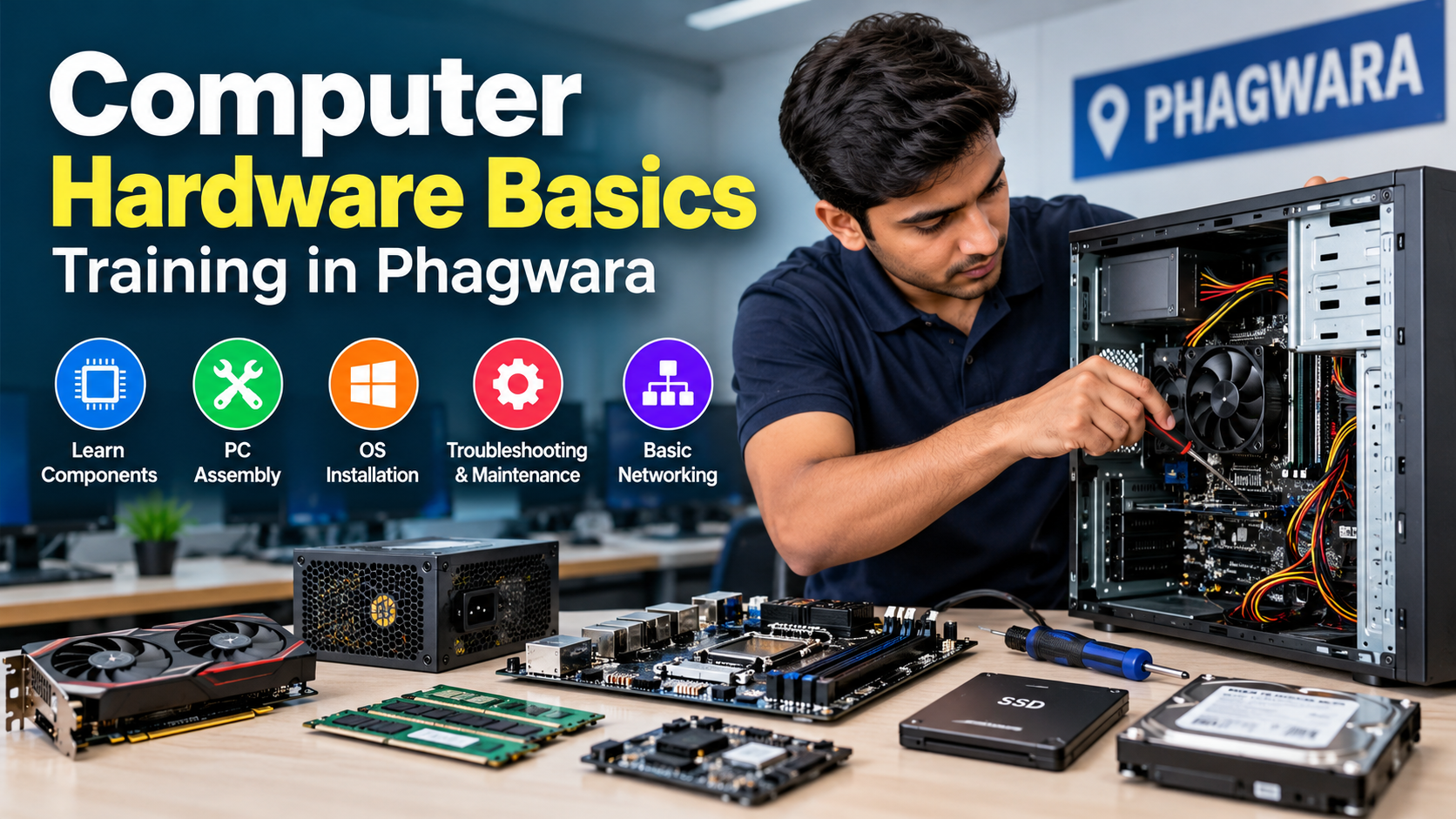
Computer Hardware Basics Training in Phagwara, Punjab
Build a strong foundation in computer hardware with comprehensive training in computer components, system assembly, maintenance, troubleshooting, and basic networking in Phagwara, Punjab. This course is designed for beginners, students, computer enthusiasts, and aspiring IT professionals who want to understand how computers work and develop practical technical skills.
Course Overview
Computer hardware refers to the physical components that make up a computer system. Understanding these components is essential for assembling computers, diagnosing technical problems, upgrading system performance, and maintaining reliable computer operations.
This training introduces learners to the essential hardware components, their functions, compatibility requirements, and practical applications. Students can develop a structured understanding of computer architecture, hardware installation, system configuration, operating system installation, and common troubleshooting techniques.
What You Will Learn
1. Introduction to Computer Hardware
Understand the fundamentals of computer systems, including the differences between hardware and software, the basic architecture of a computer, and how individual components work together to process data and execute instructions.
Topics include:
Computer hardware and software fundamentals
Input, output, processing, and storage devices
Desktop computers, laptops, and workstation systems
Basic computer architecture and system functionality
Introduction to peripherals and external devices
2. CPU and Processor Fundamentals
Learn how the Central Processing Unit (CPU) performs calculations, processes instructions, and coordinates computer operations.
Topics include:
CPU architecture and core functions
Processor cores, threads, and clock speeds
Cache memory and its importance
Intel and AMD processor families
Processor sockets and motherboard compatibility
CPU cooling solutions and thermal management
3. Motherboard Architecture and Components
Explore the motherboard, which connects the CPU, memory, storage, and peripheral devices into a functional computer system.
Topics include:
Motherboard types, sizes, and form factors
CPU sockets and chipset functionality
RAM slots and expansion slots
PCI Express interfaces
SATA and M.2 storage connectors
BIOS/UEFI firmware and CMOS battery
Front-panel connectors and internal headers
Motherboard compatibility and installation
4. RAM and Computer Memory
Understand how Random Access Memory (RAM) supports running applications and influences overall system responsiveness.
Topics include:
RAM functionality and memory hierarchy
DDR4 and DDR5 memory
DIMM and SO-DIMM memory modules
Memory capacity, frequency, and latency
Dual-channel memory configurations
RAM compatibility and installation
Diagnosing memory-related errors
5. Storage Devices: HDDs and SSDs
Learn how computers store operating systems, applications, and personal data.
Topics include:
Hard Disk Drives (HDDs) and their operation
SATA Solid State Drives (SSDs)
M.2 SATA and NVMe SSDs
Storage interfaces and performance differences
Drive capacity, speed, and compatibility
Installing and upgrading storage devices
Basic disk partitioning and formatting
Storage health monitoring and backup fundamentals
6. Power Supply and Computer Cooling
Understand how electrical power is delivered to computer components and why effective cooling is essential for system stability.
Topics include:
Switch Mode Power Supply (SMPS) fundamentals
PSU wattage, efficiency, and power connectors
24-pin motherboard and CPU power connectors
PCIe power connectors for graphics cards
Air cooling and liquid cooling fundamentals
CPU fans, case fans, and heatsinks
Thermal paste application
Identifying overheating and cooling problems
Safety note: Power supplies can retain dangerous electrical charges even after being unplugged. Training should focus on safe external diagnosis and replacement rather than opening a PSU.
7. Graphics Cards and Display Technologies
Learn how computers generate and display visual information for everyday computing, gaming, and professional applications.
Topics include:
Integrated and dedicated graphics
GPU architecture and basic functionality
Graphics card installation
PCIe interfaces and power requirements
Display connectors, including HDMI and DisplayPort
Monitor resolution and refresh rates
Graphics driver installation
Diagnosing display and graphics problems
8. Practical Computer Assembly
Develop an understanding of the correct procedures for assembling a desktop computer from individual components.
Topics include:
Selecting compatible hardware components
Preparing the workspace and preventing electrostatic discharge (ESD)
Installing the CPU, RAM, and CPU cooler
Mounting the motherboard
Installing the PSU and storage devices
Connecting internal power and data cables
Installing graphics cards and expansion cards
Performing initial startup and POST checks
Identifying common assembly mistakes
Practical exercises should be conducted on suitable training systems under appropriate supervision.
9. BIOS/UEFI and System Configuration
Learn how to configure essential firmware settings and verify that the computer recognizes its installed hardware.
Topics include:
Accessing BIOS/UEFI setup
Checking CPU, RAM, and storage detection
Configuring boot order
Understanding UEFI and legacy boot modes
Enabling supported memory profiles
Basic firmware troubleshooting
Understanding firmware updates and their risks
Diagnosing common POST errors
10. Operating System Installation and Drivers
Understand how to prepare a computer for use by installing an operating system and configuring essential software components.
Topics include:
Creating bootable USB installation media
Installing Windows
Understanding partitions and file systems
Installing motherboard, chipset, audio, and graphics drivers
Configuring Windows Update
Using Device Manager to identify hardware problems
Installing essential applications
Creating recovery media and restore points
11. Computer Hardware Troubleshooting
Develop a systematic approach to identifying hardware faults, isolating possible causes, and determining appropriate corrective actions.
Topics include:
Computer not powering on
No-display and black-screen issues
POST failures and beep-code interpretation
Unexpected shutdowns and system restarts
Overheating and thermal throttling
RAM detection errors
Storage detection and boot failures
USB port and peripheral problems
Basic hardware diagnostic tools
Component isolation and fault verification
The focus is on evidence-based troubleshooting rather than replacing components without testing.
12. Computer Maintenance and Upgrades
Learn how to maintain computer systems, improve performance, and extend hardware service life.
Topics include:
Internal dust removal and safe cleaning
Cable management and airflow optimization
RAM and SSD upgrades
Checking storage health
Monitoring temperatures and system performance
Identifying failing fans and storage devices
Preventive maintenance practices
Data backup and recovery planning
Hardware compatibility checks before upgrades
13. Basic Computer Networking
Gain introductory knowledge of the hardware and concepts used to connect computers and other devices to local networks and the internet.
Topics include:
Network Interface Cards (NICs)
Ethernet cables and RJ45 connectors
Routers, switches, and wireless access points
LAN and WAN fundamentals
IPv4 addresses and subnet masks
Default gateways and DNS basics
DHCP and static IP configuration
Basic network connectivity troubleshooting
Introduction to the command-line tools
ping,ipconfig, andtracert
This module provides a foundation for further study in computer networking, system administration, and IT support.
Who Should Enroll?
This course is suitable for:
Beginners who want to understand computer hardware.
School and college students interested in information technology.
Individuals planning to become computer hardware technicians.
Computer enthusiasts interested in PC assembly and upgrades.
Aspiring IT support and desktop support professionals.
Individuals preparing for further studies in networking and system administration.
Small-business owners and users who want to understand basic computer maintenance.
No advanced technical knowledge is required to begin learning the fundamentals.
Practical Training and Learning Approach
Computer hardware is best learned through a combination of theoretical instruction, component demonstrations, and supervised practical exercises.
A well-structured training program may include:
Identifying and understanding individual hardware components.
Assembling and disassembling desktop computers.
Installing RAM, SSDs, and graphics cards.
Configuring BIOS/UEFI settings.
Installing operating systems and drivers.
Diagnosing common hardware failures.
Performing routine maintenance and upgrades.
Testing Ethernet connectivity and basic network configurations.
The availability of laboratory equipment and practical sessions depends on the training provider.
Career Opportunities
After developing the necessary practical skills and gaining experience, learners may pursue entry-level opportunities such as:
Computer Hardware Technician
Desktop Support Technician
IT Support Assistant
Computer Repair Technician
PC Assembly and Upgrade Technician
Field Support Technician
Junior IT Technician
Additional training and experience may be required for laptop motherboard repair, advanced electronics diagnostics, enterprise IT support, and specialized networking roles.
Why Learn Computer Hardware in Phagwara?
Learning computer hardware in Phagwara, Punjab, can provide a convenient starting point for students and aspiring technicians in the local area. When choosing a training institute, consider the quality of practical instruction, availability of working computers, instructor experience, course duration, fees, and the type of certificate provided.
Before enrolling, ask whether the course includes hands-on computer assembly, real hardware troubleshooting, operating system installation, and basic networking. These practical skills are particularly valuable for learners who want to work in technical support or computer repair.
Build Your Technical Foundation
Computer hardware knowledge is an essential starting point for a career in IT support, computer maintenance, system administration, and networking. By learning how components function, how they interact, and how to diagnose common faults, students can develop the technical foundation needed to work confidently with computer systems.
Start with the fundamentals, practice safe hardware handling, and gradually progress toward more advanced troubleshooting and networking concepts.
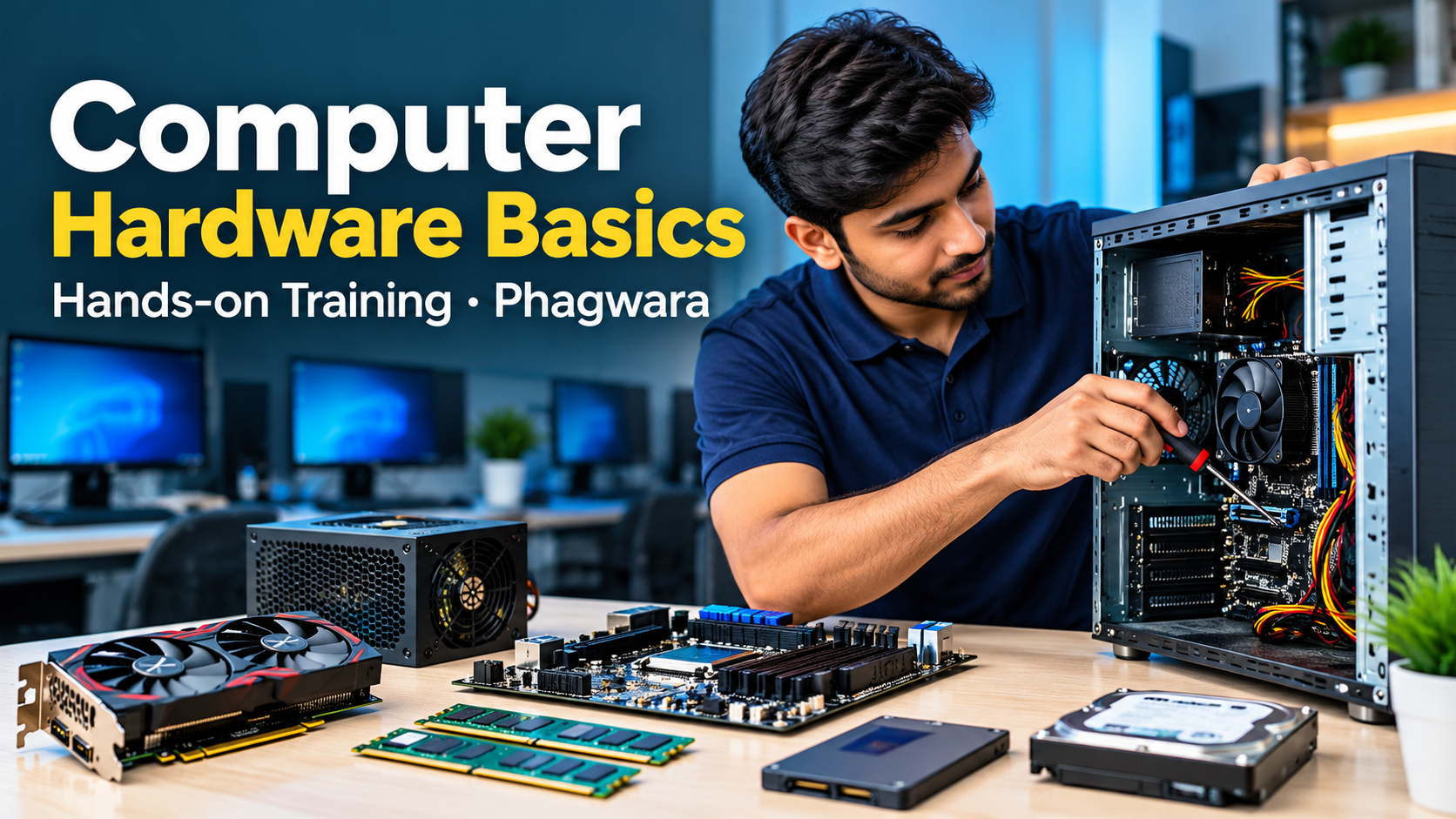
About Computer Hardware Training
Learn Computer Hardware Basics in Phagwara, Punjab
Explore the fundamentals of computer hardware through a structured learning program designed for beginners, students, and aspiring IT professionals. Understand how computer components work together and develop the technical knowledge needed to assemble, maintain, upgrade, and troubleshoot computer systems.
What You Will Learn
Computer Components: Understand the CPU, motherboard, RAM, SSD, HDD, graphics card, and power supply.
PC Assembly: Learn how to install hardware components and connect internal cables safely.
Operating System Installation: Understand Windows installation, driver configuration, and basic system setup.
Hardware Troubleshooting: Identify common problems, including boot failures, overheating, memory errors, and display issues.
Computer Maintenance: Learn preventive maintenance, hardware upgrades, cleaning, and performance optimization.
Basic Networking: Explore Ethernet cables, routers, switches, IP addresses, and network connectivity.
Who Is This Training For?
This learning program is suitable for beginners, college students, computer enthusiasts, and individuals interested in computer repair, desktop support, and IT technical support.
Build Practical Technical Skills
Develop a strong foundation in computer hardware by combining theoretical knowledge with hands-on practice. Learn to identify components, understand hardware compatibility, diagnose common faults, and perform essential maintenance tasks.
Start your journey toward a better understanding of computer systems and prepare for further learning in IT support, computer servicing, and networking.