Basic Computer Course for Working Professionals in Phagwara
Improve workplace computer skills with Techcadd’s Basic Computer Course in Phagwara. Learn MS Office, email, internet and essential digital skills.
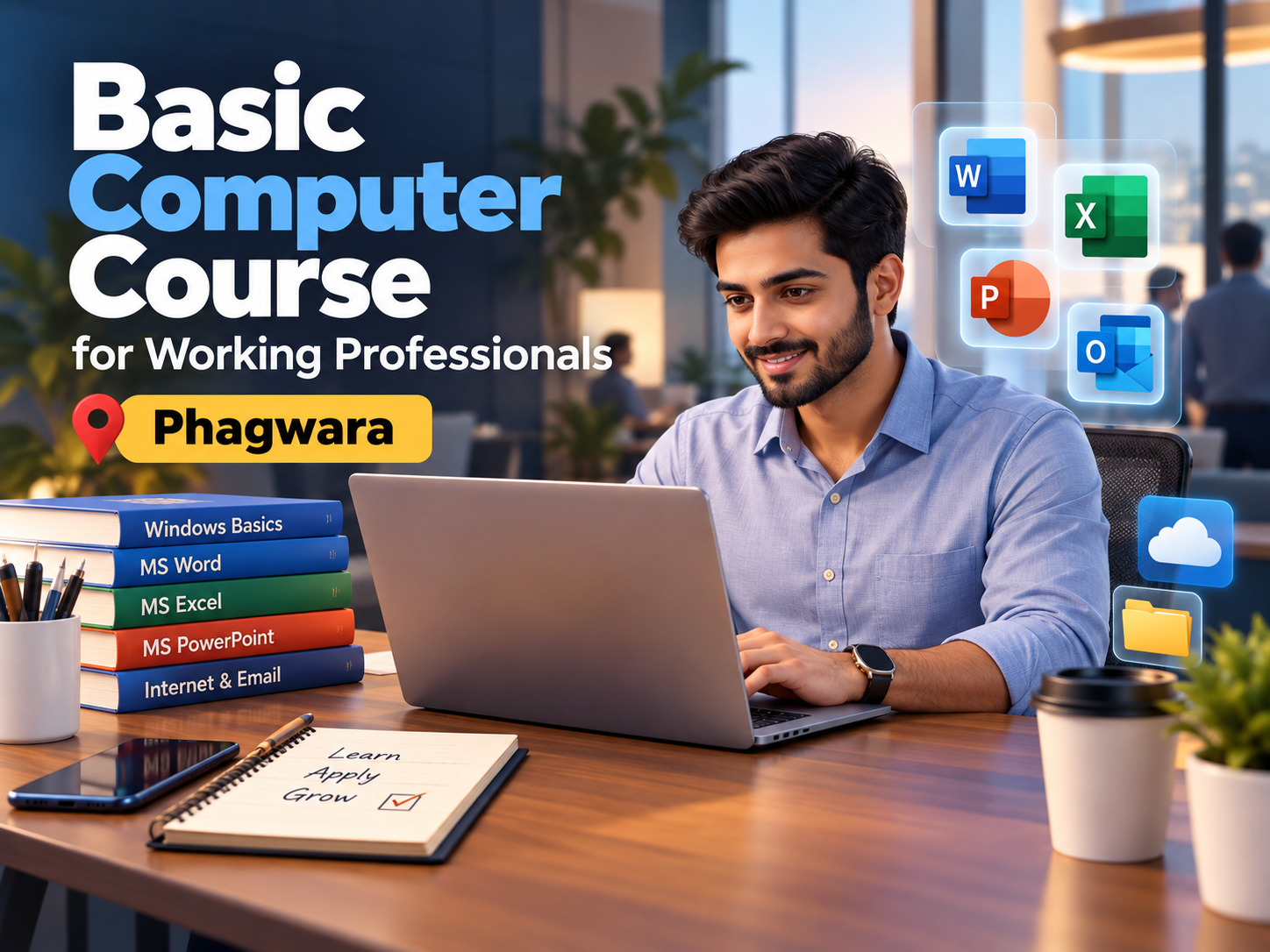
In today’s digital workplace, computer skills are important for professionals working across different industries. From preparing documents and managing spreadsheets to sending emails, organizing files, attending online meetings, and handling digital information, many routine work activities depend on computers. A Basic Computer Course for Working Professionals in Phagwara can help employees and professionals improve their everyday computer skills and work more comfortably with commonly used digital tools.
Techcadd provides computer training in Phagwara with a practical approach focused on essential workplace skills. The course is suitable for working professionals who want to strengthen their computer fundamentals, improve their productivity, or become more confident while handling routine office tasks.
Why Basic Computer Skills Matter for Professionals
Even when professionals have experience in their respective fields, improving basic computer skills can make everyday work easier. Employees may need to prepare reports, maintain records, communicate through email, organize files, or work with spreadsheets as part of their regular responsibilities.
A strong foundation in computer skills can help professionals with:
Managing digital files and folders
Creating and editing professional documents
Working with spreadsheets and basic data
Sending professional emails
Preparing presentations
Searching for information online
Completing digital forms
Using workplace software more confidently
Managing documents and reports
Performing routine administrative tasks
These skills can be useful for professionals working in administration, sales, customer service, education, retail, operations, accounts, and other office-based environments.
Computer Fundamentals for Working Professionals
The course can begin with essential computer concepts that help learners understand how computers and common software applications work. Professionals who have used computers for basic tasks can also use this training to strengthen their existing knowledge.
Important areas may include:
Computer hardware and software basics
Operating system fundamentals
Desktop and application management
Keyboard and mouse operations
File and folder organization
Basic keyboard shortcuts
Storage and document management
Common computer terminology
Understanding these fundamentals can help professionals handle routine computer-based activities more efficiently.
Microsoft Word for Workplace Documents
Microsoft Word is commonly used for preparing professional documents, reports, letters, notices, applications, and other workplace materials. Working professionals can learn practical Word features that support everyday documentation.
Training may cover:
Creating and editing documents
Formatting text and paragraphs
Using headings and lists
Creating and formatting tables
Page setup and document layout
Headers and footers
Inserting images and other elements
Saving and sharing documents
Printing and exporting files
Preparing professional office documents
These skills can help professionals create organized and presentable documents for routine workplace requirements.
Microsoft Excel for Basic Office Tasks
Excel is an important tool for managing structured information and performing basic calculations. Working professionals can learn how to use spreadsheets for records, lists, simple reports, and other office-related tasks.
Key areas may include:
Creating and formatting spreadsheets
Entering and organizing data
Working with rows, columns, and cells
Basic formulas and functions
Sorting and filtering information
Creating simple tables
Basic charts and data presentation
Managing workplace records
Using simple spreadsheet shortcuts
Learning these features can help professionals handle basic data-related tasks in a more organized manner.
Email and Digital Communication Skills
Professional communication increasingly takes place through digital platforms. Understanding how to use email properly is therefore an important part of basic computer training.
Professionals can practice:
Creating and managing email accounts
Writing professional emails
Adding attachments
Downloading and uploading files
Organizing emails
Searching email messages
Using email signatures
Understanding basic online communication practices
These skills can support smoother communication with colleagues, customers, managers, and other professional contacts.
Internet and Online Workplace Skills
The internet is used for research, communication, information sharing, online meetings, applications, and many other professional activities. A basic computer course can help working professionals improve their understanding of common online tasks.
Training may include:
Effective web browsing
Online information searching
Downloading and uploading documents
Using online forms
Managing digital files
Accessing online workplace platforms
Basic online safety practices
Understanding common browser features
These skills can help professionals become more comfortable with digital work environments.
PowerPoint and Presentation Skills
Professionals may also need to create presentations for meetings, training sessions, project discussions, or internal communication. Basic PowerPoint training can help learners understand how to create simple and structured presentations.
Topics may include:
Creating presentation slides
Adding and formatting text
Using images and visual elements
Creating tables and charts
Applying basic slide layouts
Organizing presentation content
Presenting information clearly
The focus can remain on practical presentation skills that professionals can apply to everyday workplace requirements.
Practical Training at Techcadd Phagwara
Techcadd focuses on practical computer learning so professionals can connect concepts with everyday work activities. Instead of learning only theoretical information, learners can practice common tasks using computer applications.
Practical activities may include:
Creating professional documents
Preparing simple Excel reports
Organizing files and folders
Writing workplace emails
Creating basic presentations
Searching for information online
Managing digital documents
Practicing common keyboard shortcuts
This practical approach can help learners become more familiar with tools they may use in professional environments.
Who Can Join This Course?
The Basic Computer Course for Working Professionals in Phagwara can be useful for:
Office employees
Administrative professionals
Sales and marketing employees
Customer support professionals
Teachers and educators
Small business professionals
Employees returning to work
Professionals with limited computer knowledge
Individuals looking to improve workplace digital skills
The course can also be suitable for professionals who want to strengthen their fundamentals before learning more advanced software or specialized digital tools.
Benefits of Improving Workplace Computer Skills
Developing computer skills can support professionals in handling routine tasks more comfortably. Better familiarity with digital tools may also help learners organize information, communicate effectively, and manage documents more systematically.
Some useful areas of improvement include:
Better familiarity with office applications
Improved digital confidence
More organized document management
Better understanding of spreadsheets
Improved email communication
Greater comfort with online workplace tools
Stronger basic digital skills
Professionals can combine these skills with their existing industry knowledge to handle computer-based responsibilities more effectively.
Conclusion
A Basic Computer Course for Working Professionals in Phagwara can help employees and professionals strengthen the computer skills required for everyday workplace activities. From computer fundamentals and MS Word to Excel, PowerPoint, email, internet usage, and digital document management, the training covers practical areas that can be useful across different professional environments.
Techcadd offers practical computer training in Phagwara to help learners build familiarity with commonly used computer applications and workplace tasks. For professionals who want to improve their digital skills or strengthen their computer fundamentals, structured training can provide a useful foundation for working confidently in today’s technology-driven workplaces.
Basic Computer Course for Working Professionals in Phagwara
Build practical computer skills with MS Office, email, internet, file management and workplace tools through Basic Computer Training at Techcadd Phagwara.