
Advanced Document Designing Training in Phagwara
Learn Document Formatting in Phagwara. Master MS Word, page layout, tables, professional reports, resumes and office documentation.
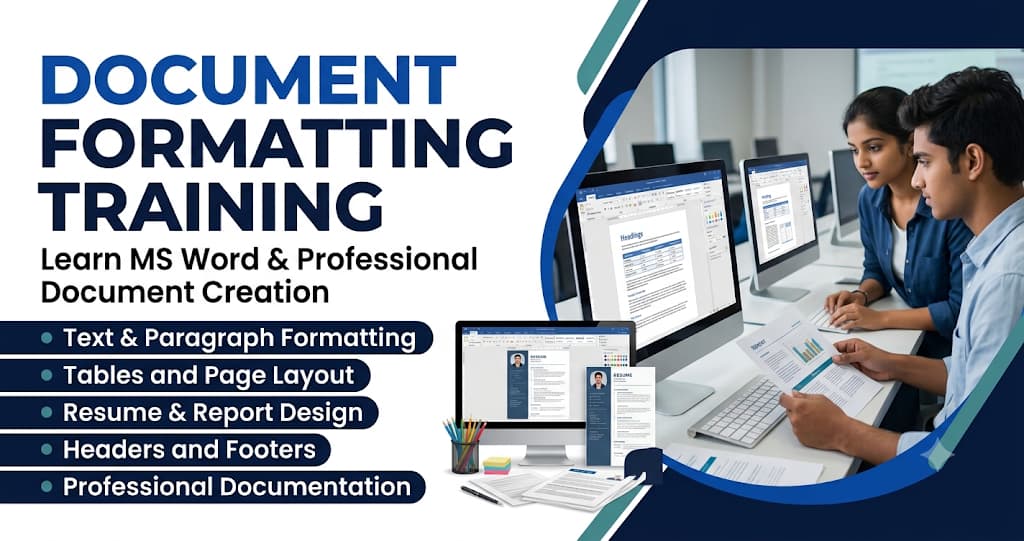
Document Formatting Training in Phagwara is designed for students, beginners, job seekers, office employees, and working professionals who want to improve their document creation and formatting skills. Document formatting is an essential computer skill used in offices, educational institutions, businesses, and professional workplaces.
Introduction to Document Formatting
Document formatting is the process of arranging text, paragraphs, images, tables, and other elements to make a document clear and professional.
Students learn why proper formatting is important and how it improves the readability and presentation of documents. They understand different formatting options and how to apply them according to the purpose of a document.
The training introduces document creation, editing, saving, opening, and organising files using Microsoft Word.
Text Formatting and Font Styles
Text formatting helps make important information more visible and easier to understand.
Students learn how to change font styles, font sizes, font colours, and text appearance. They explore options such as bold, italic, underline, strikethrough, superscript, and subscript.
Practical exercises help learners understand how to highlight headings, emphasise important information, and maintain consistent formatting throughout a document.
Paragraph Formatting and Alignment
Paragraph formatting helps organise written content into a readable structure.
Students learn different paragraph alignment options, including left, centre, right, and justified alignment. They also understand line spacing, paragraph spacing, indentation, and text direction.
The training explains how to create properly arranged paragraphs and maintain consistent spacing between different sections of a document.
Page Layout and Page Setup
Page layout controls the overall appearance and arrangement of a document.
Students learn how to adjust page margins, page orientation, paper size, columns, and page borders. They understand the difference between portrait and landscape layouts and how to select appropriate page settings.
This module helps learners prepare professional documents for printing, sharing, and office use.
Bullets, Numbering and Multilevel Lists
Bullets and numbering make information easier to read and organise.
Students learn how to create bulleted lists, numbered lists, and multilevel lists. They also explore how to customise bullet symbols, numbering styles, and list indentation.
These features are useful for preparing instructions, reports, meeting notes, assignments, and business documents.
Tables and Data Formatting
Tables help organise information into rows and columns.
Students learn how to insert tables, add and delete rows and columns, merge and split cells, adjust table sizes, and apply table styles.
They also understand how to align text inside tables, apply borders, add shading, and create structured information layouts.
Practical exercises help students prepare fee structures, student records, schedules, reports, and other office-related tables.
Images, Shapes and Text Wrapping
Images and visual elements make documents more attractive and informative.
Students learn how to insert pictures, shapes, icons, and other visual elements into Microsoft Word documents. They explore image resizing, cropping, positioning, borders, and text-wrapping options.
This module helps learners understand how to combine written information with visual content while maintaining a clean document layout.
Headers, Footers and Page Numbering
Headers and footers are commonly used in professional documents to display repeated information.
Students learn how to insert headers, footers, page numbers, dates, document titles, and other details. They also understand how to customise these sections for different pages.
These features are useful when preparing reports, project files, assignments, and official documents.
Styles, Themes and Document Design
Styles and themes help maintain a consistent appearance throughout a document.
Students learn how to apply heading styles, normal text styles, font combinations, and document themes. They understand how to create properly organised headings and subheadings.
The training also introduces the use of the navigation pane and automatic table of contents for longer documents.
Page Borders, Watermarks and Background Design
Page borders and watermarks help improve the presentation of official and educational documents.
Students learn how to apply page borders, background colours, and watermarks. They understand how to use these features appropriately in certificates, project reports, assignments, and business documents.
Practical activities help learners develop attractive document layouts without making them difficult to read.
Resume, Letter and Report Formatting
Professional documents require proper structure, spacing, and presentation.
Students learn how to format different types of documents, including:
Professional resumes and CVs
Business letters
Job application letters
Student assignments
Office reports
Meeting minutes
Project documentation
Official notices and applications
These exercises help learners understand how formatting requirements change according to document type.
Printing, PDF Conversion and Document Sharing
Document preparation also involves saving, printing, and sharing files in suitable formats.
Students learn print settings, print preview, page selection, and printer configuration. They also understand how to save Word documents as PDF files and share documents through email or other digital platforms.
This module helps learners prepare documents for professional use and digital communication.
Practical Document Formatting Projects
Practical assignments help students apply the formatting skills they learn during training.
Some examples include:
Creating a professional resume
Formatting a business letter
Preparing a student assignment
Designing an office report
Creating tables and schedules
Formatting project documentation
Preparing a certificate layout
Creating a multi-page document with page numbering
These activities improve students' document preparation skills and confidence in using Microsoft Word.
Career Benefits After Document Formatting Training
Document formatting skills are useful in almost every office environment. Students who develop these skills can perform document-related tasks more efficiently.
After completing the training, learners can use these skills in roles such as:
Computer Operator
Office Assistant
Data Entry Operator
Documentation Assistant
Administrative Assistant
Back Office Executive
Computer Lab Assistant
Career opportunities depend on overall computer knowledge, communication skills, and employer requirements.
Why Choose techcadd for Document Formatting Training in Phagwara?
techcadd provides practical computer training for students and professionals who want to improve their document creation and office productivity skills.
The training focuses on Microsoft Word tools, professional formatting techniques, page layouts, tables, images, and real-world document preparation exercises.
Through guided demonstrations and practical assignments, students learn how to create organised and professional documents for educational and workplace requirements.
Whether you are a beginner, student, or job seeker, Document Formatting Training can help you build essential office computer skills.
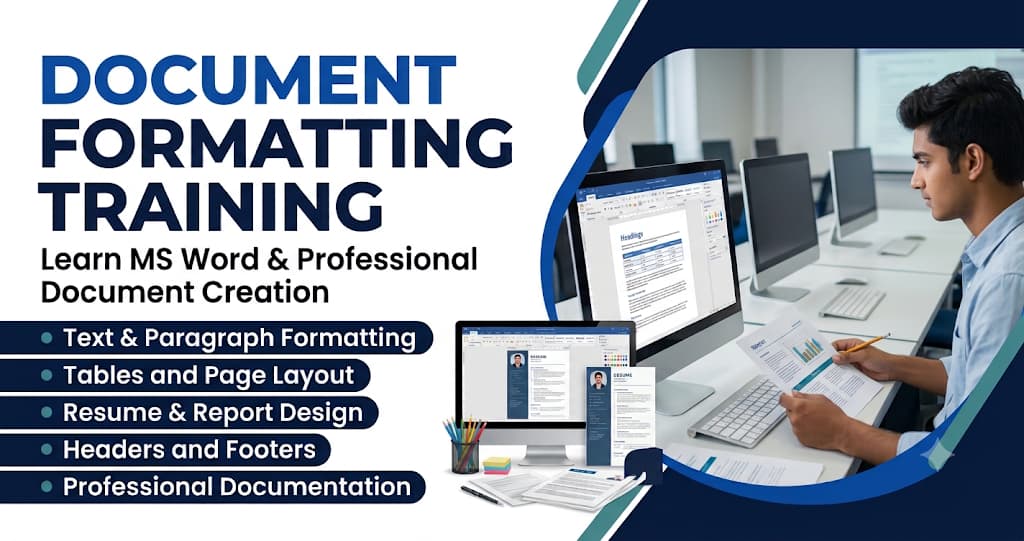
Introduction to Document Formatting
Understand document creation, editing, formatting principles, and professional document presentation.
Text and Font Formatting
Learn font styles, sizes, colours, bold, italic, underline, and other text formatting options.
Paragraph Formatting
Explore alignment, indentation, line spacing, paragraph spacing, and text organisation.
Page Layout and Setup
Learn margins, page orientation, paper sizes, columns, and page layout settings.
Bullets and Numbering
Create organised bulleted lists, numbered lists, and multilevel lists.
Tables and Data Formatting
Learn table creation, cell formatting, merging, splitting, borders, and shading.
Images and Visual Elements
Insert pictures, shapes, icons, and adjust image positioning and text wrapping.
Headers, Footers and Page Numbers
Create professional headers, footers, page numbering, and document details.
Styles and Document Design
Apply heading styles, themes, formatting consistency, and automatic tables of contents.
Professional Document Projects
Prepare resumes, business letters, assignments, reports, certificates, and office documents.