Excel Sales & Inventory Report
Create a spreadsheet to track product sales, stock levels, expenses, and monthly performance using Excel formulas, charts, and conditional formatting.
- Microsoft Excel
- Data Management
Build essential computer skills with advanced training in MS Office, Excel, Tally Prime, GST, graphic design, internet applications, and practical office tasks to prepare for career opportunities.

Admissions open
Free demo class & counselling
Session slots
The 6-Month Advanced Computer Course at TechCADD Phagwara is designed to help students, beginners, and job seekers develop practical computer skills for today's workplace. Learn computer fundamentals, Microsoft Word, Excel, PowerPoint, internet applications, Tally Prime, GST basics, and introductory graphic design through structured lessons and hands-on practice. Work on practical assignments involving professional documents, spreadsheets, presentations, billing, accounting tasks, and digital content to strengthen your confidence in using essential workplace software. This course is suitable for learners who want to improve their digital literacy, enhance office productivity, and prepare for entry-level opportunities in computer operations, administration, data entry, billing, and accounts support. Build a strong foundation in computer applications and take the next step towards your professional goals with practical training at TechCADD Phagwara.
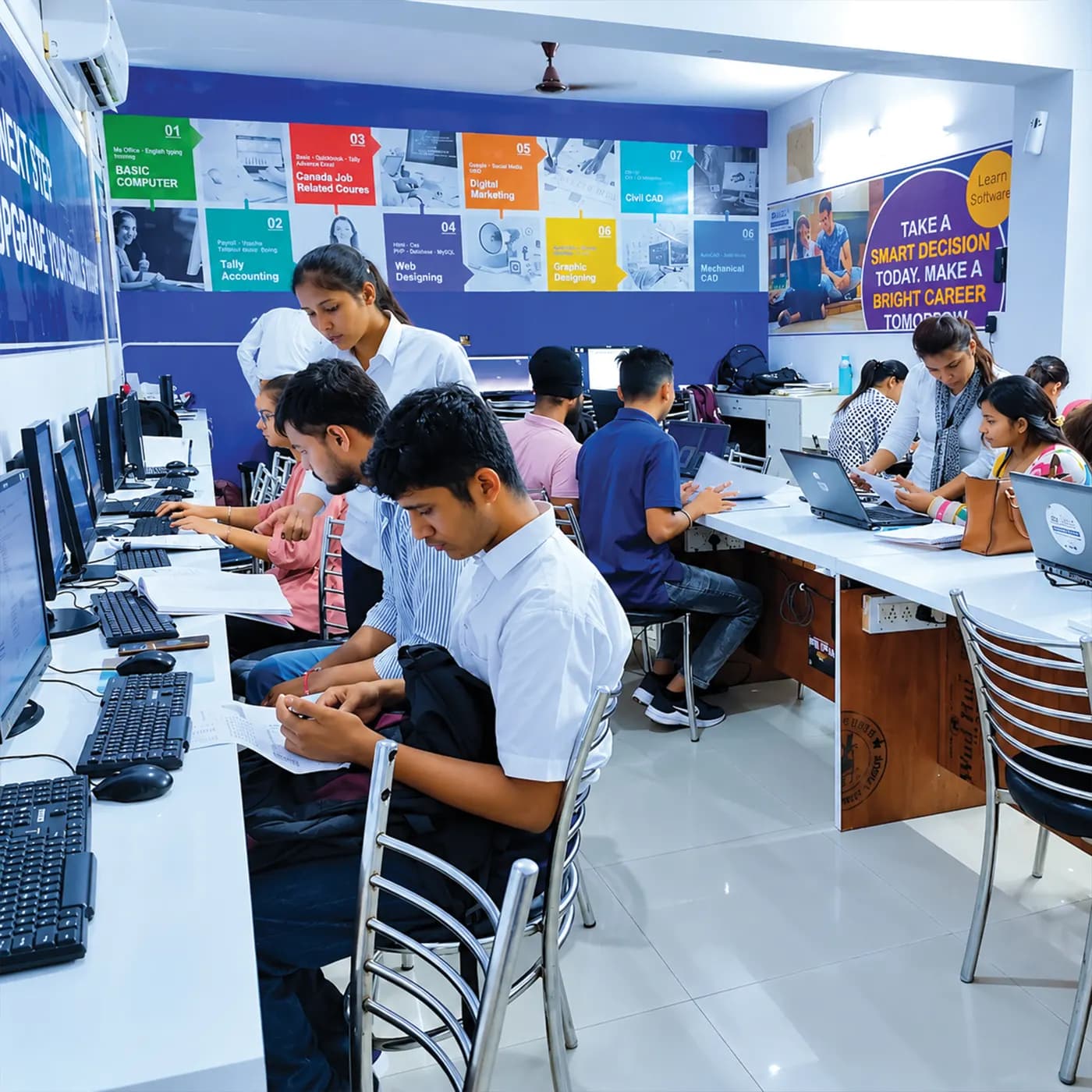
Create a spreadsheet to track product sales, stock levels, expenses, and monthly performance using Excel formulas, charts, and conditional formatting.
Prepare professional letters, reports, resumes, tables, and business documents using Microsoft Word with consistent formatting and page layouts.
Design a professional PowerPoint presentation using slide layouts, charts, images, transitions, and visual storytelling.
Practise creating company accounts, recording transactions, generating sales invoices, managing ledgers, and exploring basic GST workflows in Tally Prime.
Build an organized customer record system with contact details, transaction records, sorting, filtering, and searchable data using Excel.
The working loop
Every project moves through the same loop: understand the brief, build with guidance, then explain the decisions behind your work.
Learn computer fundamentals, operating system basics, file management, typing, and internet usage.
Excel Sales & Inventory Report
Practise creating professional documents, spreadsheets, and presentations using Microsoft Word, Excel, and PowerPoint.
Professional Office Documentation
Work with Excel formulas, data organization, charts, reports, and everyday office productivity tasks.
Business Presentation
Learn Tally Prime fundamentals, company accounts, billing, ledger entries, and introductory GST workflows.
Tally Prime Billing & Accounting
Apply your learning through office documentation, Excel reports, business presentations, customer records, and accounting exercises.
Customer Database & Records
There are many places to learn this in Phagwara and the brochure syllabus looks similar at all of them. What differs is who teaches, whether you ever touch real work, and whether anyone picks up the phone after you have paid. techcadd has trained students across Punjab since 2016 on the same model: small batches, working practitioners as trainers, client projects as coursework.
Learn through guided exercises and real-world tasks involving MS Office, Excel, Tally Prime, billing, and professional documentation.
Build your computer skills from the fundamentals to advanced office applications through a structured learning approach suitable for beginners.
Practise with commonly used workplace tools for document preparation, spreadsheets, presentations, accounting, and business records.
Apply your knowledge by creating Excel reports, business presentations, customer records, professional documents, and accounting exercises.
Develop practical digital skills that can support applications for entry-level roles in office administration, computer operations, data entry, billing, and accounts assistance.
Local businesses, accounting firms, educational institutes, retail companies, and offices hire candidates with computer proficiency, Excel, billing, data entry, and basic accounting skills.
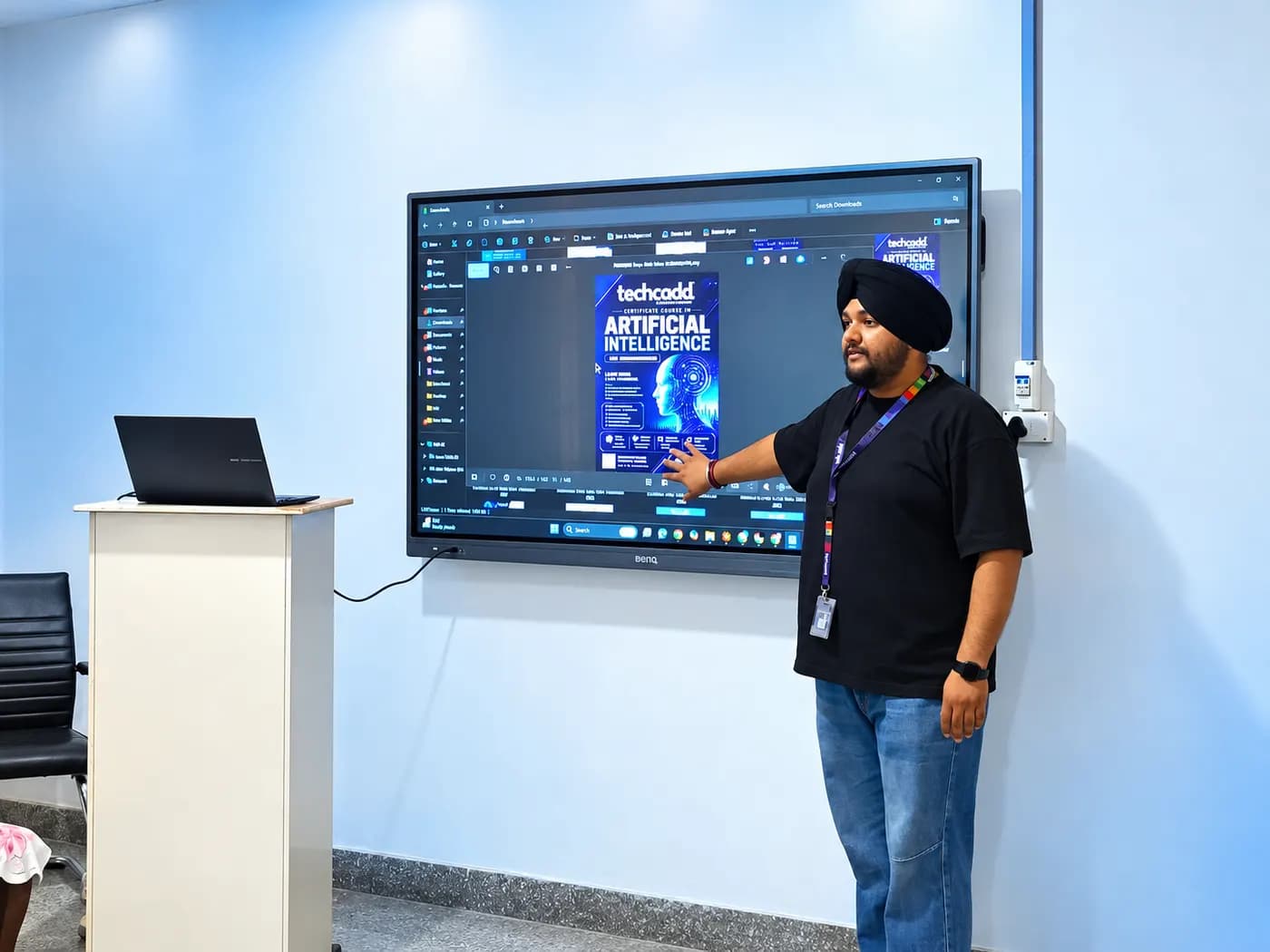
Build skills that hold up beyond the classroom.
What separates this from a playlist of tutorials is supervision on real work. From the second half of the course you build on live client projects with a trainer beside you, make decisions that have consequences, and correct them the following week. That loop is the skill. No employer in Phagwara will take your word for it without work they can inspect.
Be realistic about the money. A fresher who finishes with a working portfolio starts near the bottom of the band and moves quickly; someone who finishes with a certificate and nothing to show does not. The difference is entirely what you built.
The alternative is what most people try first: free videos, a cheap online course, six months of drifting, and knowledge you cannot demonstrate. A structured programme with live projects, a mentor who corrects you, an internship letter and a placement cell that actually calls employers is the difference between knowing the subject and being hired to do it.
Students reach the Phagwara centre from Banga, Nakodar, Kartarpur and the university belt, and the weekend batch exists so a job or a degree does not have to be paused to attend.
Gain hands-on experience with MS Office, Excel, internet applications, and essential computer operations through practical exercises.
Learn to create professional documents, spreadsheets, presentations, reports, and organized business records using commonly used office applications.
Understand basic bookkeeping, billing, invoicing, and GST workflows with introductory training in Tally Prime.
Apply your learning through practical tasks such as spreadsheet reports, business documents, presentations, billing exercises, and basic graphic design projects.
Develop digital confidence, professional documentation skills, and workplace computer proficiency to prepare for entry-level office and computer-based roles.
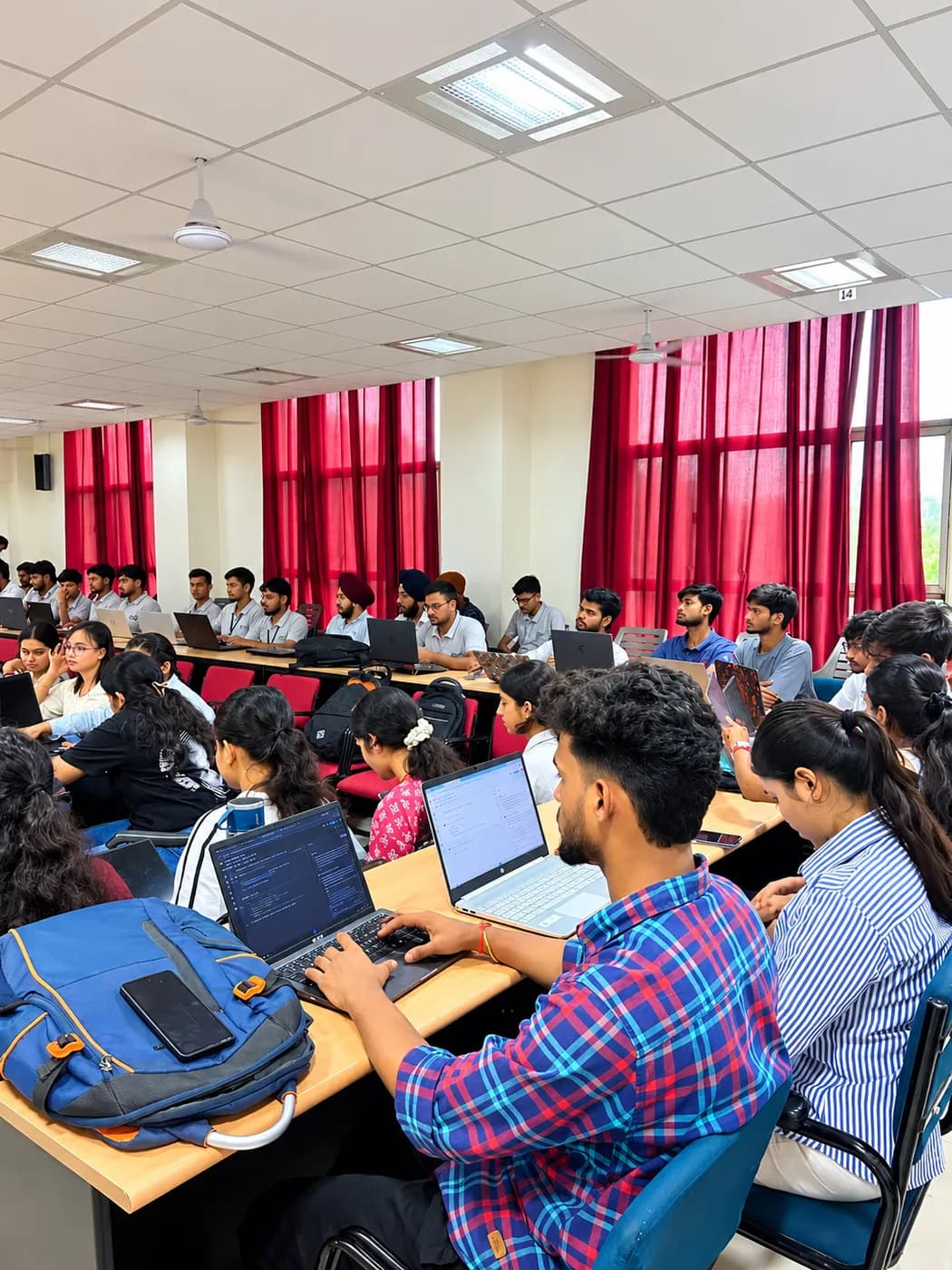
The Advanced Computer Course – 6 Months course is built for people at six different starting points, and the batch is deliberately mixed. What matters far more than your background is turning up consistently and finishing what each module asks you to build.
Students who have completed their 12th grade and want to build strong computer skills for higher education, office work, and future career opportunities.
College students who want to improve their MS Office, Excel, accounting software, and digital productivity skills alongside their academic studies.
Fresh graduates who want practical computer training to strengthen their resumes and prepare for entry-level administrative, data entry, billing, and office support roles.
Job seekers who want to improve their computer proficiency, learn commonly used workplace applications, and become more confident in applying for computer-based jobs.
Working professionals who want to upgrade their computer knowledge, improve office productivity, and manage documents, spreadsheets, and business records more efficiently.
Beginners with limited computer experience who want to learn step by step, starting with basic computer operations and progressing to advanced office applications.
The toolchain behind the craft
Everything below is installed on the lab machines and used on live client work, not shown once in a slide and forgotten.
Complete the course with a portfolio of live projects and receive an industry-recognised certificate, plus a documented internship letter accepted by Punjab universities.
Recognised by employers across Punjab and beyond
Based on real client work, not a simulation
Live work you can show in any interview
CV review, mock interviews and hiring drives
Two certificates on completion — the course certificate and a separate capstone project certificate.
The roles this opens, what they pay in Punjab and beyond, and who is hiring for them — drawn from published job-market listings on one comparable scale, not a brochure number.

Send your question and a counsellor will call you back about batch timings, fees, EMI options, placement record, or whether this course fits your degree.
One call with a counsellor is usually enough to find out. Book a free demo class and see the lab before you decide.