
6 Month Mechanical AutoCAD Course in Phagwara
Join the 6 Month Mechanical AutoCAD Course in Phagwara. Learn mechanical drafting, engineering drawings, dimensioning and practical CAD design.
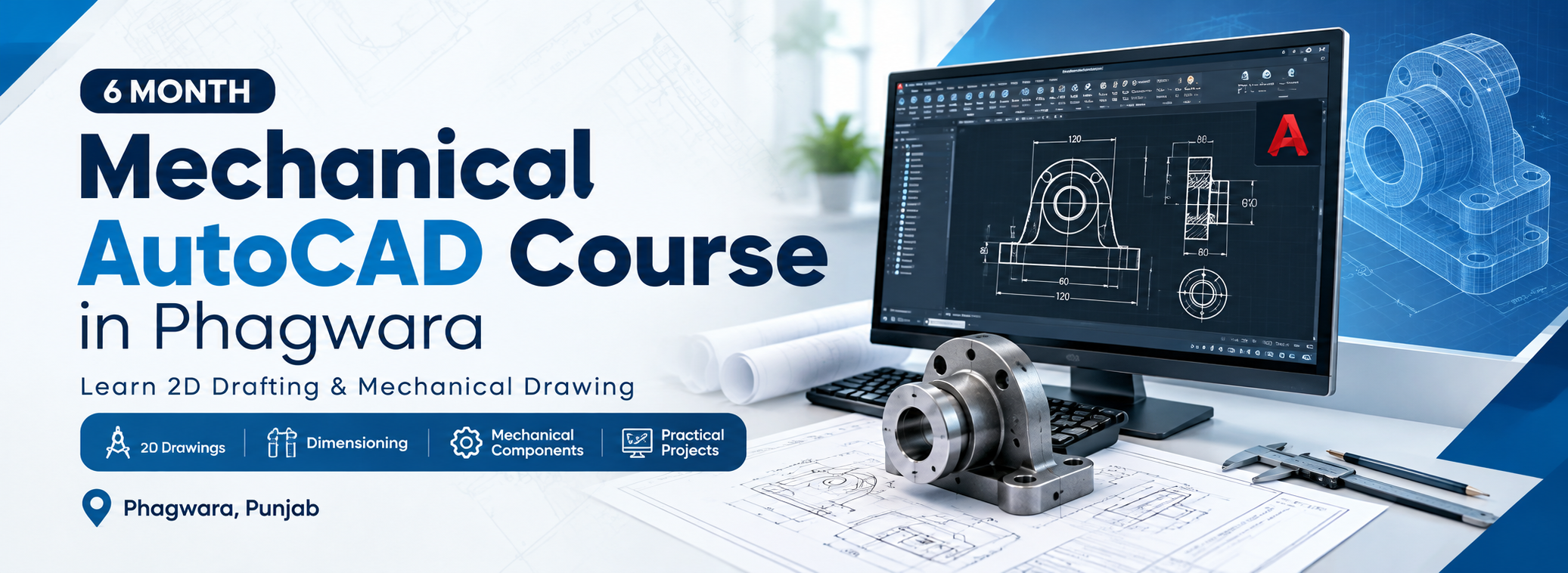
Build practical mechanical drafting and engineering design skills with the 6 Month Mechanical AutoCAD Course in Phagwara. This course is designed for students, diploma holders, engineering aspirants, freshers, and working professionals who want to learn computer-aided mechanical drafting and technical drawing.
At techcadd , students can develop their understanding of mechanical drawings, engineering components, 2D drafting, dimensioning, sectional views, and technical documentation through structured training and practical drawing exercises.
What You Will Learn
The course introduces the essential tools and techniques used to create accurate mechanical engineering drawings using AutoCAD. Students learn to prepare professional technical drawings with proper dimensions, annotations, drawing scales, and layouts.
Course Modules
Introduction to Mechanical AutoCAD: Interface, commands, coordinate systems, drawing units, and workspace setup.
2D Mechanical Drafting: Lines, circles, arcs, polygons, construction lines, and geometric shapes.
Editing and Modification: Trim, extend, offset, mirror, fillet, chamfer, rotate, move, copy, and array.
Engineering Dimensioning: Linear and angular dimensions, tolerances, annotations, and dimension styles.
Mechanical Components: Drafting practice for shafts, brackets, flanges, plates, fasteners, and other mechanical parts.
Sectional and Orthographic Views: Front, top, side, sectional, and auxiliary drawing concepts.
Layers and Drawing Standards: Layer management, line types, line weights, text styles, and drawing organisation.
Blocks and Reusable Components: Creating, editing, and managing blocks for efficient drafting.
Layouts and Printing: Sheet setup, viewport management, plotting, and PDF drawing output.
Practical Projects: Prepare mechanical component drawings and a portfolio of drafting exercises.
Who Can Join?
This course is suitable for mechanical engineering students, diploma and ITI students, engineering graduates, CAD beginners, freshers, and professionals looking to improve their technical drafting skills.
Career Opportunities
After developing relevant drafting skills and practical experience, learners may explore entry-level opportunities such as:
Mechanical CAD Drafter
AutoCAD Draftsman
Mechanical Design Assistant
Engineering Drawing Technician
CAD Design Trainee
Junior Mechanical Drafting Professional
Career opportunities depend on individual skills, qualifications, practical experience, and employer requirements.
Why Learn Mechanical AutoCAD at techcadd ?
Learn through structured instruction, practical drawing exercises, and mechanical drafting projects designed to strengthen accuracy and confidence. The course focuses on applying AutoCAD tools to engineering drawings and building skills that learners can continue developing for professional CAD work.
Start your mechanical drafting journey in Phagwara and develop a strong foundation in computer-aided mechanical design with techcadd .
Mechanical AutoCAD Course in Phagwara

Mechanical AutoCAD Course – What You Will Learn
Develop Professional Mechanical CAD Design Skills
The 6 Month Mechanical AutoCAD Course in Phagwara at techcadd provides practical training in computer-aided mechanical drafting and engineering design.
Students learn to create accurate 2D mechanical drawings, understand engineering dimensions, prepare technical layouts and develop mechanical component designs using AutoCAD.
Key Learning Areas
AutoCAD Fundamentals: Interface, drawing tools, commands and workspace settings.
Mechanical Drafting: 2D drawings, orthographic projections and isometric views.
Engineering Dimensioning: Dimensions, tolerances, annotations and technical symbols.
Mechanical Components: Shafts, gears, bearings, nuts, bolts and couplings.
Assembly Drawings: Component arrangements and sectional views.
Professional Documentation: Layers, blocks, layouts, plotting and drawing standards.
Practical Learning Approach
Throughout the six-month programme, students complete practical drawing exercises, mechanical component assignments and engineering drafting projects. This helps develop technical accuracy, design understanding and confidence in using AutoCAD for mechanical engineering applications.
Join techcadd and take your first step towards a career in mechanical CAD drafting and design.